Operating Systems and File Systems: Who Runs What
Seven operating systems, seven file systems, and one 4 GB limit that still ruins someone's afternoon every day. Here's how they fit together and how A+ asks about them.

Welcome to Core 2 Tuesdays. Core 1 is the hardware; Core 2 is everything that runs on it. We start with the foundation: which operating systems you'll support, what each one is for, and how each stores files.
Objective 1.1 is an "explain" objective, not "given a scenario," so the exam mostly checks that you can match things up. Which Operating System (OS) runs on which device? Which file system belongs to which OS? What happens when a vendor stops supporting a product? Then it adds a few practical twists, like a file that refuses to copy.
Formal objective 1.1. Match each OS to its devices and purpose, each file system to its OS, know File Allocation Table 32 (FAT32)'s 4 GB file limit, and explain what end-of-life means.
End-of-life and end-of-support as part of life-cycle management for network devices and their software (N10-009 3.1).
End-of-life and legacy systems are named vulnerabilities, and unsupported systems are a threat vector (SY0-701 2.2, 2.3). Know the mitigations: isolate, segment, replace.
Legacy systems show up as an inhibitor to remediation: the vulnerability is known, but the system can't be patched (CS0-004 4.1).
Prefer video first? Jump to the free videos ↓
The operating system families
An operating system manages the hardware, runs applications, and gives users a way to interact with the device. A+ splits them into workstation and mobile operating systems.
The business desktop standard. Most enterprise apps, domain management, and gaming. Windows 10 and 11 editions are their own objective (1.3).
NTFSRuns only on Apple's Mac hardware. Common in creative and development work. Unix-based under the hood.
APFSA kernel shared by many distributions like Ubuntu, Fedora, and Red Hat Enterprise Linux. Dominates servers, cloud, and embedded devices.
ext4 · XFSLinux-based and built around the Chrome browser and cloud apps. Cheap to manage, popular in schools. Updates itself automatically.
ext4iPhone only. Apps come from Apple's App Store, and Apple controls updates directly, so most devices update quickly.
APFSSplit from iOS in 2019 for the iPad. Adds multitasking, external display, and keyboard and trackpad features.
APFSOpen-source base used by many manufacturers, each adding its own changes. That's why update timing and length vary so much by phone.
ext4 · f2fs
What a file system actually does
A drive is just billions of storage blocks. A file system is the organization layer on top: it tracks file names, folders, where each file's pieces live, free space, and on modern systems, permissions and timestamps. Formatting a drive means writing a fresh file system onto it.
Two features separate the old file systems from the modern ones. Journaling logs changes before making them, so the file system can recover consistent metadata after a crash or power loss. Permissions control who can read or change each file. FAT32 and exFAT have neither, which is exactly why they work everywhere: there's less to support.
| File system | Home OS | Max single file | Journaling | Permissions | Best use |
|---|---|---|---|---|---|
| NTFS | Windows | Practically unlimited | Yes | Yes | Windows system and data drives. Supports encryption (EFS) and BitLocker. |
| ReFS | Windows Server, Pro for Workstations | Practically unlimited | Yes | Yes | Resilient data volumes and storage pools. Checks data integrity. Not for the boot drive. |
| FAT32 | Everything | 4 GB | No | No | Old devices: cameras, car stereos, firmware update sticks. |
| exFAT | Windows, macOS, Linux | Practically unlimited | No | No | Flash drives and SD cards shared between operating systems. |
| ext4 | Linux | 16 TB | Yes | Yes | The default on many Linux distributions. |
| XFS | Linux | Practically unlimited | Yes | Yes | Large files and busy servers. Default on Red Hat Enterprise Linux. Can grow, can't shrink. |
| APFS | macOS, iOS, iPadOS | Practically unlimited | Yes* | Yes | All modern Apple devices. Built for SSDs, with snapshots and built-in encryption. |
*APFS protects against crash corruption with copy-on-write instead of a traditional journal. Same goal, different method.
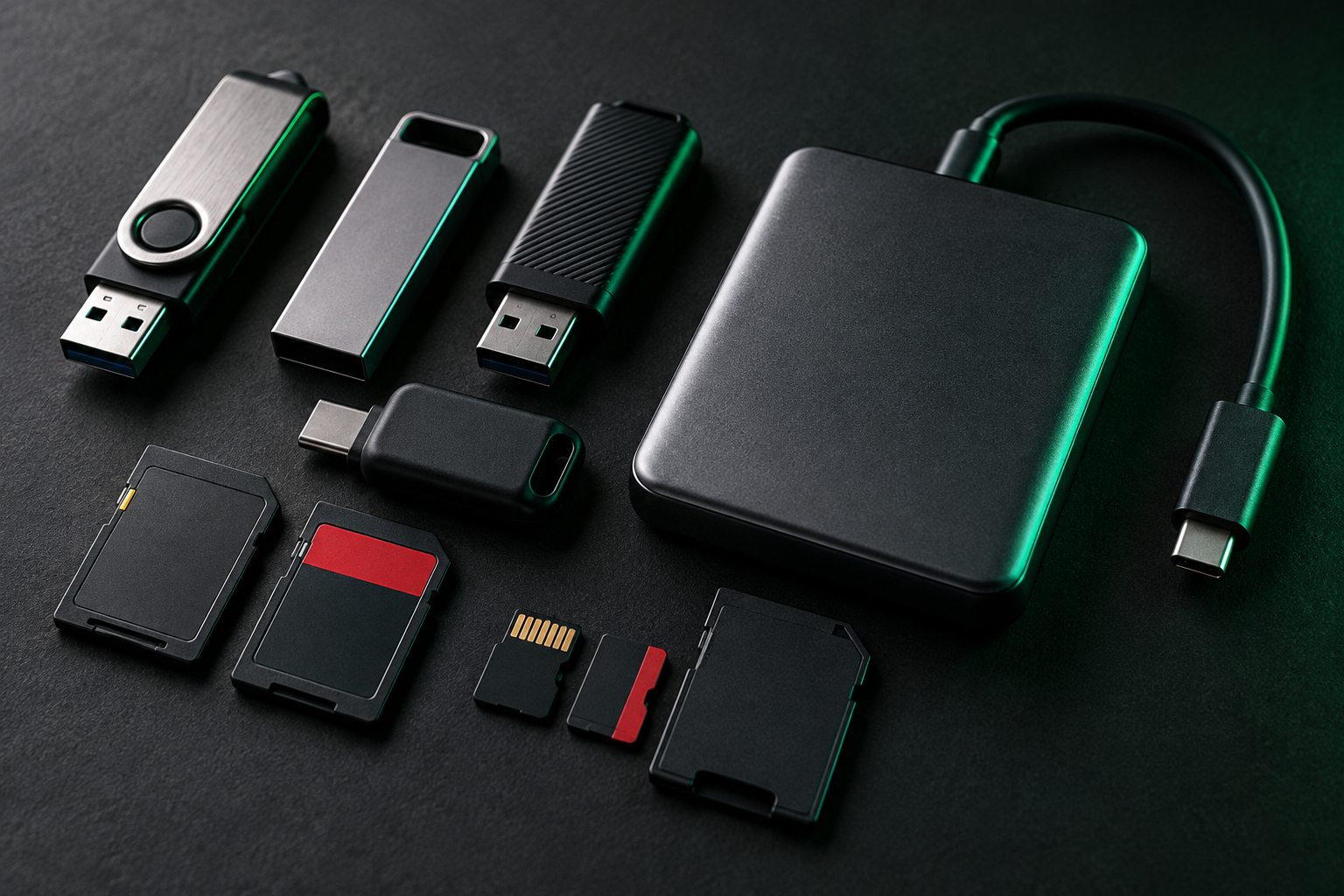
FAT32 can't hold a single file bigger than 4 GB. The drive can have hundreds of gigabytes free and the copy still fails. A modern Windows ISO or a long video blows right past it. The fix is reformatting to exFAT, or NTFS if only Windows will use the drive.
Try it: the drive compatibility lab
Copy a file, move the drive, see what happens
Pick the right format
Eight jobs, seven file systems
Vendor life cycles: when updates stop
Every operating system eventually reaches end-of-life (EOL): the vendor stops releasing security updates, bug fixes, and support. The OS keeps running, but new vulnerabilities may remain unpatched unless an extended-support program provides fixes. That's why EOL is a security problem, not just an IT budgeting problem.
- Windows publishes fixed dates. Windows 10 reached end of support on October 14, 2025. Organizations could buy Extended Security Updates for extra time, but standard updates ended for everyone. Moving to Windows 11 also means meeting its hardware requirements, like TPM 2.0 and UEFI with Secure Boot (that's objective 1.3).
- macOS has no published schedule. In practice, Apple's security updates cover the current version and roughly the two before it, and new versions drop support for older Macs.
- ChromeOS devices have an auto-update expiration date set by Google, listed for each model.
- Android is the most uneven. Google sets the base, but the manufacturer (and sometimes the carrier) decides when updates ship and for how many years. A flagship and a budget phone bought the same day can have very different end dates.

The objective also calls out update limitations. Even before EOL, a device might be too old for the next major version, or a feature update might be blocked because an app or driver isn't compatible yet.
Compatibility concerns between operating systems
- File systems: Windows can't read ext4 or APFS without extra tools, and macOS reads NTFS but can't write to it natively. That's what the lab above is all about.
- Applications: a Windows
.exewon't run on macOS, and a macOS.appwon't run on Windows. Check whether the vendor makes a version for the platform, or whether a web app or virtualization covers the gap. - Processor architecture: New Apple Macs use Apple's own ARM-based chips, and Windows also runs on ARM laptops. Apps built for x86 may need a translation layer, and some drivers and older apps don't work at all.
- Hardware and drivers: a printer or scanner might have drivers for Windows only. Check before you recommend a platform switch.
- Mixed environments: when Windows, macOS, and Linux share files, use network shares or cloud storage and exFAT for removable media.
Exam traps
- FAT32's limit is per file, not per drive. A 4.5 GB file fails on a nearly empty 64 GB FAT32 drive.
- exFAT has no journaling or permissions. Great for portable drives, wrong for a system drive.
- ReFS isn't a Windows boot drive file system. It's for data volumes, storage pools, and servers.
- APFS replaced HFS+ on Macs. If an answer offers HFS+ for a current Mac, it's outdated.
- XFS shows up with Red Hat; ext4 with most other Linux distros. Both journal.
- EOL doesn't mean the computer stops working. It means the security updates stop.
Field ticket: work it like a PBQ
Read the ticket and the evidence, then work it step by step.
"Our front desk PCs still work fine, so we never upgraded them. Our insurance renewal form asks if all our computers get security updates. Do they?" — Office manager
Microsoft Windows
Version 22H2 (OS Build 19045)
Windows 10 Pro
TPM Manufacturer Information
  Specification Version: 1.2
System Summary
  BIOS Mode               Legacy
  Secure Boot State       Unsupported
  Installed RAM           8.00 GB
Patient check-in, scheduling, insurance details
Same model, purchased 2016
What's the core issue?
What's the right fix?
What confirms the job is done?
Ticket resolved. Document it: "Four front desk PCs ran Windows 10 (EOL Oct 14, 2025) on 2016 hardware with TPM 1.2 and legacy BIOS, not eligible for Windows 11. Replaced with Windows 11 Pro systems, migrated user data and check-in software, confirmed updates current, retired old drives with certificate of destruction."
Healthcare data makes this extra urgent: it's regulated data under objective 4.6, and old drives need proper destruction under 2.9.
Quick check
Key terms
- File system
- The structure that organizes files, folders, free space, and metadata on a drive. Formatting writes a new one.
- Journaling
- Logging changes before writing them, to help restore consistent metadata after a crash. NTFS, ReFS, ext4, and XFS journal.
- NTFS
- Windows' main file system. Permissions, encryption, compression, very large files.
- FAT32
- Old, universal, simple. 4 GB maximum file size.
- exFAT
- Built for flash media. No 4 GB limit, works on Windows, macOS, and Linux.
- APFS
- Apple File System. Used by macOS, iOS, and iPadOS. Snapshots and built-in encryption.
- ext4 / XFS
- Linux journaling file systems. ext4 is the common default; XFS suits large files and servers.
- ReFS
- Resilient File System. Windows data volumes and servers, with integrity checking.
- End-of-life (EOL)
- The date a vendor stops providing updates and support for a product.
Watch it
Prefer to see it on video? These free videos cover the same ground. They open on YouTube in a new tab.
Practice it

Brett went from food service to IT in 2020 and earned his certifications from scratch. He builds BB Tech Tools to close a gap every IT learner hits: knowing the concepts but freezing on PBQs.