ILOVEYOU: The Love Letter That Turned Trust into a Delivery System
In 2000, a love letter landed in millions of inboxes, and opening it was all it took. This dramatized story is told from the malware's point of view as it follows the outbreak. Along the way, you'll inspect the lure, compare how malware behaves and choose the layered defenses that would have helped.
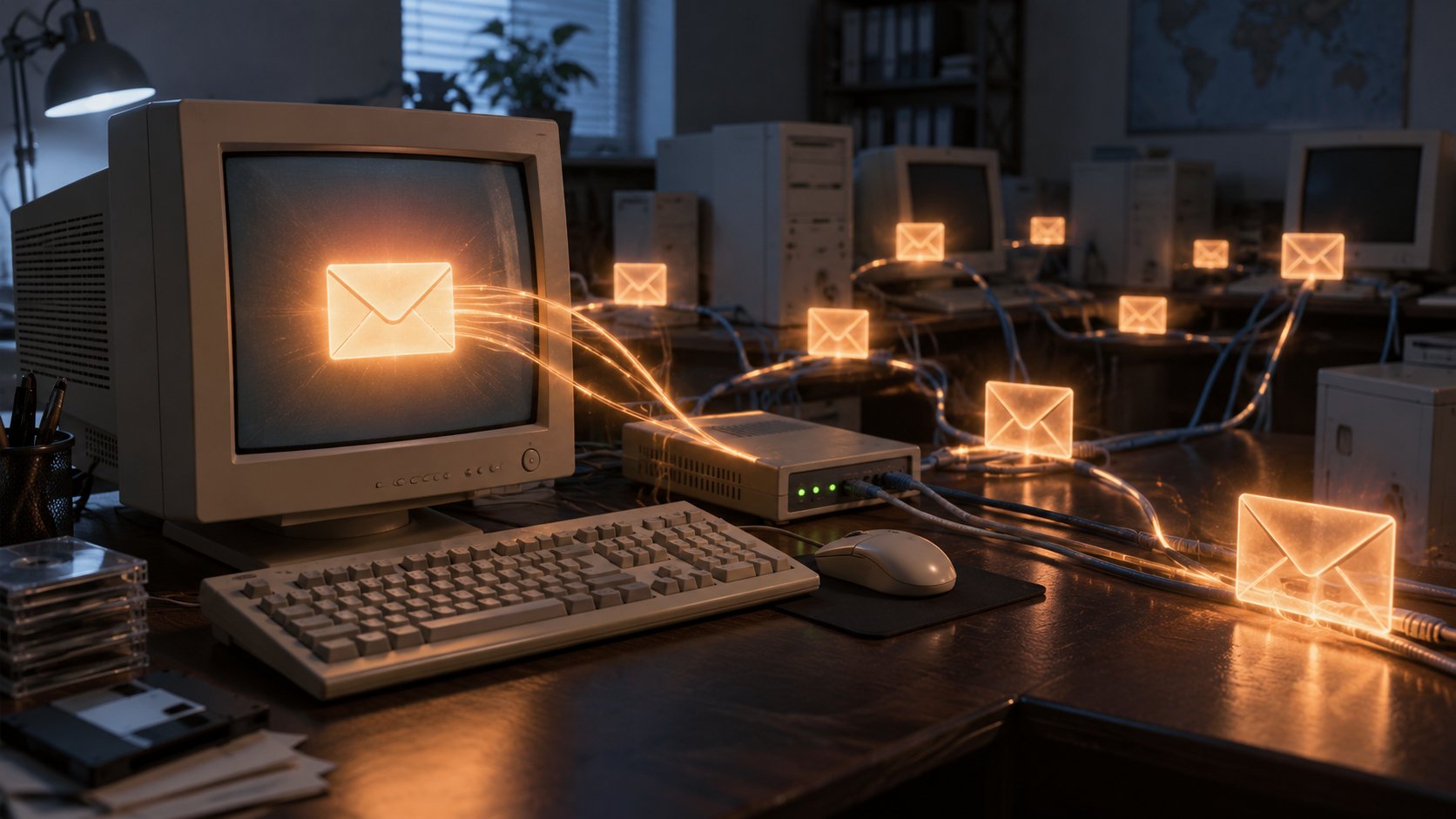
Name's ILOVEYOU. Maybe you've heard of me. Back in May 2000, I didn't break into a single computer. People opened the door and invited me in. Millions of them.
Stick around and I'll show you how I pulled it off. Your instructor is going to keep butting in to explain how to stop me. Rude, but fine.
Connect malware behavior to detection and prevention, and distinguish the email social-engineering lure. This story illustrates selected topics, not the full two objectives. 220-1202 2.4, 2.5
Carry the trust-versus-evidence distinction into phishing and security controls. Supporting context only.
Separate observed execution, propagation, and file damage when reading incident evidence. Supporting context only.
Prefer video first? Jump to the free video ↓
Act I: A love letter from a coworker
Hey, it's me. Well, it looks like your coworker, and that's the whole trick. I didn't break into anything. I'm sitting in your inbox with a name you trust and a subject line you can't ignore: ILOVEYOU.
Now you're wondering. Is this a joke? A crush? Did someone hit send by accident? Doesn't matter. Curiosity already won, and that's all I needed.
See my attachment? LOVE-LETTER-FOR-YOU.TXT. Looks like a harmless little note, right? Windows is hiding my real last name for me. It's .VBS. I'm not a letter. I'm a program, and programs do whatever they're told the second you open them.
No password cracking. No fancy exploit. Just one double-click from you. Go ahead. I'll wait.
Breaking it down
On May 4, 2000, the ILOVEYOU worm was first reported in Asia. It showed up as an email with the subject line ILOVEYOU and an attachment named LOVE-LETTER-FOR-YOU.TXT.VBS. Windows hid known file extensions by default, so most people only saw LOVE-LETTER-FOR-YOU.TXT and figured it was a text file. That last .VBS means Visual Basic Script, a small program. Opening the attachment ran the worm. The Government Accountability Office (GAO) explained how it all worked in testimony to Congress on May 10, 2000. Read the GAO testimony
Here's the part that fooled people: the sender wasn't faked. The email really came from a coworker's or friend's account, sent by the worm from their already infected computer. The name was real. The attachment wasn't what it claimed to be.
- An emotional or personal subject line from someone who doesn't normally write to you that way.
- An attachment you weren't expecting, even from someone you know.
- Double extensions like
.TXT.VBSor.PDF.EXE. The last one is the one that counts. - Anything that makes you want to click right now, before you stop and think.
Act II: Your address book is my mailing list
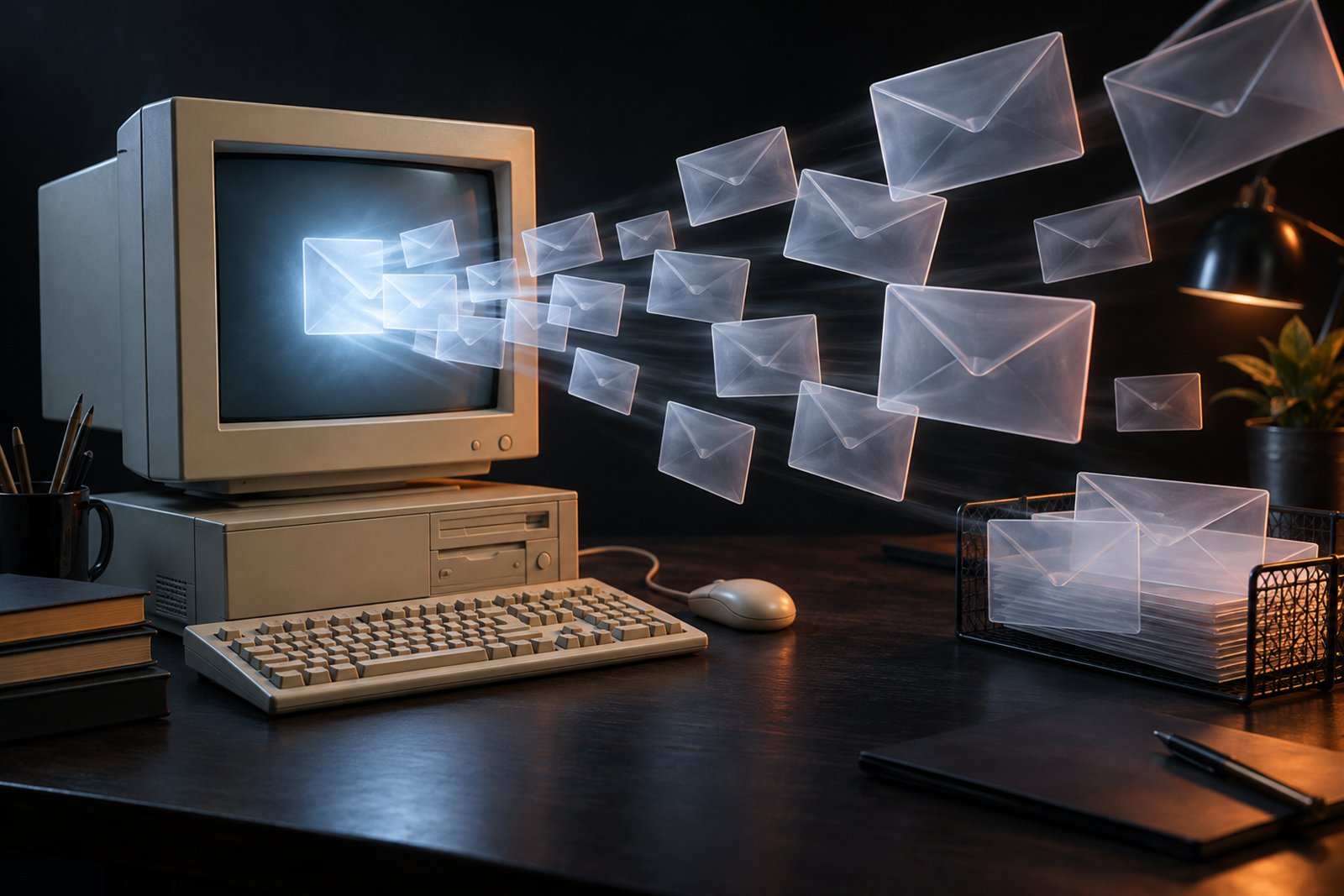
Ooh, an address book. Hundreds of names. Your boss, your mom, that guy from accounting you never talk to. They all trust you.
So here's what happens next. I write every one of them a love letter, signed with your name. They'll open it, because why wouldn't they? It's from you. Then I borrow their address books, and the party keeps going.
While I'm here, I'll overwrite a bunch of your files. Pictures, music, the stuff you didn't back up. Nothing personal. Oh, and I'm pointing your web browser at a little friend of mine who collects passwords.
By the time your Information Technology (IT) folks figure out what's going on, I'm in millions of inboxes and your mail server is on its knees. Not bad for a "text file."
Breaking it down
Once it ran, the worm used Microsoft Outlook to mail a copy of itself to everyone in the victim's address book. It overwrote files like pictures, music and scripts, and it tried to download a program that steals passwords. So much mail went out that companies and government agencies had to shut down their email systems to stop it. Copycat versions showed up within days with new subject lines, so blocking the word "ILOVEYOU" didn't stop much. The GAO testimony covers all of this. Read the GAO testimony
Exam tip: ILOVEYOU gets called a worm, a virus and a Trojan, and each label fits part of it. A worm spreads itself to other machines. A virus infects or damages files. A Trojan pretends to be something harmless. On the exam, read what the malware did and match the behavior to the term. One attack can check more than one box.
- Friends and coworkers asking, "Did you just send me this?"
- A Sent folder full of emails you never wrote.
- Pictures or music files that suddenly won't open.
- Your browser's home page changed on its own.
Act III: Why it kept working
Here's my favorite part. You'd delete an email from a stranger in two seconds. But when the same love letter shows up from three people you know? Must be fine, right? Everybody's sending it!
Nope. That just means I'm winning.
And go ahead and reply to ask if it's legit. Your reply lands on the same infected computer that sent me. Good luck with that.
Breaking it down
This is phishing: social engineering through email. On the exam, match the channel to the name. Email is phishing, a phone call is vishing, and a text message is smishing. ILOVEYOU was a broad blast to everyone in every address book, not a message aimed at one specific person, so it's not spear phishing, even though it came from people victims knew.
When a message looks off, treat each piece as a separate claim to check: the sender's name, the subject line and the file name. Turn on file extensions so you see the real file type. If you need to confirm with the sender, use a different channel, like a phone call or a chat message, not a reply to the email.
One quick note: the worm's voice in this story is made up to help you learn. The facts come from the GAO testimony. Nobody has an exact count of infected computers, so take any big number you see online with a grain of salt.
- The same strange message arriving from several people at once. That means something is spreading, not that it's safe.
- Pressure through emotion: love, fear, money, urgency.
- Checking by replying to the suspicious email. Call or message the person a different way instead.
Act IV: How you shut me down
Want to stop me? You'd have to catch me at one of three spots: before you click, when I try to run, or when I go looking for my next victim.
Most of you only guard the first spot, with a cute little warning banner. Here's the thing: I only need you to ignore it once.
Breaking it down
The fix is layers, so the worm has to get past more than one guard. Start with people: security awareness training teaches users to spot the lure and report it. An email security gateway can scan attachments and quarantine scripts before they ever reach an inbox.
Then lock down the computer. Endpoint protection (anti-malware and EDR) can catch known malware and suspicious behavior. Showing file extensions by default takes away the fake .TXT disguise. Blocking scripts from running through policy, plus least privilege, limits what the worm can touch even if someone clicks.
Plan for the bad day too. Keep tested backups that are separate from the computer. A synced cloud folder isn't a backup, because it copies the damage right along with everything else. And if you think you opened it, don't forward it to warn people, and don't run it again to "see what happens." Report it through your normal help desk process so the right team can handle it.
- Train people to spot it and report it.
- Filter attachments at the email gateway.
- Run endpoint protection and show file extensions.
- Block scripts by policy and use least privilege.
- Keep tested backups that are separate from the computer.
- If you clicked, report it. Don't forward it.
The modern version still asks for trust
The lasting exam skill is recognizing how a plausible message persuades someone to cross a technical boundary. You don't need to make the exact historical technology the focus to see that pattern. Today, the same kind of lure might lead to a fake sign-in, request a payment, or deliver a different file type.
Before acting on a message, ask yourself three questions: what does it want me to do, what evidence supports its origin, and what will that action allow? You can use those questions across channels because they focus on the decision and its consequences. From there, match each prevention tool to the step it protects.
Now take that way of reading evidence into the inspection drill and response ticket. The interactive uses descriptive examples only, giving you a way to practice spotting the evidence and choosing where to break the chain. The goal is to understand the decisions that stop the malware without recreating it.
Trace the trust chain
Five links, from the email landing to the defenses that break the chain. Tap a step.
◇ Message lureCuriosity becomes a risky click
What it is: The hook. A personal email that makes you curious enough to open the attachment before you think.
What you'd see: A coworker's name, a love-letter subject line, and an attachment you weren't expecting.
How you stop it: Pause. Check with the sender another way, like a call or chat, and report the email.
◇ File typeThe .TXT.VBS disguise
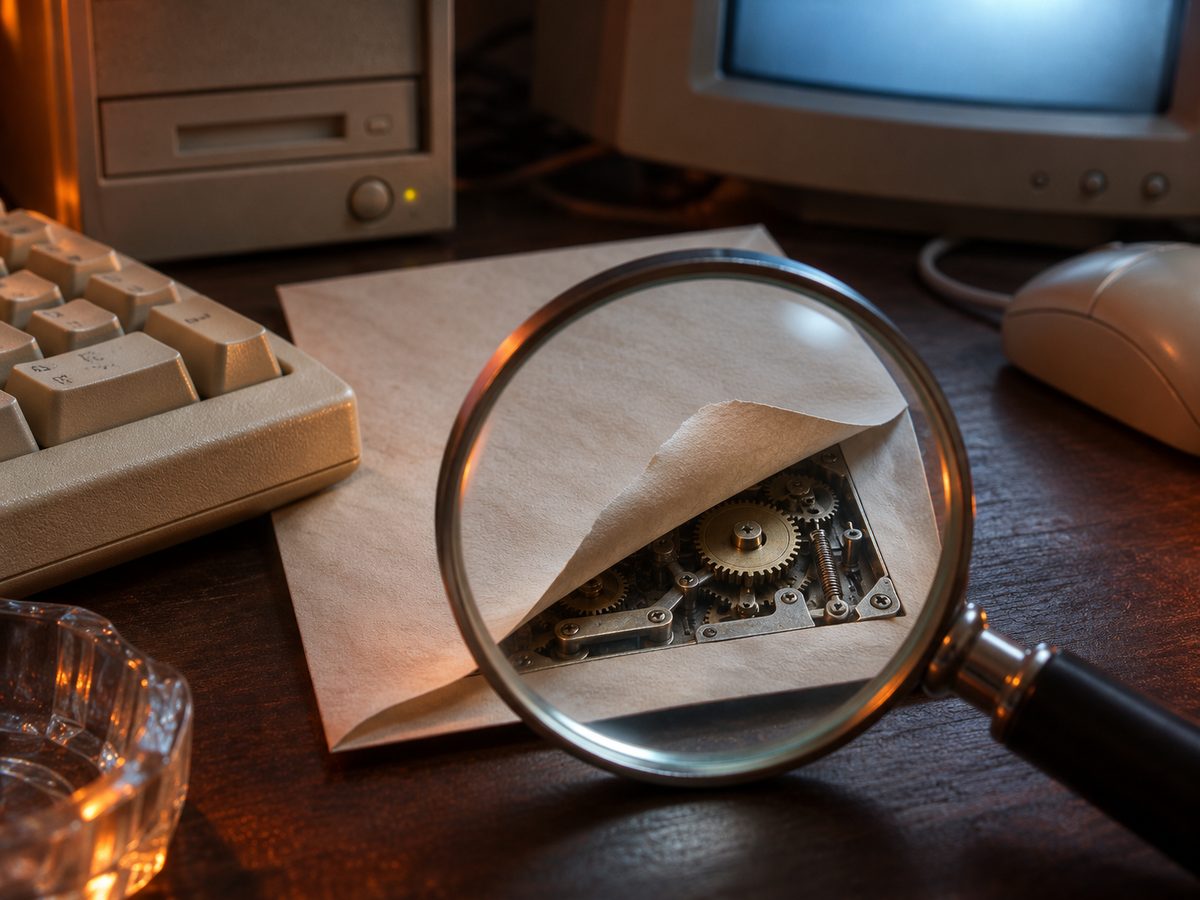
What it is: A file name can have more than one dot. Only the last extension decides what the file really is.
What you'd see: LOVE-LETTER-FOR-YOU.TXT.vbs. With extensions hidden, it just looks like a .TXT note.
How you stop it: Turn on file extensions, and block script attachments at the email gateway.
◇ ExecutionWhen a message becomes code
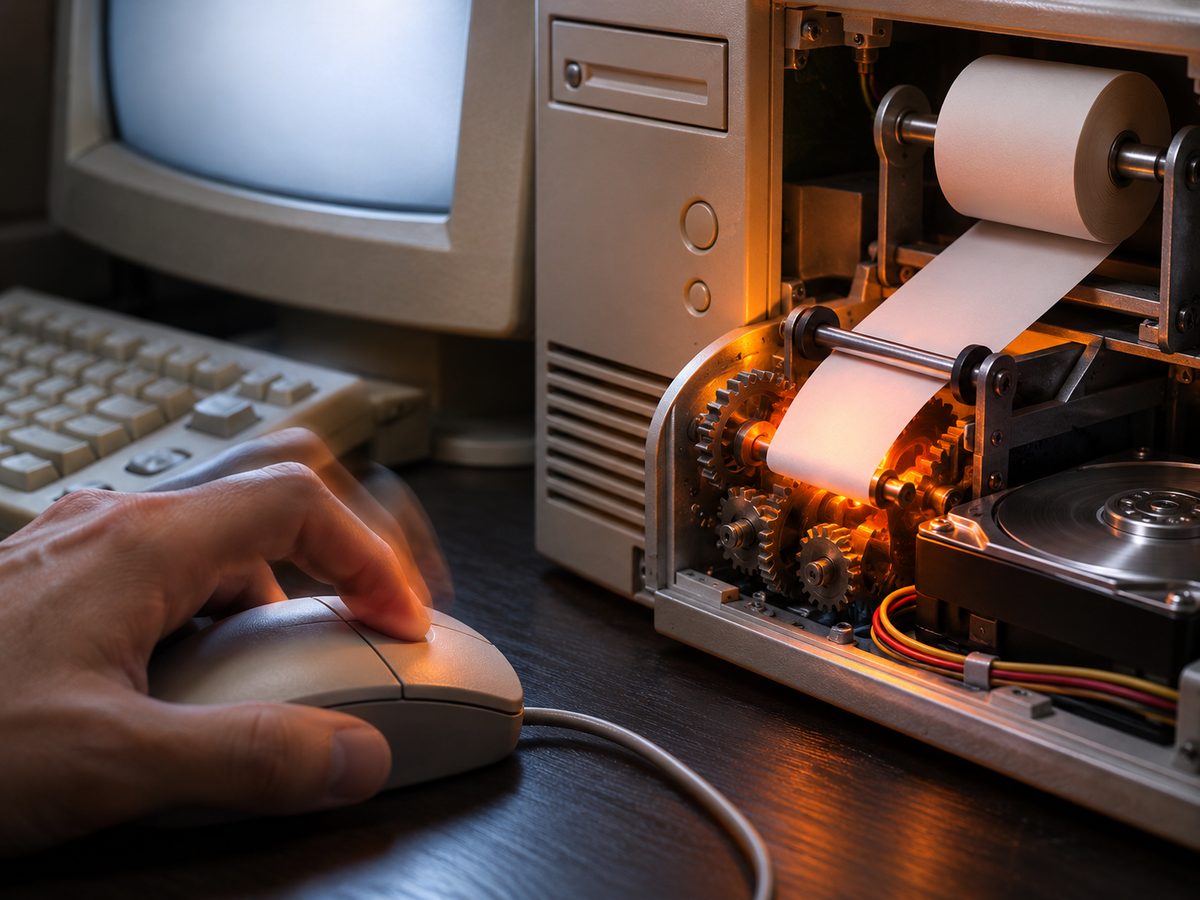
What it is: The moment the script starts running. Reading the email is safe. Double-clicking the attachment is not.
What you'd see: An endpoint alert for Windows Script Host (wscript.exe) launching an email attachment, then files changing.
How you stop it: Block scripts people don't need and run endpoint protection. If it ran, isolate the machine and escalate.
◇ PropagationBorrowing the sender's relationships
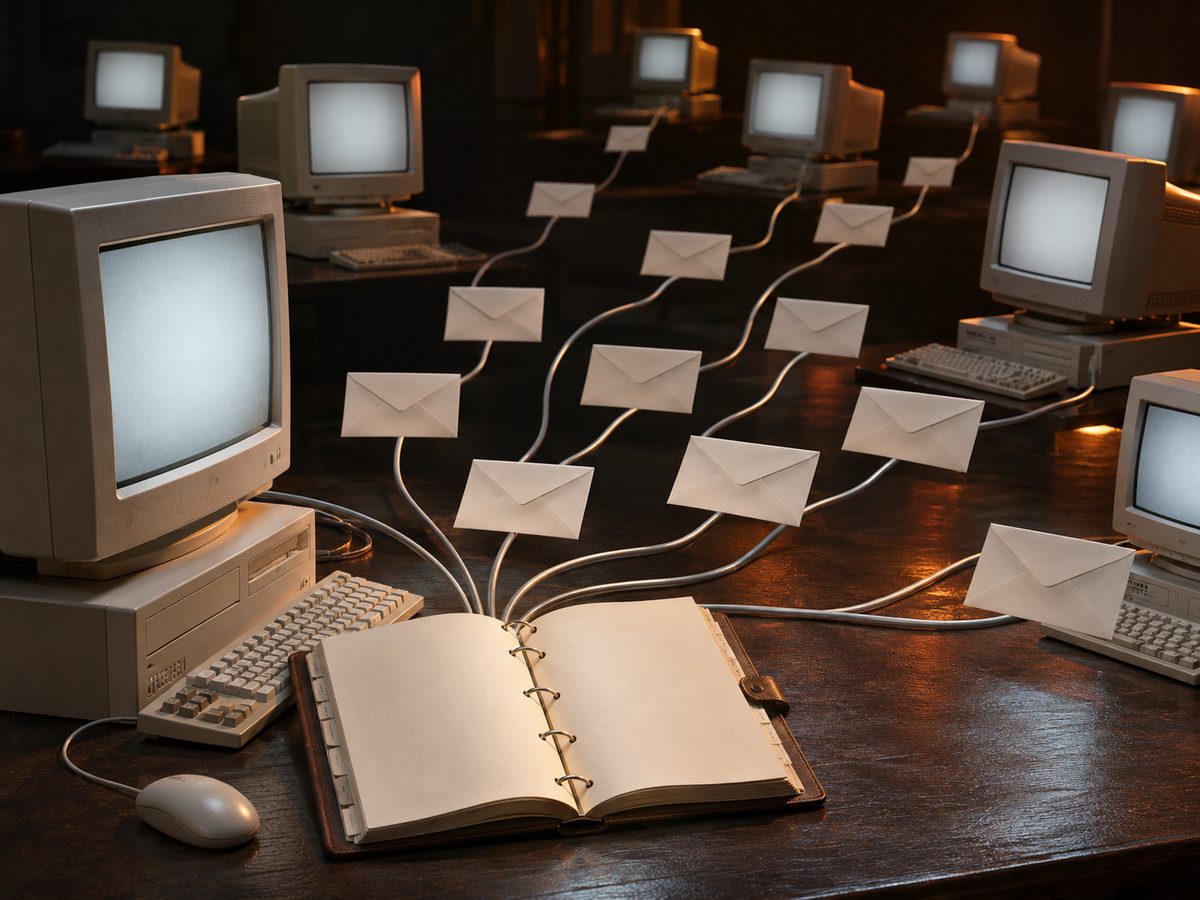
What it is: The worm copies itself and mails everyone in your address book, signed with your name.
What you'd see: Several people reporting the same odd email from one coworker, plus a burst of outgoing mail.
How you stop it: Filter mail, catch it on endpoints, contain infected machines, and warn people through a separate channel.
◇ Defense layersDifferent controls break different links

What it is: Defense in depth: a different control guarding each link in the chain.
What you'd see: A quarantined email, a blocked-script alert, or "access denied" when it tries to change protected files.
How you stop it: Stack the layers and keep tested backups. Backups fix the damage, but they don't remove the worm.
Exam traps
- The final file extension matters; a TXT segment does not make a script harmless.
- One incident can combine social engineering, propagation, and destructive behavior.
- A familiar sender and a subject-line filter are not complete defenses.
Quick check
Nine questions. Pick a response before reading the explanation.
Put the evidence to work
Which social-engineering channel is illustrated by the original love-letter message?
Which behavior is associated with a worm?
Which tool collects host process telemetry and supports endpoint containment?
A love letter from a coworker. I got an email from Jordan titled ILOVEYOU, so I opened the attachment. Nothing happened, but now people are asking why I'm emailing them love letters. The attachment was named LOVE-LETTER-FOR-YOU.TXT.vbs, but Windows hid the .vbs part. The endpoint tool flagged a script running from Pat's mail client. Mail logs show hundreds of outbound messages from Pat's account in ten minutes. Several image and music files on Pat's drive were overwritten. What best explains what's happening?
A love letter from a coworker. I got an email from Jordan titled ILOVEYOU, so I opened the attachment. Nothing happened, but now people are asking why I'm emailing them love letters. The attachment was named LOVE-LETTER-FOR-YOU.TXT.vbs, but Windows hid the .vbs part. The endpoint tool flagged a script running from Pat's mail client. Mail logs show hundreds of outbound messages from Pat's account in ten minutes. Several image and music files on Pat's drive were overwritten. What do you do first?
Misses stay in this browser. Open Week 2 Recap. The recap reviews the four weekday posts.
Key terms
- Phishing
- A deceptive message used to prompt an unsafe action or disclosure.
- Worm
- Malware associated with replicating and propagating copies.
- Endpoint Detection and Response (EDR)
- Endpoint detection and response for endpoint activity.
- Email security gateway
- A control that filters or inspects email content.
Field Resources
Watch it
Review the named concepts, then return to the decisions. Opens on YouTube.
Practice it

Brett builds practical certification lessons and interactive practice to help learners turn knowledge into usable skills.
Sources: C2-2.4 — EXAM OBJECTIVES comptia-a-220-1202.pdf; C2-2.5 — EXAM OBJECTIVES comptia-a-220-1202.pdf; Contemporary GAO testimony.