OSI Part 2: From a Conversation to a Useful Answer
The top three Open Systems Interconnection (OSI) layers are where a conversation turns into something the user actually sees. You'll separate session, presentation and application functions, follow data back up the stack and use the evidence to pick your next troubleshooting check.
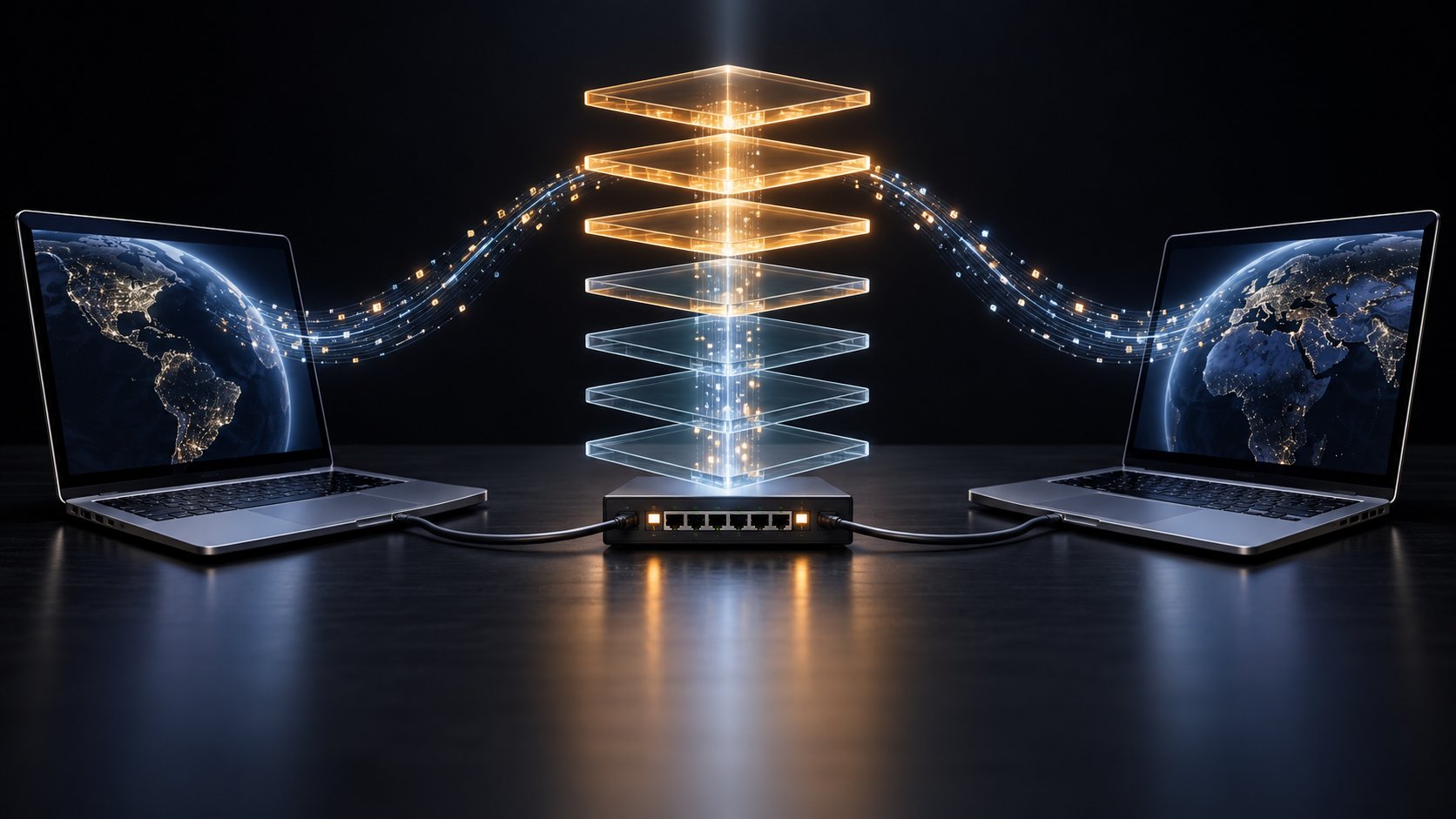
Last Wednesday followed signals, frames, packets, and transport. This week finishes the path: keeping a conversation organized, making its data understandable, and providing the network service the user asked for. Then we use that map on an actual ticket.
Explain all seven layers, with this installment focusing on layers 5–7 and receiving data. N10-009 1.1
Connect service names to the hardware and network questions from A+. Supporting context.
Distinguish access decisions from transport or encryption failures. Supporting context.
Prefer video first? Jump to the free video ↓
The top three functions
Layer 5, session, organizes a continuing exchange: establishing, maintaining, and ending a conversation. When you read a scenario, look for dialog state and coordination rather than expecting every modern product to have a separate session-layer module.
Layer 6, presentation, concerns data representation: encoding, translation, compression, and encryption or decryption of application data. Two endpoints can exchange bytes successfully yet interpret them differently. Readable text becoming garbled after decoding is a representation clue; it is not automatically a broken cable.
Layer 7, application, provides network services used by software. Hypertext Transfer Protocol (HTTP), Domain Name System (DNS), Simple Mail Transfer Protocol (SMTP), and other application protocols belong here conceptually. A word processor's toolbar is not itself an OSI protocol. The model describes communication functions, not every behavior in a desktop application.
Real protocol stacks combine functions. TLS is often used as a presentation-layer teaching example, but it spans concerns and sits between application protocols and transport in familiar implementations. On the exam, follow the function described in the question so you don't force an entire product into one layer when the evidence describes several.
Then to now
The US government once required OSI protocols, and they still lost to Transmission Control Protocol (TCP)/Internet Protocol (IP). The seven-layer model survived as a way to teach and troubleshoot.
- 1984ISO 7498 standardized the seven-layer OSI reference model.
- 1989Tim Berners-Lee proposed the World Wide Web at CERN.
- 1990The US government's GOSIP rules called for OSI protocols in federal purchases, yet TCP/IP kept winning the "protocol wars."
- 1999RFC 2246 specified TLS 1.0, the security layer that sits between applications and their transport.
- TodayHypertext Transfer Protocol Secure (HTTPS) combines HTTP with TLS protection, and nobody builds a separate software module for each OSI layer.
That history helps you classify the function in an exam scenario instead of treating a whole application as one layer.
Unwrap on arrival
Sending data moves conceptually down the stack. Each lower layer handles its own part of delivery and adds relevant control information. At the receiving endpoint, the process runs upward: physical signals become link frames; link processing identifies the enclosed network packet; IP and transport processing deliver the application data to the right endpoint.
The receiver handles framing, addressing, and transport before the upper functions make the exchange usable. Session context coordinates the dialog, presentation interprets or decrypts the representation, and application processing handles the request. This is de-encapsulation: relevant headers are interpreted and removed as data passes upward.
Not every layer adds a distinct header in every implementation. A packet capture may display Ethernet, IP, TCP, TLS, and HTTP rather than seven tidy rows. The model remains useful even when the implementation does not match a seven-box picture.
Troubleshoot with the narrowest useful clue
Before you change equipment, describe the symptom, its scope, and what still works: is one user affected, one host, one application, or the whole site? Next, check a known-good comparison so you have a useful boundary to investigate. Use the model to organize possible causes, then test the one supported by that evidence.
No link signal suggests the physical path. A wrong Virtual Local Area Network (VLAN) or a failed local frame exchange points toward data link. An incorrect address or route points toward network. A connection refused or timeout on a specific transport port suggests a transport or service-listener investigation, subject to firewall and server evidence.
A valid HTTP response saying access is denied moves your next check toward the application and access policy. A certificate-validation failure during a secure connection points toward the secure presentation path and its trust requirements. Neither clue is fixed by blindly re-crimping the cable.
A successful ping is one limited observation. It does not establish that DNS returned the right address or that the needed TCP port and application service work. A failed ping is also limited: Internet Control Message Protocol (ICMP) may be filtered while a web service still works. Select a test that matches the user's actual failure.
Turn layers into a useful handoff
Record the observed result, not just a layer label. “Application problem” is vague. “HTTPS connection completed; server returned 403 for this account; another approved account works” gives the next technician a starting point.
Use bottom-up checks when basic connectivity is uncertain, top-down checks when a clear application symptom is available, or divide the path at a useful middle test. The model guides the investigation; it does not require seven tests for every ticket.
Keep the two installments together. Recognize layer 1 physical, 2 data link, 3 network, 4 transport, 5 session, 6 presentation, and 7 application. Explain what each does before attaching a protocol example to it.
Upper-layer function explorer
Walk through the upper OSI layers and the receiving path, using the clues that help you separate each function.
◇ Layer 5 · SessionKeep the conversation coordinated
What it is: The session layer describes establishing, maintaining, and ending a continuing dialog. Think about how an exchange stays coordinated over time, rather than how individual bits cross a cable or packets find a route.
What you'd see: An application may lose its ongoing conversation with a service and require you to reconnect. That symptom gives you session context to investigate, but it does not identify a root cause by itself.
Exam angle: Look for wording about dialog control, establishing sessions, or maintaining conversations. Choose layer 5 when the question asks about that function; do not confuse the everyday word session with proof of a particular implementation.
◇ Layer 6 · PresentationMake the data understandable

What it is: The presentation layer describes how application data is represented, including encoding, compression, and encryption or decryption. The point is to make the received representation usable to the communicating applications.
What you'd see: Unreadable characters after an encoding mismatch or a failure to interpret encrypted application data gives you a representation clue. First identify what failed rather than assuming every unreadable page has a broken network link.
Exam angle: Questions about data translation, encoding, compression, or application-data encryption usually point to layer 6 in the model. Real software can combine these functions with others, so use the function the question describes rather than expecting a separate presentation program.
◇ Layer 7 · ApplicationServices that applications actually use
What it is: The application layer provides network services used by applications. HTTP handles web exchanges and DNS handles name queries; the model is describing those service functions, rather than every feature of the browser or other user-facing program.
What you'd see: A web server returning an HTTP access-denied response has processed a request at the application service. That response gives you a more specific clue than a general complaint that the internet is down.
Exam angle: Match network-service behavior to layer 7. A service response can narrow the investigation, but it does not prove that every account, permission, or other application function is healthy.
◇ Receiving pathUnwrap the delivery information
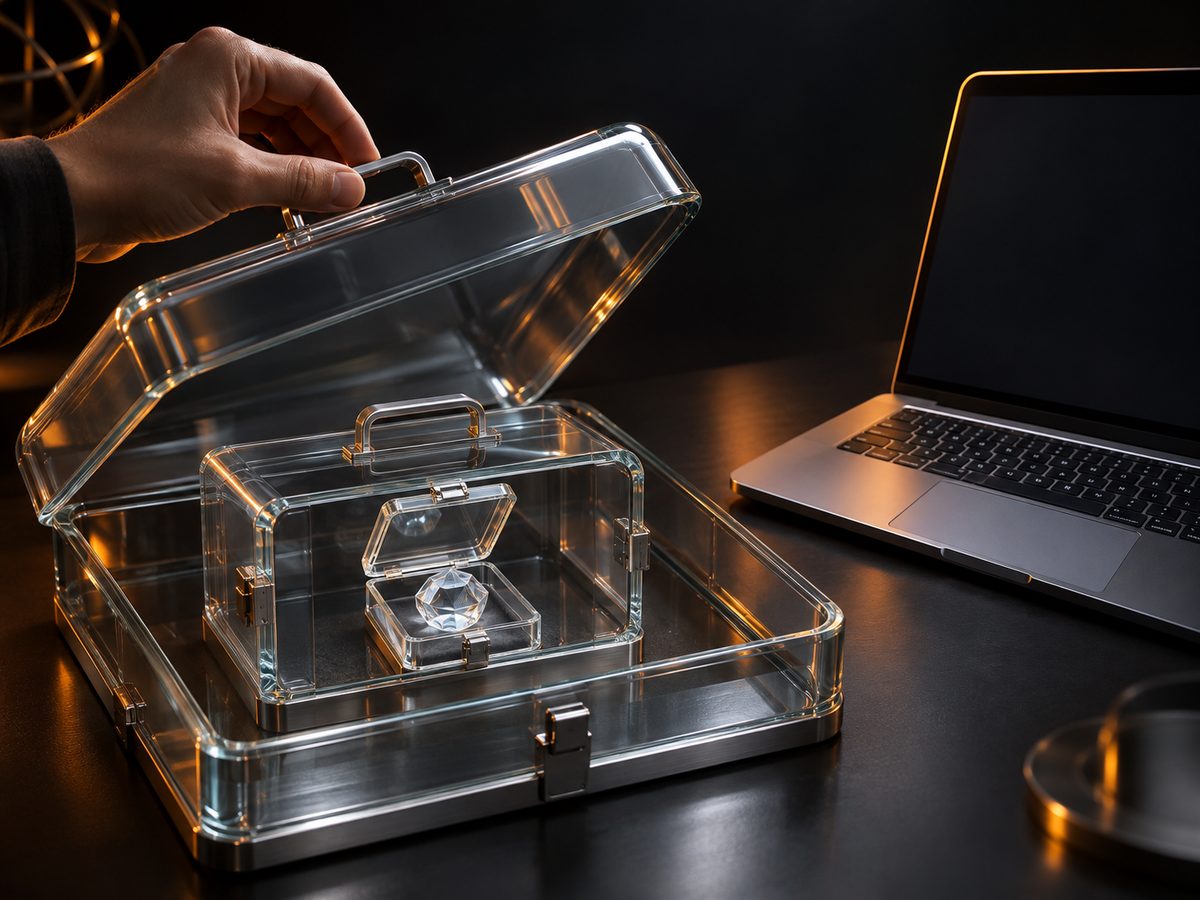
What it is: On receipt, data conceptually moves upward through the stack. Relevant link, network, and transport information is interpreted and removed so the endpoint can deliver useful application data; this is de-encapsulation.
What you'd see: A packet capture may show an Ethernet frame carrying an IP packet, a transport segment, and application data. Those nested structures help you follow delivery without assuming the application receives every enclosing header as its own content.
Exam angle: Recognize de-encapsulation as the receiving direction and encapsulation as the sending direction. The model describes processing responsibilities; it does not require a distinct extra header from every layer in every exchange.
◇ A model, not seven programsFunctions can share an implementation
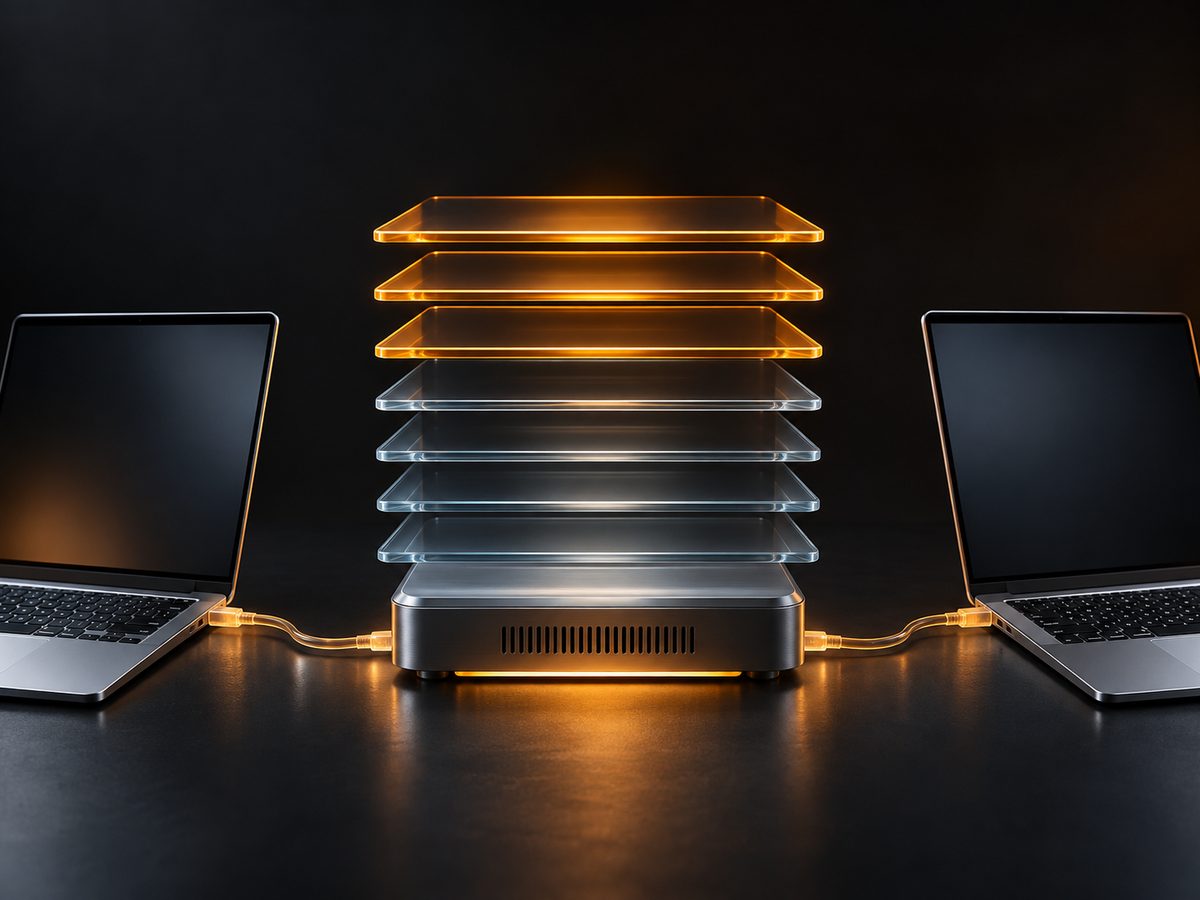
What it is: OSI is a reference model for explaining network functions. Real implementations can combine responsibilities, so a working exchange does not need seven separate programs or seven visibly distinct headers.
What you'd see: A capture might display Ethernet, IP, TCP, TLS, and HTTP. Seeing those names instead of seven tidy layer labels is normal; the capture reflects the implementation and what the tool can decode.
Exam angle: Explain the function before choosing a layer. The model still has seven layers, but counting displayed protocol rows is not a dependable way to assign them or to prove that a layer is missing.
Exam traps
- OSI describes functions; real implementations do not always show seven separate headers.
- A successful ping does not establish application, port, or certificate health.
- An HTTP access-denied response is useful application evidence, not proof of a cable fault.
Quick check
Eight questions. Choose before reading the explanation.
Put the evidence to work
What is de-encapsulation?
Priya opens a customer portal, but accented names appear as garbled symbols even though the page finishes loading. Which OSI function should she investigate?
Luis traces a collaboration tool as it starts, maintains, and ends a conversation between two hosts. Which OSI function describes that lifecycle?
Portal refuses one account. The portal opens, but I get a forbidden page when I try to use it. My teammate can get in on this laptop. The approved portal hostname resolves to the expected address. A connection to TCP 443 completes and the certificate validates. The response to Luis is HTTP 403. A second authorized account reaches the requested page on the same laptop. Which area should you investigate?
Portal refuses one account. The portal opens, but I get a forbidden page when I try to use it. My teammate can get in on this laptop. The approved portal hostname resolves to the expected address. A connection to TCP 443 completes and the certificate validates. The response to Luis is HTTP 403. A second authorized account reaches the requested page on the same laptop. Which check best tests that theory?
Misses stay in this browser. Open Week 2 Recap. The recap reviews the four weekday posts.
Key terms
- Session
- Coordination of a continuing communication dialog.
- Presentation
- Representation and transformation of application data.
- Application
- Network services used by applications.
- De-encapsulation
- Processing layer control information on the receiving path.
Field Resources
Watch it
Review the named concepts, then return to the decisions. Opens on YouTube.
Practice it

Brett builds practical certification lessons and interactive practice to help learners turn knowledge into usable skills.
Sources: NP-1.1 — EXAM OBJECTIVES comptia-network-n10-009.pdf.