Sunday Tabletop: Ransomware on a Monday Morning
It's Monday morning, and ransomware is spreading through a fictional office. Here's the situation: you have six decisions to make. You'll limit the spread, preserve the evidence, coordinate the response and make sure recovery is verified before anything gets reconnected.
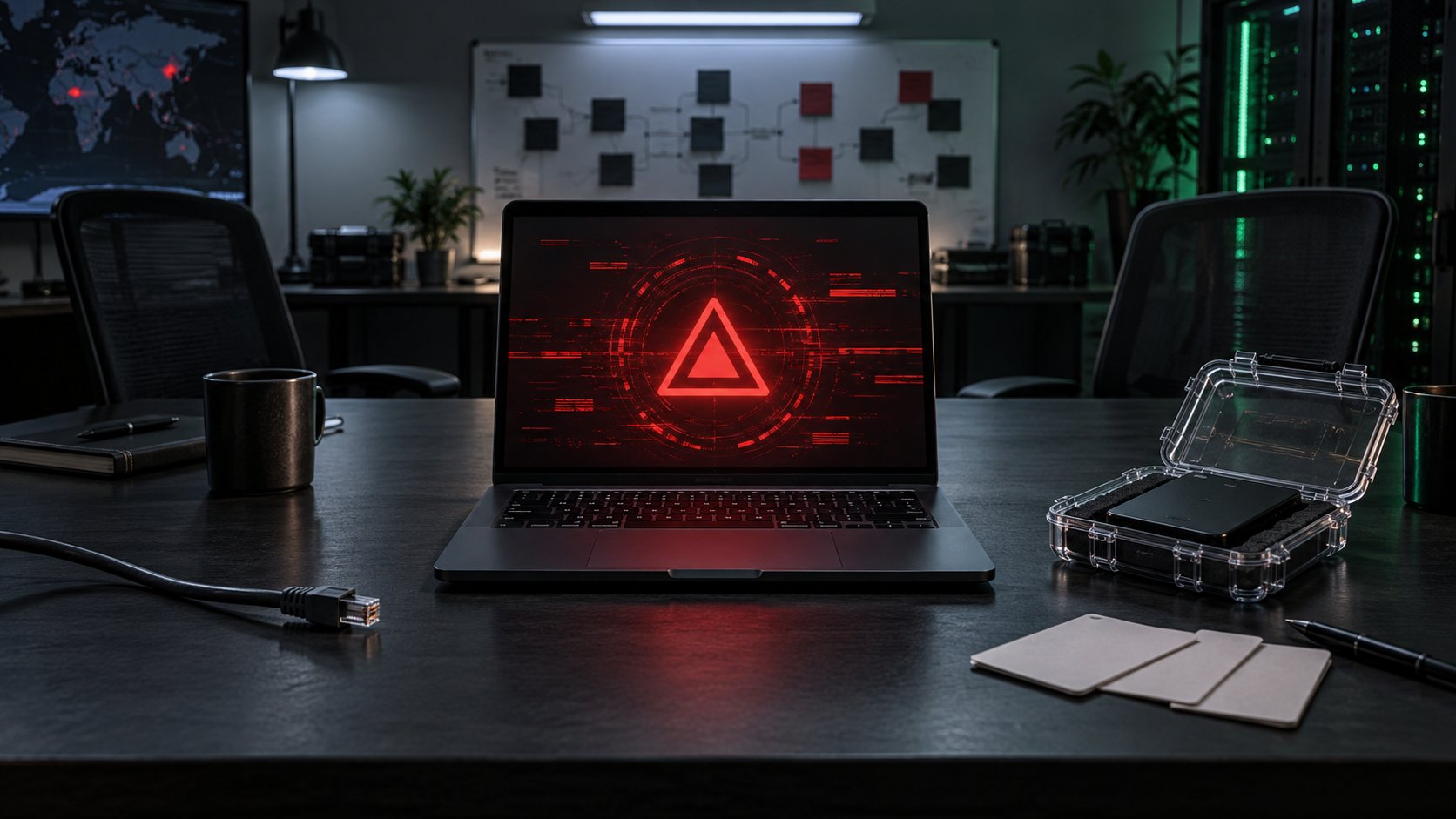
It's 8:07 a.m. at the fictional Harbor Clinic, and you're the first technician to answer a receptionist's call about renamed files and a ransom note. A second workstation has just raised an endpoint alert, and appointments begin in twenty minutes. Your team needs to respond while the clinic prepares to keep working.
Explain preparation, detection, analysis, containment, eradication, recovery, lessons learned, exercises, and evidence preservation. SY0-701 4.8
Apply triage, timeline construction, isolation, escalation, evidence handling, remediation verification, and restoration. CS0-004 3.3
Prefer video first? Jump to the free video ↓
The exercise brief
Picture the Monday
- 01The alert landsFollow the playbook's escalation path. The first call is the incident lead, not a fix.
- 02Triage the scopeWhich hosts, which accounts, since when? Start the timeline now, with times and sources.
- 03Contain, don't destroyIsolate the host from the network but leave it powered on. Memory and logs are evidence.
- 04Keep one timelineDecisions, owners and times in one place. Eradication and recovery are separate jobs.
- 05Restore from known-goodRebuild, restore a backup taken before the compromise, then verify before users return.
Fictional tabletop: no files are encrypted. Watch, then work the brief below.
Here's the situation: this is a fictional tabletop, so no files are encrypted and no commands run. You'll practice making decisions while some of the information is still missing. Your approved playbook lets you isolate affected endpoints through the endpoint tool and immediately contact the incident lead, who coordinates technical response, management, legal, and communications.
So far, two workstations show signs of encryption, and the scheduling application is unavailable, although you don't yet know its server status. Last night's backup job shows as completed on the dashboard, but nobody has tested restoration today. While you work through those uncertainties, you have a printed contact list and a downtime scheduling process to help the clinic respond.
Before you choose your first move, separate what you've observed from what you still need to find out. The renamed files and ransom note are evidence, but they don't establish the full scope, the initial access path, or whether data was copied out. Even the unavailable service needs investigation: containment or another dependency could have affected it indirectly.

Patient records, schedules and billing files on this network are locked. Do not restart or remove this computer. Pay within the time shown to receive the decryption key, or the price doubles and your data will be published.
Keep the timeline useful
Start your timeline with the receptionist's report at 8:07, followed by the endpoint tool's alert on a second workstation at 8:09. For each entry, record the report time, observed event time if known, time zone, device identity, user, and source. Keeping a witness account distinct from verified telemetry helps the next responder understand what each entry actually establishes.
Next, use the approved response process to connect the endpoint alerts with authentication, file-service, and network records. Preserve the relevant originals and work from copies so your investigation doesn't alter the evidence you need. Those records can help you find related events and test hypotheses, but timestamps alone don't make a timeline reliable.
When you reach the incident lead, explain both the scope and the business impact: affected devices, shared resources, service disruption, signs of continued spread, and any evidence of data exposure. Mark anything you haven't confirmed so the lead can act without mistaking a suspicion for a finding. Meanwhile, the clinic can start its authorized downtime process as the technical team investigates.
Containment, eradication, and recovery are different jobs
Your first containment decisions are about limiting damage and spread. Follow the approved isolation route for affected systems, then check the shared resources and identities that could let the incident reach further. Keep the backup drive away from affected endpoints, because connecting it could put your recovery option at risk. Isolation gives you room to respond; it doesn't prove the threat is gone.
Once containment is under way, eradication addresses the cause and the foothold the attacker left behind. Depending on what the team finds, that may mean rebuilding from trusted media, fixing the entry weakness, and addressing compromised credentials. The incident lead determines how far that work needs to go, because a clean antivirus result on one system can't give the whole organization an all-clear.
Recovery means bringing back a service you can trust, so start by validating backups in an isolated environment. Before restoring through the approved plan, confirm that the restored systems meet security requirements and that the actual business workflow works. Keep monitoring closely, and use the defined criteria to decide when systems can leave isolation.
At this point, the ransom note may put pressure on the room, but it can't prove that decryption will work or guarantee that data wasn't stolen. Payment, reporting, and public claims are decisions for authorized leadership and advisers. Give them a technical handoff that explains the evidence and remaining uncertainties, without promising an outcome you can't verify.

Preserve without delaying necessary containment
As evidence is collected, record who collected each item, when, which system it came from, and how it was handled. Preserving its integrity and documenting each transfer lets the next person follow the chain of custody. Leave volatile evidence and specialist acquisition to trained responders, and give them a chance to assess it before anyone improvises destructive cleanup.
This is where teams can slip into an overly simple rule about handling order. Rebooting every affected device isn't a safe default, and neither is waiting for all evidence to be collected while active spread continues. The incident and approved playbook determine the order, with the response lead coordinating urgent containment and evidence collection.
The response may also involve a legal hold, a preservation instruction that can change ordinary deletion or retention practices. Legal and incident-response owners decide whether it applies, so bring that question to them. Keep the discussion on approved channels, especially when patient or business details would otherwise end up in informal chat.
Turn the exercise into next week's preparation
After services are restored, bring the team back together for lessons learned. Work through which signal arrived first and who could authorize isolation, then ask whether the offline contact list and staff downtime process worked. Finally, check whether the backup restored within the time the business needed it.
Turn those findings into corrective actions with an owner and a due date for each one, then update the playbook, train the affected roles, and repeat the tabletop. Remember what each exercise can show you: a discussion rehearses judgment and coordination, while a simulation tests behavior in a controlled technical environment. Plan either one so it doesn't create a new production incident.
As you work through the six decisions below, you'll notice that they stop short of assuming an all-clear. Your team can move quickly while still saying, "We don't know yet." Practice making that uncertainty clear alongside the technical steps, so a fast response doesn't become an unsupported promise.

Incident response roles
Meet the people who turn the first ransomware report into a coordinated response, preserved evidence, and a tested return to work.
◇ First responderThe first report matters
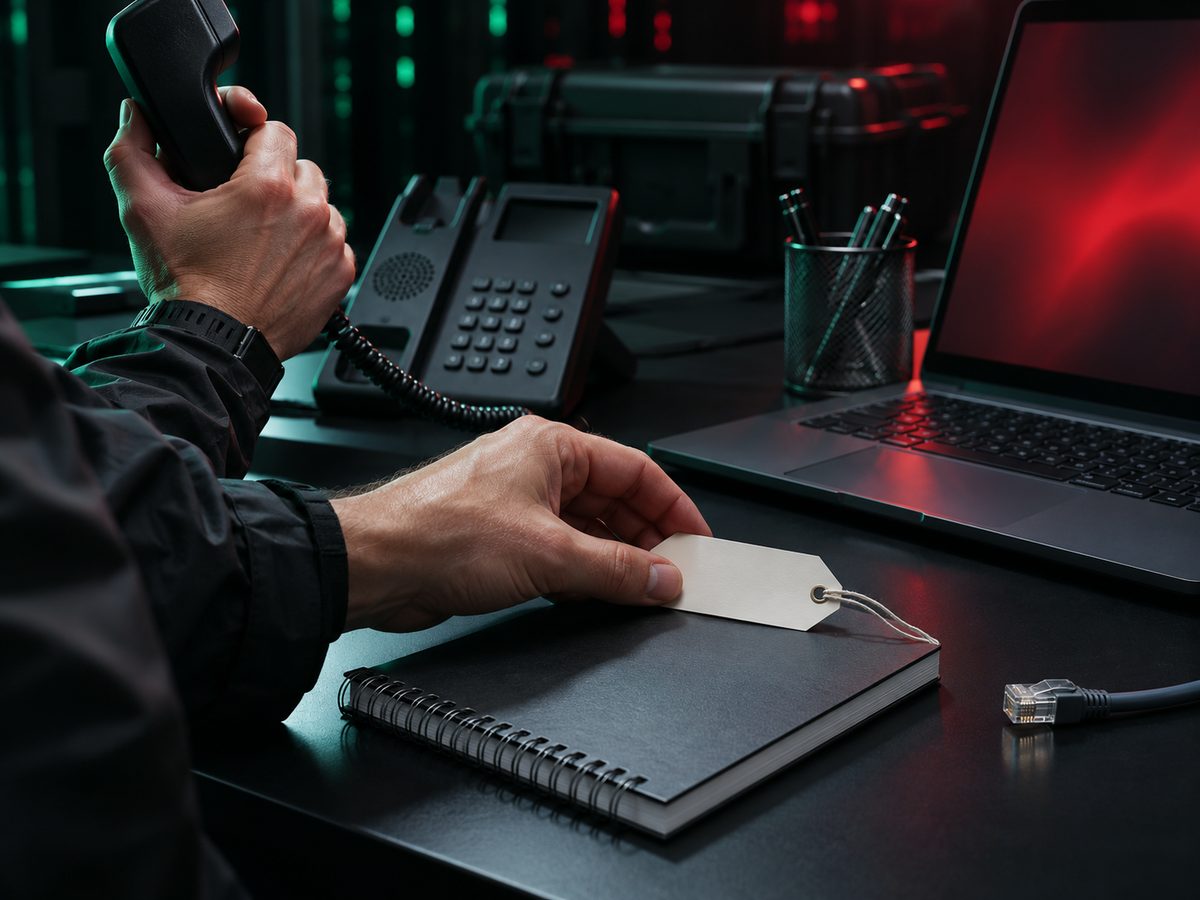
What it is: The first responder turns a worried call into a usable incident report. Your role is to capture what is known, follow the playbook, and get the right people involved before improvised fixes destroy clues or allow more spread.
What you'd see: A user may report renamed files, an unreadable shared folder, or a ransom note. Record the time, device, user, and observed behavior, keeping those facts separate from guesses about the size of the incident.
How you stop it: Isolate only when authorized by the playbook or response lead, then escalate promptly. Avoid experimenting with cleanup or restarting systems unless the response process calls for it.
◇ Incident leadOne coordinated set of priorities

What it is: The incident lead keeps the response moving as one effort. This person coordinates scope, priorities, technical work, and the criteria for releasing systems, so urgency does not turn into conflicting instructions.
What you'd see: You might see a shared incident timeline, assigned containment tasks, and a decision record explaining why one service is being restored before another. An unverified report stays labeled that way until evidence supports it.
How you stop it: Route response decisions through the agreed lead and require verification before release from isolation. Containment limits spread; the lead still needs evidence of remediation and recovery before declaring the affected service ready.
◇ Evidence custodianEvidence needs a documented journey
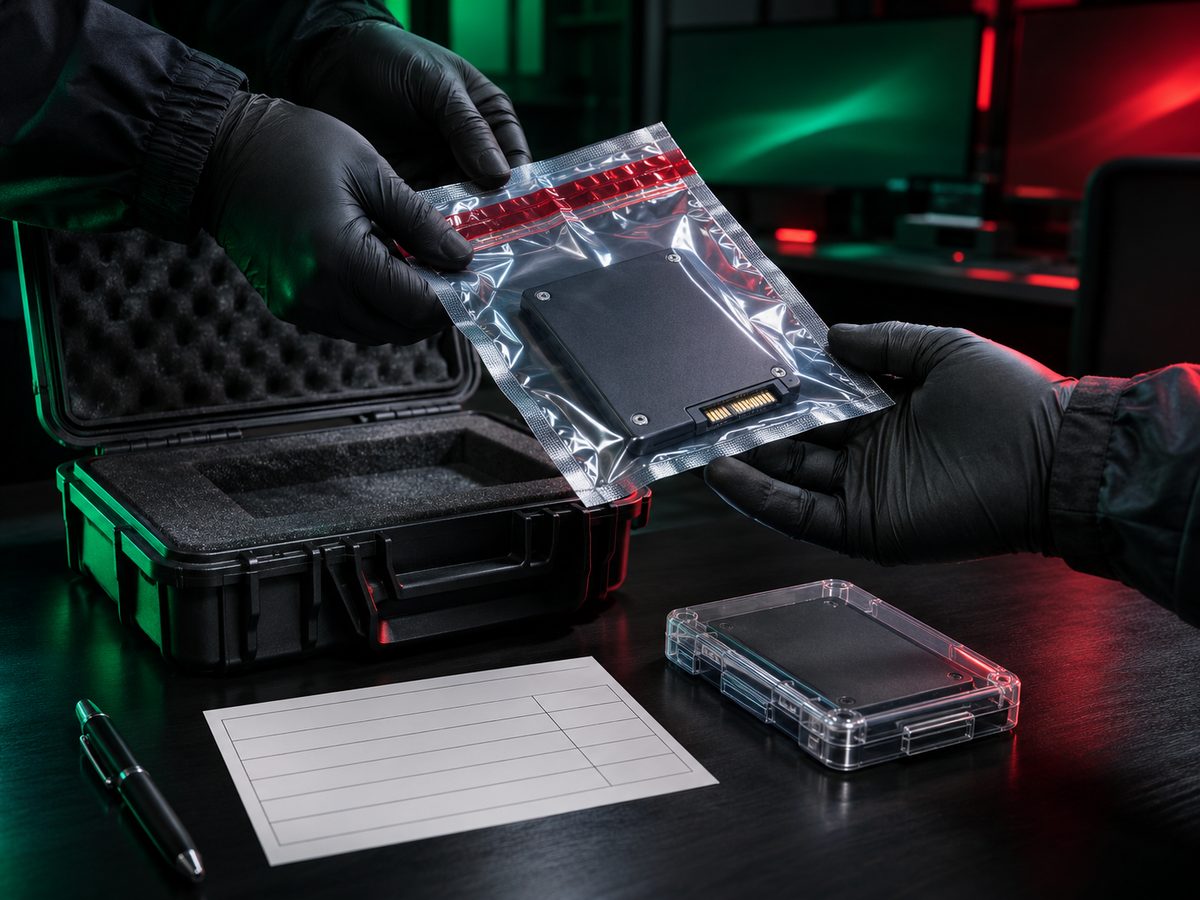
What it is: The evidence custodian tracks how material was acquired, preserved, checked for integrity, and transferred. This creates a chain of custody so another person can understand what happened to the evidence from collection onward.
What you'd see: An evidence record may identify the source device, collection time, collector, integrity check, storage location, and each transfer. A file copied to an unnamed personal drive leaves important questions about handling unanswered.
How you stop it: Use the approved collection and storage process, restrict access, and document transfers as they occur. Preserve original material as required so analysis does not silently replace the evidence you may need later.
◇ Operations ownerRecovery must support real work
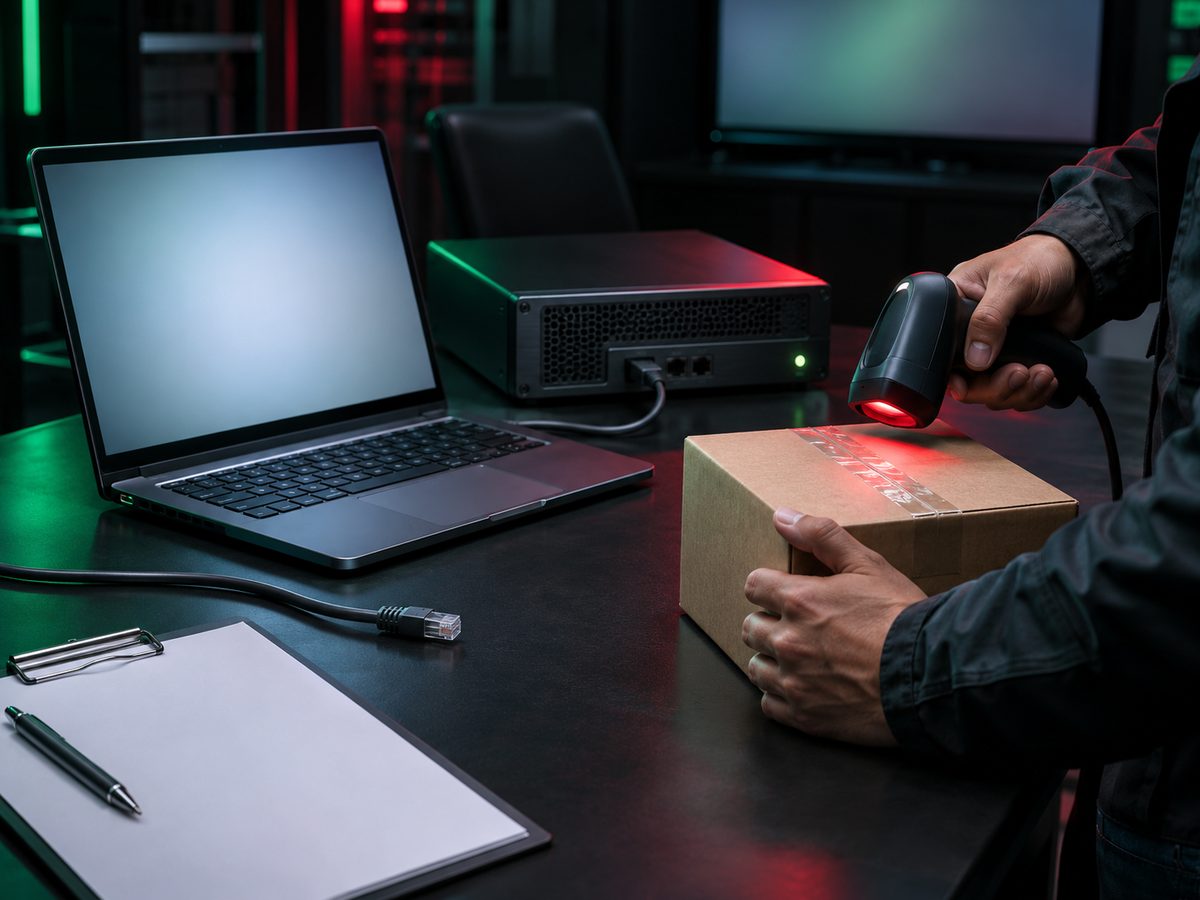
What it is: The operations owner decides whether the recovery and downtime workflow can support the business. A server starting successfully is useful technical evidence, but someone must also confirm that people can complete the work that depends on it.
What you'd see: A restored application may open while recent orders are missing or a dependent service is unavailable. A documented test of a representative business task exposes that gap before users return.
How you stop it: Authorize and test the recovery workflow with the response team, using agreed release criteria. Keep the downtime process available until validation shows that the restored service and its dependencies are usable.
◇ Legal / communicationsPreserve facts before making claims

What it is: Legal and communications roles coordinate preservation obligations and approved external messages. During a confusing incident, this helps the organization retain required material and avoid turning an early guess into a public statement.
What you'd see: You may receive a preservation instruction or an approved status update that distinguishes confirmed disruption from unverified data-exposure claims. Questions from customers or reporters should follow the designated communications route.
How you stop it: Follow the organization’s preservation instructions and send external statements through the approved review process. Keep incident records and avoid unsupported promises about scope, exposure, or restoration time while the investigation is still developing.
Exam traps
- Containment limits spread; it does not establish eradication.
- A successful backup job does not establish a clean, usable restoration.
- Record confirmed observations separately from unverified scope or data-exposure claims.
Quick check
Nine questions. Pick a response before reading the explanation.
Put the evidence to work
Which evidence most clearly supports a backup's usability?
What is the purpose of chain of custody?
What distinguishes a tabletop from a technical simulation?
Pressure to restore now. Patients are stacking up in the lobby. The backup ran last night, so can we just restore everyone and reopen by lunch? At 10:20, the affected workstations are isolated from the network. The team is still closing the remote-access weakness the attacker used. Last night's backup job reports "Completed successfully." No one has restored from that backup since the job was set up. The response plan names the incident lead as the person who approves reconnecting systems. Who should approve reconnecting the restored systems?
Pressure to restore now. Patients are stacking up in the lobby. The backup ran last night, so can we just restore everyone and reopen by lunch? At 10:20, the affected workstations are isolated from the network. The team is still closing the remote-access weakness the attacker used. Last night's backup job reports "Completed successfully." No one has restored from that backup since the job was set up. The response plan names the incident lead as the person who approves reconnecting systems. What belongs in the lessons-learned report?
Misses stay in this browser. Open Week 2 Recap. The recap reviews the four weekday posts.
Key terms
- Tabletop
- A discussion exercise for incident decisions and coordination.
- Containment
- Limiting damage and continued spread.
- Chain of custody
- A documented history of evidence handling and transfer.
- Recovery
- Restoring verified trustworthy service.
Field Resources
Watch it
Review the named concepts, then return to the decisions. Opens on YouTube.
Practice it

Brett builds practical certification lessons and interactive practice to help learners turn knowledge into usable skills.
Sources: SP-4.8 — EXAM OBJECTIVES CompTIA-Security-SY0-701.pdf; CS-3.3 — comptia-cysa-cs0-004-exam-objectives-(2-0).pdf.