Security Controls: Every Control Answers Two Questions
A lock, a firewall rule, a policy, and a guard are all security controls. The exam wants you to sort every one of them two ways: what it is, and what job it does. Here's the grid that makes that easy.

Welcome to Cybersecurity Thursday. CySA+ rides along every week, because the analyst exam builds directly on this one. We start where the Security+ objectives start: security controls.
Objective 1.1 says "compare and contrast," and that's the whole game. You won't be asked to configure anything. You'll get a control and four answers, and the answers will be close. The fix is to stop memorizing lists and start asking every control the same two questions.
Formal objective 1.1. Sort any control into one of four categories and one of six types, and tell close pairs apart, like deterrent vs. preventive or corrective vs. compensating.
Uses different names: administrative, technical, and physical controls that are preventative, detective, responsive, or corrective (CS0-004 2.4). Recommend compensating controls when a vulnerability can't be patched.
Names the physical and logical security measures themselves: bollards, badges, guards, least privilege, Access Control Lists (ACLs), Multifactor Authentication (MFA) (220-1202 2.1). It doesn't ask you to classify them.
Physical security and defense techniques like ACLs, port security, and screened subnets (N10-009 4.1, 4.3). Again, the controls, not the classification.
Prefer video first? Jump to the free videos ↓
Two questions for every control
When you look at a security control, ask what risk it reduces for an asset. The control might be hardware, software, a rule, a person doing a job, or even a sign on a wall. Every control has two separate labels, and the exam can ask you about either one.
How the control is implemented. Is it a system, a management decision, a person doing a job, or a physical object?
Technical · Managerial · Operational · PhysicalWhat the control does, and when, relative to an attack. Does it tell, discourage, block, notice, fix, or fill in?
Directive · Deterrent · Preventive · Detective · Corrective · CompensatingTry the two questions on a door lock: it’s physical by category and preventive by type. A firewall rule is technical and preventive, so it does the same job through a different category. Once you keep those questions apart, most of the tricky answers fall away.
Then to now
Computer security controls were being cataloged long before modern endpoint dashboards.
- 1983The U.S. Department of Defense published the Trusted Computer System Evaluation Criteria, nicknamed the Orange Book.
- 2005NIST published the first edition of SP 800-53, a catalog of security controls for federal information systems.
- TodayNIST SP 800-53 organizes controls into named families such as Access Control and Physical and Environmental Protection.
For the exam, keep the CompTIA category and type labels separate from the control names you encounter in a catalog.
The four categories: what is it?
Implemented by systems. Hardware or software enforces it, with no person in the loop each time.
- Firewall rules and ACLs
- Antivirus and endpoint protection
- Encryption and MFA
- Login banners and audit logs
Decisions about how security is run: policies, risk choices, and plans. Sometimes called administrative.
- Security policies
- Risk assessments
- Onboarding and background check rules
- Acceptable use policy
Implemented by people, day to day. Someone has to do it for it to work.
- Security guards checking ID
- Awareness training
- An analyst reviewing login reports
- Following the change process
Things you can touch that limit physical access or protect the space.
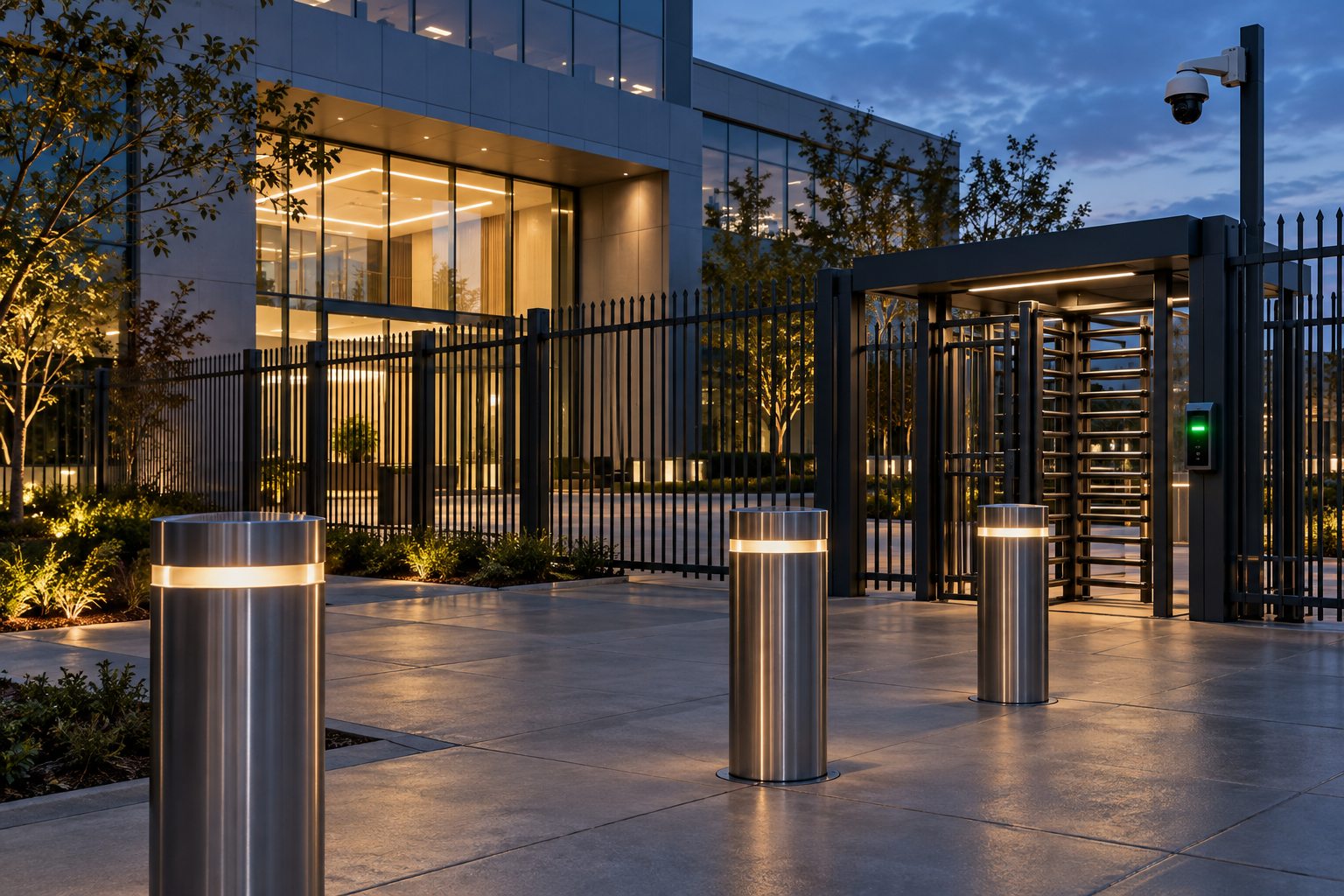
- Fences, bollards, and locks
- Badge readers and access vestibules
- Cameras and motion sensors
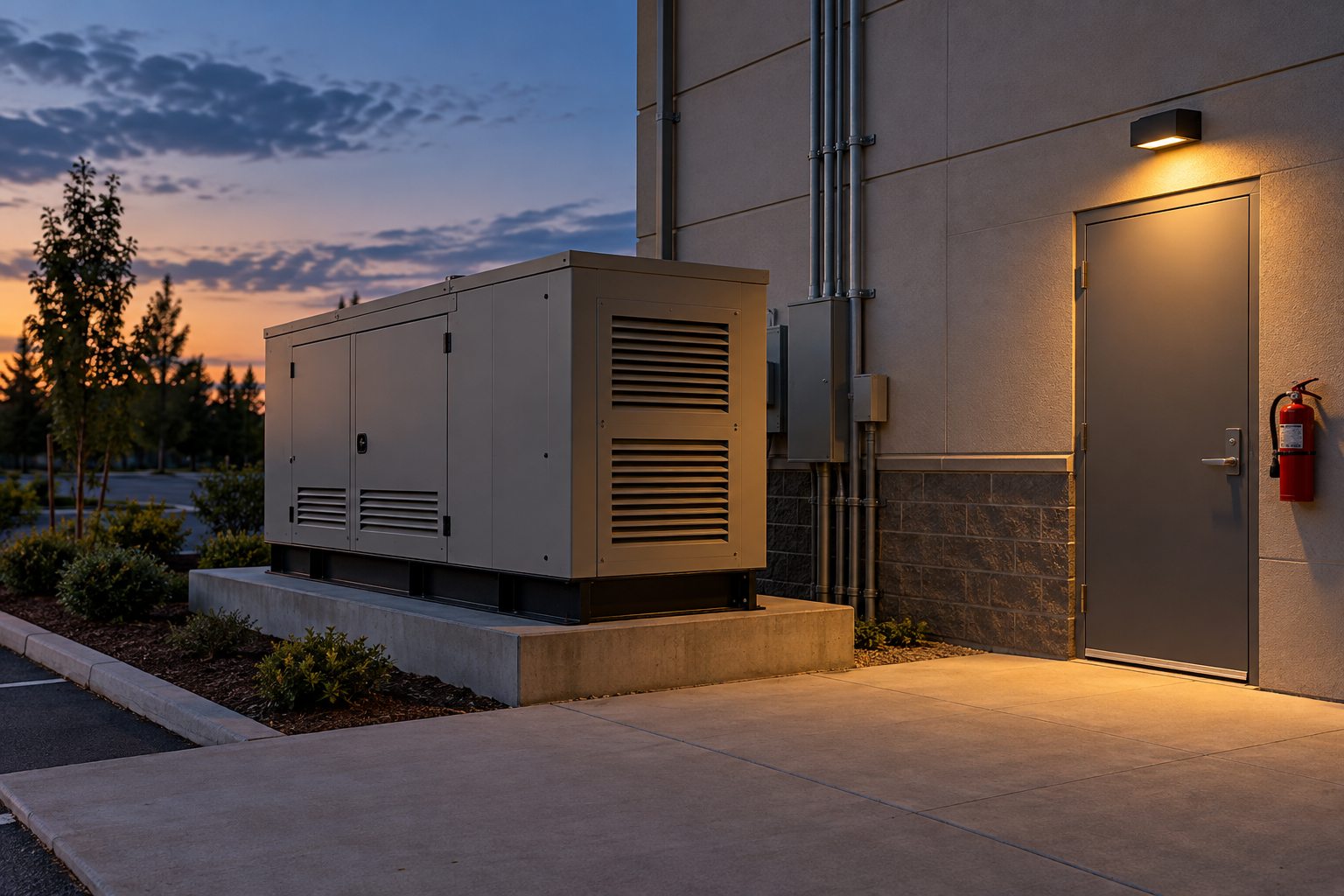
- Fire suppression and generators
Both involve people, so they get mixed up. Managerial is the decision: "All visitors must show ID." Operational is a person carrying it out: the guard who actually checks the ID. Policy on paper is managerial. People doing the work are operational.
The six types: what job does it do?
Next, place the control relative to an attack: some controls work before anything happens, some during the attack, and some afterward. The tags below show you the usual timing. A compensating control can fill a gap wherever that gap occurs.
It happens. A visible camera deters and detects. On the exam, pick the type that matches what the question stresses. “Discourage” → deterrent · “record” → detective.
Deterrent vs. preventive. A "Beware of dog" sign deters. A locked gate prevents. If the control only makes an attacker think twice, it's deterrent. If it physically or technically stops the action, it's preventive.
Try it: the control grid
Twelve controls, two labels each

How the exam words it
On the exam, you’ll rarely get a question that simply asks, "Which type is this?" Instead, the scenario describes what the control does. Read the verbs closely, because they give you the clue you need to identify the type.
| If the question says… | Think | Example |
|---|---|---|
| instructs, requires, policy states | Directive | An acceptable use policy employees must sign |
| discourages, warns, makes think twice | Deterrent | A banner warning that activity is monitored |
| blocks, stops, denies, restricts | Preventive | A firewall rule denying inbound remote desktop |
| identifies, alerts, records, logs | Detective | An intrusion detection system flagging a port scan |
| restores, recovers, repairs, reduces impact | Corrective | Restoring files from backup after ransomware |
| instead, alternative, can't be implemented | Compensating | Isolating a system that the vendor won't let you patch |
CySA+ adds: the analyst's version
Same idea, different names
CySA+ talks about control types too, but it uses an older naming that you'll also see in frameworks and job postings. Know both, because each exam uses its own words.
| Security+ says | CySA+ says | What changes |
|---|---|---|
| Managerial (plus operational policy) | Administrative | The policy, procedure, and people side, grouped into one bucket. |
| Technical | Technical | Same. |
| Physical | Physical | Same. |
| Preventive | Preventative | Same job, longer spelling. |
| Detective | Detective | Same. |
| (no match) | Responsive | Acts while an incident is happening to contain it, like isolating an infected host or an endpoint tool killing a malicious process. |
| Corrective | Corrective | Restores normal operations after the incident is contained. |
Responsive vs. corrective is the new trap. Responsive happens during the incident, to stop it spreading. Corrective happens after, to put things back. Pulling an infected laptop off the network is responsive. Reimaging it and restoring the user's files is corrective.
Where analysts use this: vulnerability management. When a scan finds a critical flaw and the system can't be patched, the analyst doesn't just shrug. They recommend a compensating control (segment it, restrict access, add monitoring), document an exception with a review date, and track the residual risk: the risk left over after the controls are in place. The risk before any controls is the inherent risk.

Exam traps
- Category and type are separate questions. "Physical" is never a type, and "preventive" is never a category.
- A sign that only gives an instruction is directive. A sign that warns of consequences is deterrent.
- Cameras usually mean detective. If the question stresses that they're visible and discourage people, the answer shifts to deterrent.
- Compensating means "instead of." Look for words like alternative, temporary, or can't be implemented.
- Corrective works after detection. It doesn't stop the attack. It limits damage and restores operations.
- Training is operational in Security+ terms. People carry it out and people receive it.
Field ticket
Work this ticket the way you would on the job. Each answer is logged, and the debrief at the end shows the key and why each other choice falls short.
Key terms
- Security control
- Anything that reduces risk to an asset: a system, a rule, a person's job, or a physical object.
- Technical control
- Enforced by hardware or software. Firewalls, encryption, antivirus.
- Managerial control
- Policies, risk decisions, and plans that direct how security is run. Called administrative in CySA+.
- Operational control
- Carried out by people day to day. Guards, training, log reviews.
- Physical control
- Tangible protection of a space. Fences, locks, cameras, generators.
- Directive
- Tells people what to do or not do.
- Deterrent
- Discourages an attempt without stopping it.
- Preventive
- Blocks the action.
- Detective
- Identifies and records that something happened.
- Corrective
- Limits damage and restores normal operations afterward.
- Compensating
- An alternative used when the primary control isn't possible.
- Responsive (CySA+)
- Acts during an incident to contain it.
- Inherent vs. residual risk
- Risk before controls vs. the risk that remains after them.
Watch it
Prefer to see it on video? These free videos cover the same ground. They open on YouTube in a new tab.
Practice it

Brett went from food service to IT in 2020 and earned his certifications from scratch. He builds BB Tech Tools to close a gap every IT learner hits: knowing the concepts but freezing on PBQs.