LAT: 0000
LON: 0000
DEP: 0000
LON: 0000
DEP: 0000
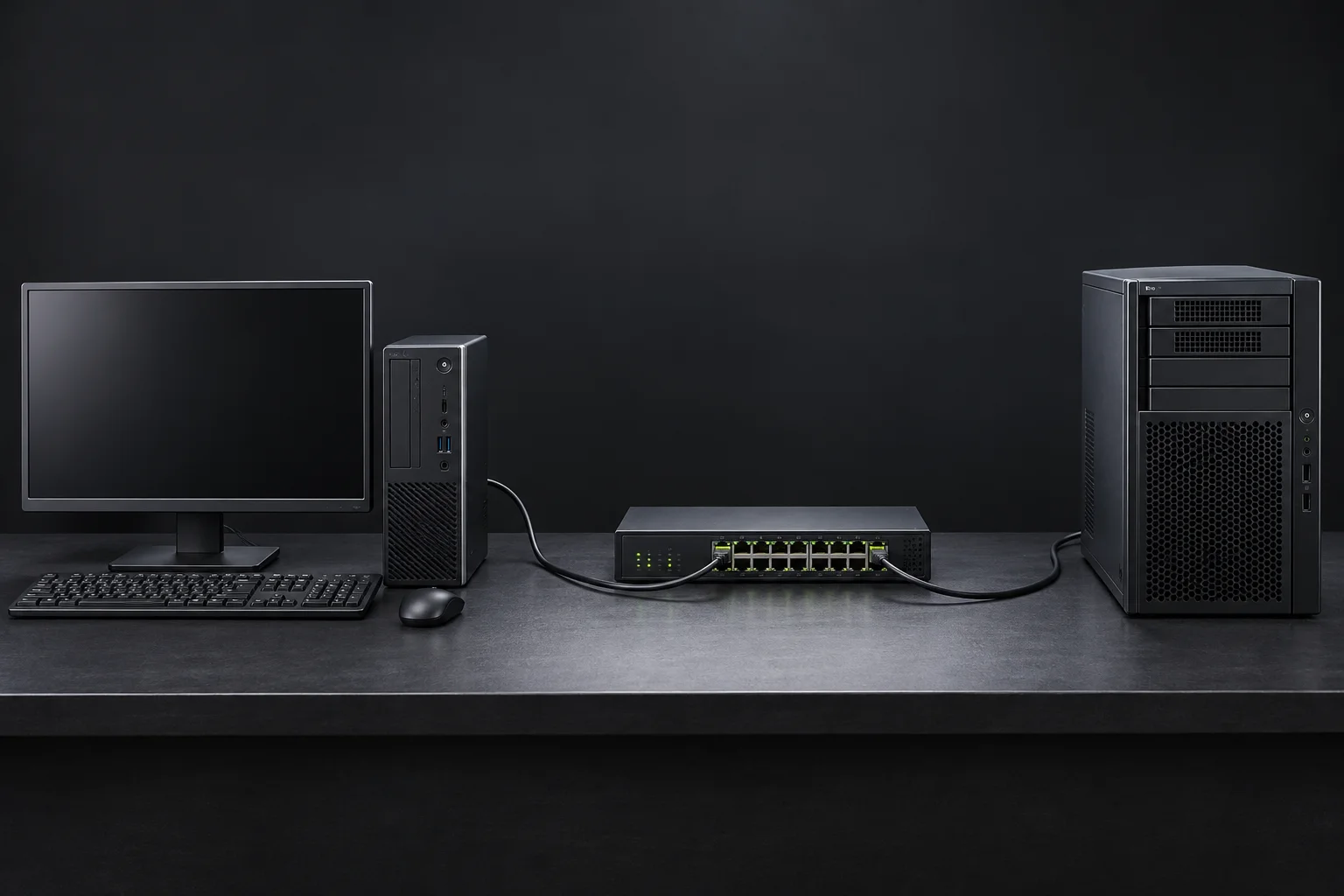
The Architecture of Automated Onboarding
Before DHCP, networking was extremely manual. Every device on the network needed a static IP address, and someone had to assign it by hand. In very small environments, that worked. Once networks started growing, it quickly became unmanageable.
Administrators tracked IP addresses in notebooks or spreadsheets and hoped no two devices ever ended up with the same one. If a machine moved, its network settings had to be updated. If something broke, troubleshooting often meant physically going to the device and checking its configuration line by line. It wasn't uncommon for one typo to knock multiple systems offline.
Static IP addressing didn't fail because it was technically wrong. It failed because it depended too heavily on people keeping perfect records over time.
BOOTP preceded DHCP. DHCP adds reusable, time-limited leases to centralized host configuration, helping busy networks accommodate devices that come and go.
It's easy to think of DHCP as the thing that gives your device an IP address, but that's only part of the story. DHCP exists to help a device join a network before it knows anything about that network.
When a system first connects, it has no identity. It doesn't know its address, its gateway, or where DNS lives. DHCP gives it a way to ask those questions and get usable answers immediately.
What it is: A DHCP scope is an address range and its related settings for a subnet. The lease database records which clients have been assigned addresses and when their leases expire. This makes allocation easier to track than an informal list.
On the job: On the job, monitor free addresses, lease usage and exclusions before adding devices. An exclusion removes an address from dynamic allocation; it does not configure the device that will use it. Coordinate multiple servers so their allocations do not conflict.
Exam connection / common mistake: For N10-009 network services and A+ addressing, investigate scope exhaustion before changing client settings. Central allocation reduces mistakes but cannot prevent every conflict caused by unmanaged static hosts.
What it is: DHCP delivers options as well as an address. The subnet mask defines the local network, the router option provides gateways, and the DNS server option identifies resolvers that translate names into addresses. A domain-name option can supply a client domain suffix.
On the job: After renewal, compare the full client configuration with the intended scope. A host may reach a numeric IP while name lookups fail because DNS is wrong; a wrong gateway can prevent access beyond the local subnet.
Exam connection / common mistake: For 220-1201 and N10-009 services, separate address assignment from successful connectivity. Receiving an ACK confirms a lease; it does not prove the supplied gateway or resolver is healthy.
What it is: Dynamic Host Configuration Protocol (DHCP) lends a client an address for a limited lease time. The client requests configuration, receives a lease, and tries to renew before it expires. When a lease is no longer in use, the server can eventually reuse its address.
On the job: For workstations and guest devices, this avoids entering settings by hand every time a device moves. Check the server’s active leases and available pool when new users cannot connect.
Exam connection / common mistake: A+ 220-1201 and N10-009 cover DHCP services. Do not assume an address is permanently owned by the client, or that an expired lease may still be used.
What it is: A static address is entered manually on a device rather than obtained as a DHCP lease. Enter the address, subnet mask, default gateway and DNS servers together. A subnet mask identifies which destinations are local; the gateway is the next router for other destinations.
On the job: Infrastructure often needs predictable addresses. Document each assignment and exclude manually assigned addresses from the DHCP pool. Printers can also use reservations; a manual address is not mandatory for every printer.
Exam connection / common mistake: For 220-1201 and N10-009 configuration scenarios, distinguish static settings from reservations. A manually configured host does not renew a DHCP lease, and a duplicate static address can still disrupt another device.
While the DORA process remains consistent, the underlying architecture changes dramatically based on the network's mission requirements. Understanding these distinctions helps technicians identify where the service logic resides.
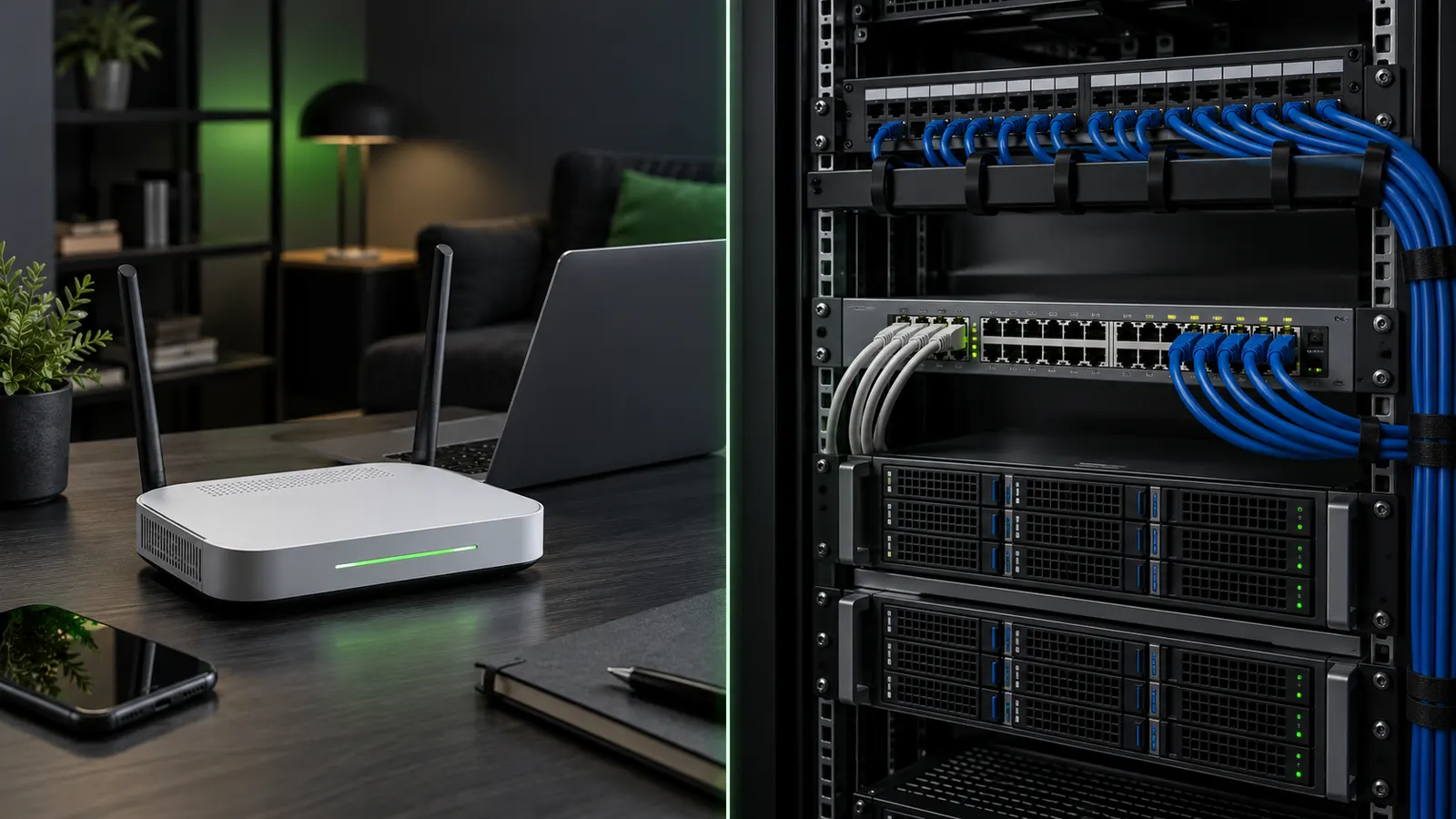
What it is: Small office/home office (SOHO) routers often combine routing, Wi-Fi, switching and a DHCP server. These are separate functions inside one device. DHCP normally supplies settings for the local network even though the router may obtain its own upstream address from the provider.
On the job: Check the LAN scope, pool capacity and advertised gateway in the router’s administration interface. A replacement router with a different LAN range can leave manually configured printers unreachable. Features such as multiple scopes or redundancy depend on the product.
Exam connection / common mistake: A+ 220-1201 SOHO configuration and N10-009 services connect here. Do not confuse the router’s WAN lease with the leases it gives LAN clients; disabling the LAN DHCP service does not itself disable routing.
What it is: An enterprise DHCP service can manage separate scopes for many subnets. A virtual LAN (VLAN) separates a switched network into distinct broadcast domains. A relay agent forwards DHCP exchanges from a client subnet to a remote server.
On the job: Administrators use centralized logs, scope settings and supported failover to maintain service. Failover coordinates leases between servers; it requires deliberate configuration. Network boot options may support automated operating-system installation when the environment requires it.
Exam connection / common mistake: For N10-009 DHCP and relay scenarios, verify both the correct scope and the relay path. Merely installing a second server does not establish safe failover, and client broadcasts do not automatically cross routers.
DHCP works through a four-step exchange commonly called DORA. If you understand this flow, DHCP troubleshooting becomes much easier because every failure happens at a specific step.
Joining the wireless network establishes a link. The phone still needs IPv4 settings before it can reach the internet. In this example the shop's router runs DHCP for the guest subnet. These four messages use UDP: client port 68 and server port 67.
The mask tells the phone which destinations are local. The gateway provides a path outside that subnet, and DNS servers resolve names. Receiving a lease does not guarantee internet service: the shop may still require a captive-portal sign-in, and an incorrect gateway or DNS option can break access.
Ready to trace the next message.
Example scope configuration. Options vary by network; the IP address is a message field, not a numbered option.
T1 and T2 are explicit options in this example. If omitted, RFC 2131 defaults are 50% and 87.5% of the lease. Timers run from assignment; an Offer alone does not authorize use.
References: RFC 2131 §4.4.5 · RFC 2132 options
What it is: An exclusion is an address or range that a DHCP scope must not dynamically lease. It is useful when a router, firewall or server has a manually configured address inside the surrounding subnet.
On the job: For example, exclude 192.168.1.1 before using it as a static gateway in a pool covering that address. Check the exclusion against existing leases and your address plan; an exclusion alone does not remove a conflicting manual assignment elsewhere.
Exam connection / common mistake: For 220-1201 and N10-009, distinguish an exclusion from a reservation. Excluding an address does not bind it to a client and does not send configuration to that client.
What it is: A reservation tells the DHCP server to select a predictable address for a recognized client. Servers commonly identify clients by a media access control (MAC) address or a DHCP client identifier; the exact matching method depends on the server.
On the job: Use a reservation for a printer that needs a consistent address while retaining centrally supplied gateway and DNS settings. The device must still be configured to use DHCP and must reach the server or relay.
Exam connection / common mistake: For 220-1201 and N10-009 reservation scenarios, verify the actual identifier in the lease record. Replacing an adapter or enabling address randomization can change the match; a reservation is not authentication or a manually configured static address.
When a client receives an IP address, it's borrowing it, not owning it. That lease has a lifecycle.
With the default timers, T1 starts at 50% of the lease: four hours into an eight-hour lease. The client enters RENEWING and unicasts DHCPREQUEST to the server that granted it. It already has a usable address and knows that server, so it does not need another broadcast discovery.
If renewal gets no reply, the client keeps using its still-valid lease. At T2, normally 87.5% of the lease (seven hours in this example), it enters REBINDING and broadcasts DHCPREQUEST so another reachable server can respond. These percentages are defaults; servers can supply different timers. A DHCPACK restarts the lease and timers. If the lease expires without renewal, the client must stop using that address and seek fresh configuration.
Ready to trace the next message.
Default T1 and T2 shown. A server can supply different timers. Time advances only when you choose a checkpoint.
One of the most important things to understand about DHCP is that it can deliver far more than an IP address. It can tell a device where the gateway is, which DNS servers to use, what domain name to apply, and even where to boot from during operating system deployment.
| Option | Purpose |
|---|---|
| 003 | Default Gateway: Identifies the network exit point. |
| 006 | DNS Servers: Coordinate for resolution. |
| 015 | Domain Name: Local DNS suffix. |
| 042 | NTP Servers: Network Time Protocol. |
| 066/067 | PXE Boot: Coordinates for OS imaging. |
Because DHCP runs automatically and early in the boot process, it's extremely powerful. That power is also why DHCP is often targeted during internal attacks.
Addressing is only one part of DHCP. The real technician skill is connecting a symptom to the missing option or bad value that caused it. Use this drill to match the problem to the option that deserves attention first.
Current symptom: Clients receive an IP address, but they cannot reach networks outside the local subnet.
Choose the option or setting most likely causing the issue.
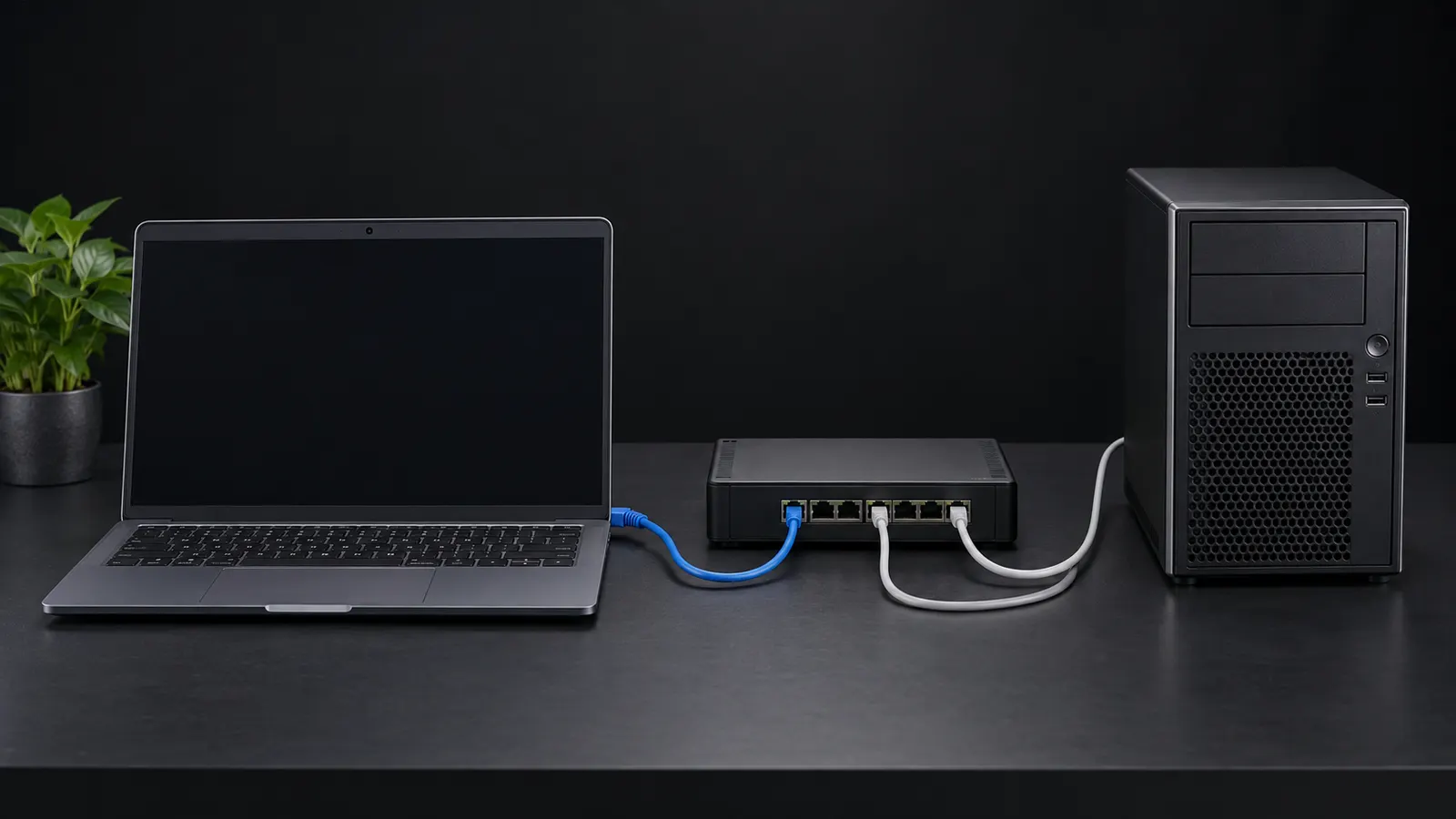
DHCP relies on broadcast traffic, and broadcasts don't cross routers. That becomes a problem in real networks where devices live on many different VLANs.
A DHCP relay agent on the client subnet receives the broadcast and forwards the request, normally by unicast, to a configured server. On many routers this is configured with an IP helper address. The relay fills in its gateway address (giaddr), allowing the server to choose the scope for that client subnet rather than the server’s own subnet. The server replies to the relay, which delivers the response on the client link. Verify the helper destination, matching scope, return route and allowed DHCP traffic; simply creating a remote scope cannot make a local broadcast cross a router.
Ready to trace the next message.
DHCP assumes the network is trustworthy, which makes it vulnerable in open or poorly protected environments.
What it is: DHCP starvation is an attempt to consume the available address pool using many client identities or requests. New clients may then fail to obtain leases, while clients with valid existing leases can continue until their circumstances change.
On the job: Compare free addresses, unusual lease churn and switch-port activity. Ordinary growth or long lease times can also exhaust a scope. Supported request-rate limits and port security help address abusive activity when configured for the environment.
Exam connection / common mistake: N10-009 DHCP and attack scenarios connect availability with evidence. Do not treat every full pool as proof of an attack, or assume restarting clients creates more addresses.
What it is: A rogue DHCP server is an unauthorized service offering client configuration. It may advertise a gateway or DNS resolver controlled by an attacker, redirecting traffic or name lookups. An accidental second home router can also cause incorrect leases.
On the job: Compare the server identifier, gateway and DNS values with your approved scope. DHCP snooping is a switch feature that restricts server replies to trusted ports; trust only the intended server or uplink paths.
Exam connection / common mistake: For N10-009 network security and services, a successful lease is not proof that the responder is authorized. DHCP itself does not encrypt application traffic or make an advertised gateway trustworthy.
DHCP snooping is a switch-level defense that limits where DHCP responses are allowed to come from. Administrators mark certain ports as trusted-usually the ones leading to real DHCP servers. Offers arriving on untrusted ports are dropped. At the same time, the switch builds a table mapping MAC addresses to IP addresses. This not only blocks rogue servers but also enables additional protections like Dynamic ARP Inspection.
DHCP doesn't usually fail silently. The state the client ends up in gives you clues about what went wrong. Learning to recognize these patterns saves time because you're no longer guessing where to look.
| Symptom | Meaning |
|---|---|
| Valid IP in Subnet | Lease successful. |
| 169.254.x.x | No DHCP response. |
| Intermittent drops | Lease renewal failures. |
| Wrong gateway | Rogue DHCP or misconfigured scope. |
When a Windows system can't complete the DHCP process, it assigns itself an Automatic Private IP Address in the 169.254.0.0/16 range. This behavior is intentional and useful for troubleshooting.
If a DHCP-enabled Windows client cannot obtain a usable lease, it may select an Automatic Private IP Addressing (APIPA) address in 169.254.0.0/16, commonly written 169.254.x.x. It checks for a local address conflict before using it. This link-local configuration can support communication with compatible neighbors on the same link, but does not supply a working default gateway for internet access. Check the link, Wi-Fi/VLAN, server availability, scope capacity and relay path. APIPA is a symptom; it does not prove which component failed or prove that the interface is healthy.
Ready to trace the next message.
When DHCP breaks, start with the client. Look at the IP address it received and determine whether it's valid or APIPA. Try releasing and renewing the lease.
Start with the client’s address, mask, gateway and DNS values, then follow the path to the DHCP server. A relay (sometimes configured as an IP helper) forwards requests from another subnet. An APIPA link-local address suggests the client lacks a usable lease.
Exam connection / common mistake: For 220-1201 troubleshooting and N10-009 network services, test one suspected cause at a time and verify connectivity after renewal. An APIPA address is a clue, not proof that the DHCP server itself is broken: a disconnected link, wrong VLAN or missing relay can produce the same symptom.
DHCP is used everywhere: corporate LANs, guest Wi-Fi, OS deployment systems, VoIP phones, and IoT devices. Most of the time it works quietly in the background, which is why it only gets attention when something breaks.
An ACK only proves the lease was granted. The client can still have a wrong gateway, a dead DNS server or a mask that doesn't match the subnet. Check the mask, gateway and DNS values the lease handed out before you trust it.
A reservation is still DHCP: the server always hands the same address to one MAC address, and the device still asks for it. A static address is typed into the device itself. An exclusion keeps addresses out of the pool so the server never hands them out, which is where static devices like printers belong.
Clients accept the first offer they get. A rogue DHCP server (even a home router plugged into the office network) can hand out a bad gateway or DNS server. DHCP snooping on the switch only lets trusted ports send server replies.
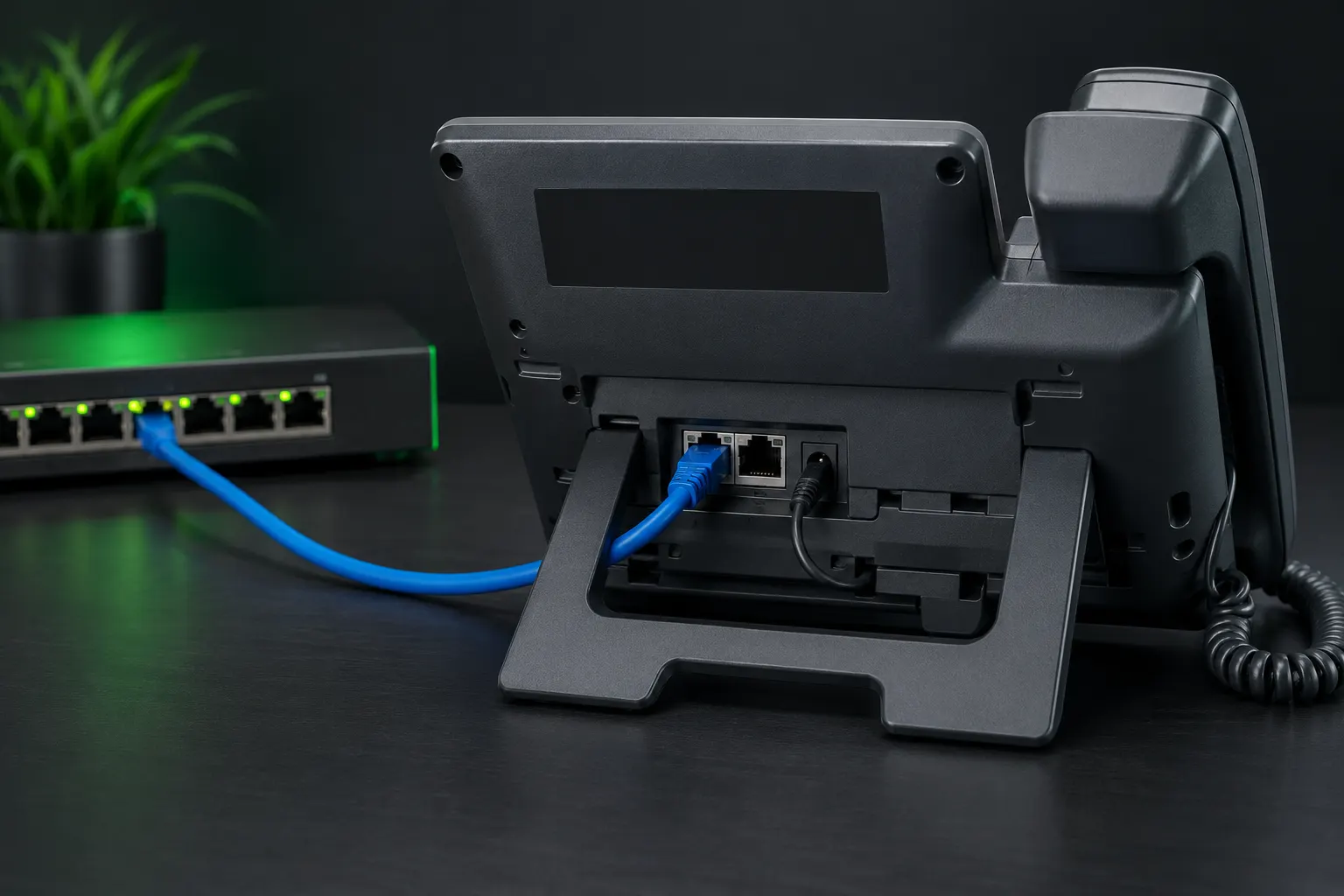
A phone like the one above boots, gets an address, and also gets extra DHCP options: where to download its settings (a TFTP server, often option 66 or 150) and sometimes which voice VLAN to use. If the phone gets an IP but never registers, check those options.
When a technician network-boots a new PC to install Windows, the PC has no OS yet. DHCP tells it where the boot server is and which boot file to load (options 66 and 67). A wrong value here means "no boot file found."
Coffee shops and lobbies use short leases (an hour or less) so addresses free up quickly as people come and go. If guests can't connect at a busy event, the pool may simply be exhausted: every address is leased out.
This checkpoint mixes DHCP vocabulary, DORA logic, APIPA clues, scope behavior, options, relay, and security. The goal is not memorizing terms. The goal is proving you can read a symptom and identify where DHCP is breaking.
Which DORA message does a brand-new client send first?
A Windows client shows 169.254.44.18 with no default gateway. What is the strongest clue?
Which DHCP option usually delivers the default gateway?
A client can ping 8.8.8.8 but cannot resolve websites by name. Which DHCP value should you inspect first?
You want a printer to always receive the same IP from DHCP. What should you configure?
What keeps a DHCP server from handing out an address already used by a statically configured server?
Clients on a VLAN need leases from a DHCP server on a different subnet. What feature is usually required on the gateway?
Several users suddenly receive the wrong gateway and DNS settings. What should be considered?
New clients cannot get leases, but existing clients still work. What should you check early?
Which DORA message confirms the lease is usable?
Which switch feature helps defend against unauthorized DHCP servers?
What is the practical reason DHCP leases have timers?
Continue with IPv4 subnet and gateway decisions, then DNS resolution and troubleshooting.
Prefer video first? These free lessons cover the same objective and open on YouTube in a new tab. Then keep the standards close for exact behavior.
Use the neighboring modules to connect address assignment with routing boundaries, name resolution, and transport behavior.