MISSION SIMULATIONS
Bridge the gap between certification theory and field operations. Deploy into high-fidelity labs designed to master the technical landscape.
A+ CORE 1
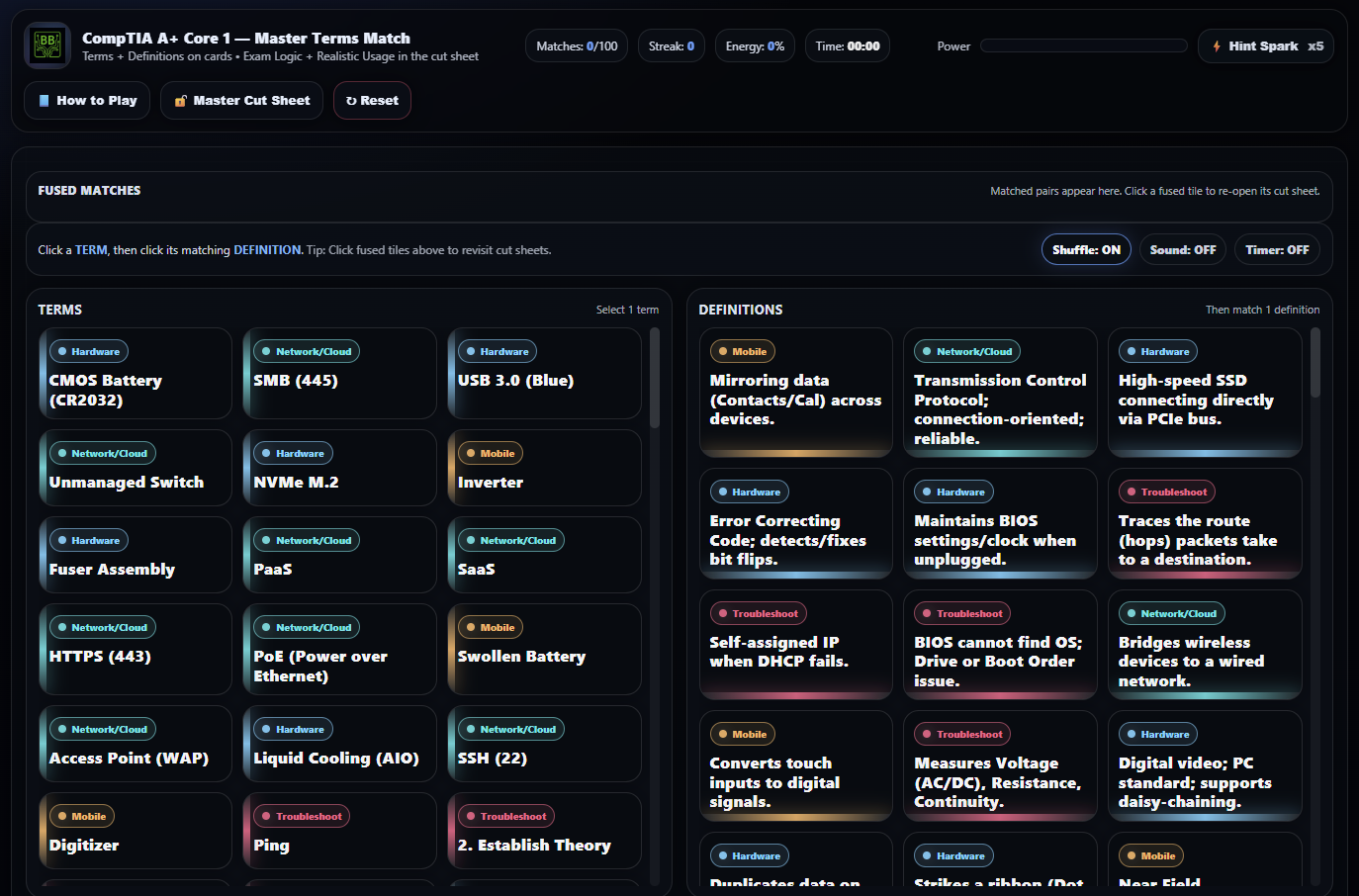
Master Terms Lab
Students build rapid, exam-ready recall of A+ Core 1 terminology by matching technical terms to precise definitions while reviewing exam logic, common pitfalls, realistic usage scenarios, and PBQ clues through interactive cut sheets. The lab emphasizes understanding how and when terms appear on the exam—not just memorization—making it ideal for accelerated A+ preparation.
Skills Targeted:
- Hardware Terminology
- Exam Logic Identification
- Clue Recognition
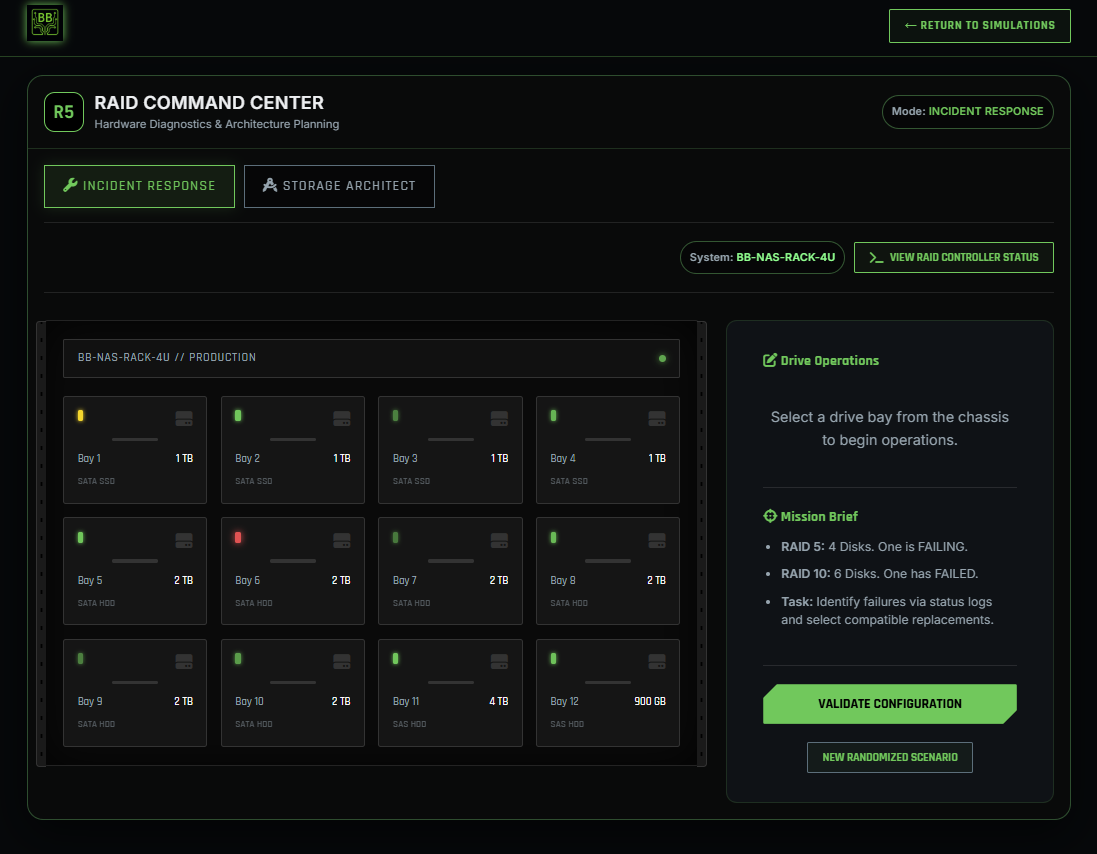
RAID Drive Failure
Students troubleshoot a NAS experiencing degraded performance and drive failures. They analyze SMART-like data, identify failing drives, and choose correct replacement disks to restore RAID redundancy. Reinforces RAID levels, fault tolerance, and hardware storage troubleshooting.
Skills Targeted:
- RAID 0/1/5/10 Setup
- Fault Detection
- NAS Troubleshooting
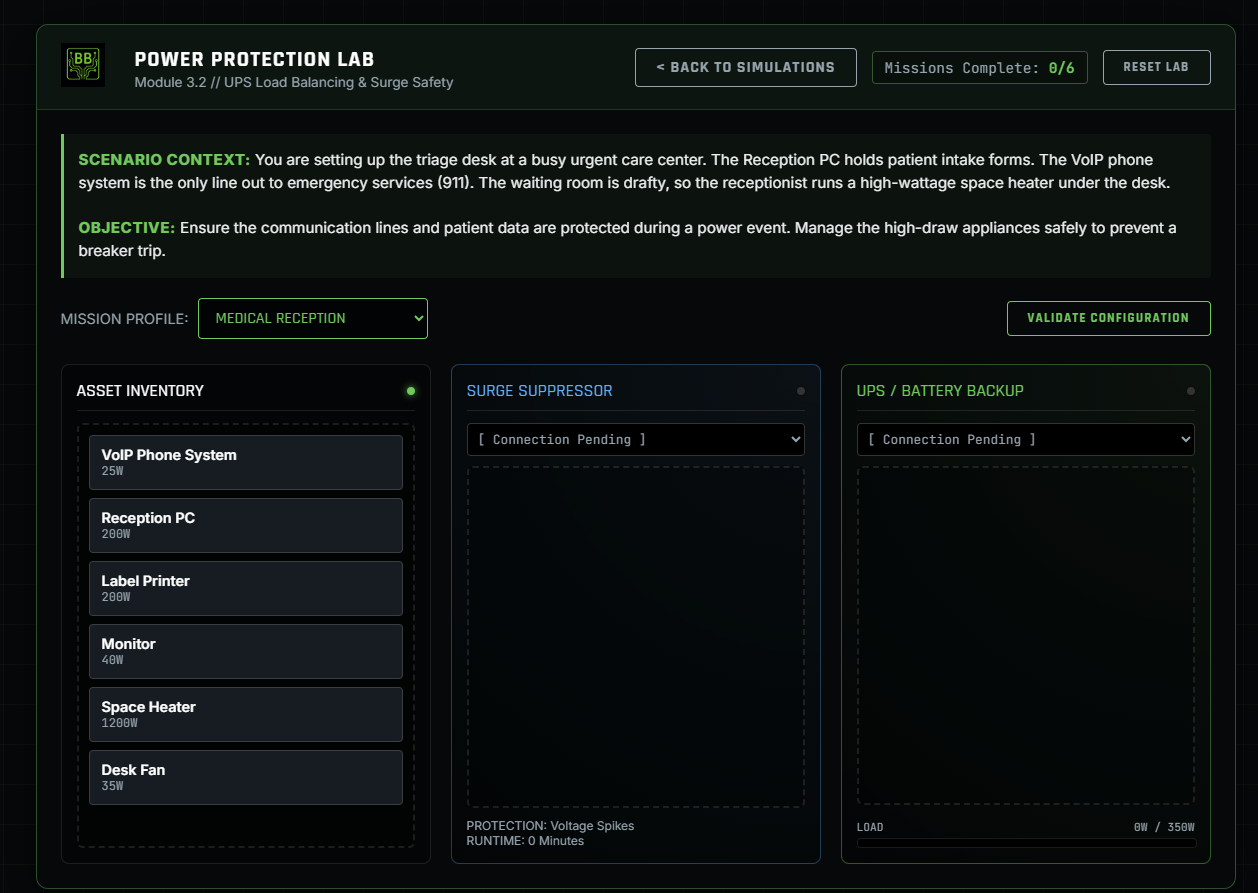
Power Protection Lab
A power-protection decision lab where students must place the correct devices into either a UPS or surge protector based on power requirements, safety, and criticality. Teaches real-world electrical safety best practices.
Skills Targeted:
- UPS vs Surge Roles
- Power Distribution
- Critical Device Prioritization
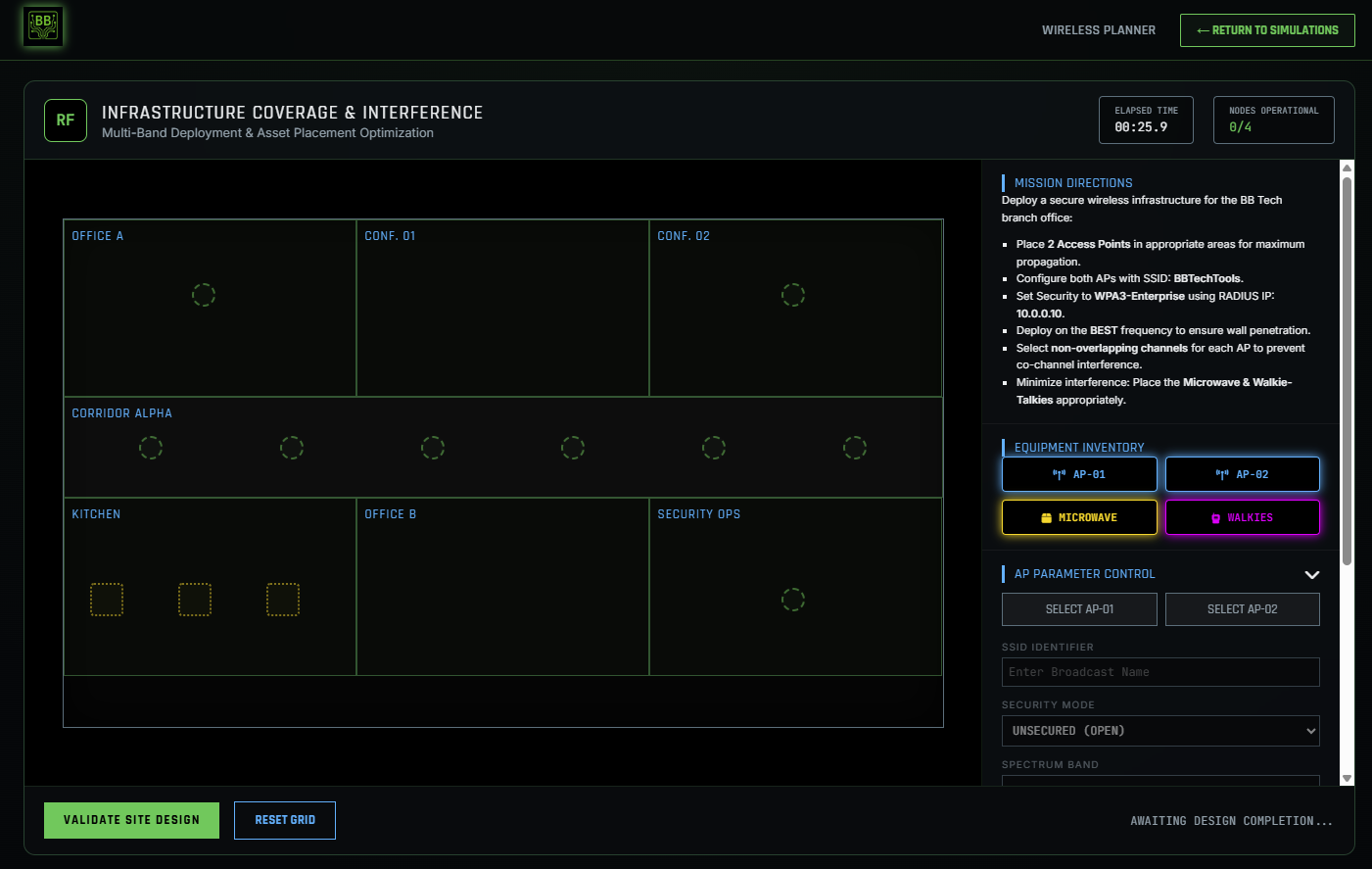
Wireless Coverage Planning
Students design Wi-Fi for an office floorplan. They must place APs for optimal coverage, avoid interference sources, configure SSID, WPA3-Enterprise, RADIUS settings, and choose appropriate 2.4 GHz channels. Includes a visual heat-map analyzer.
Skills Targeted:
- RF Interference Avoidance
- AP Placement Logic
- Security Configuration
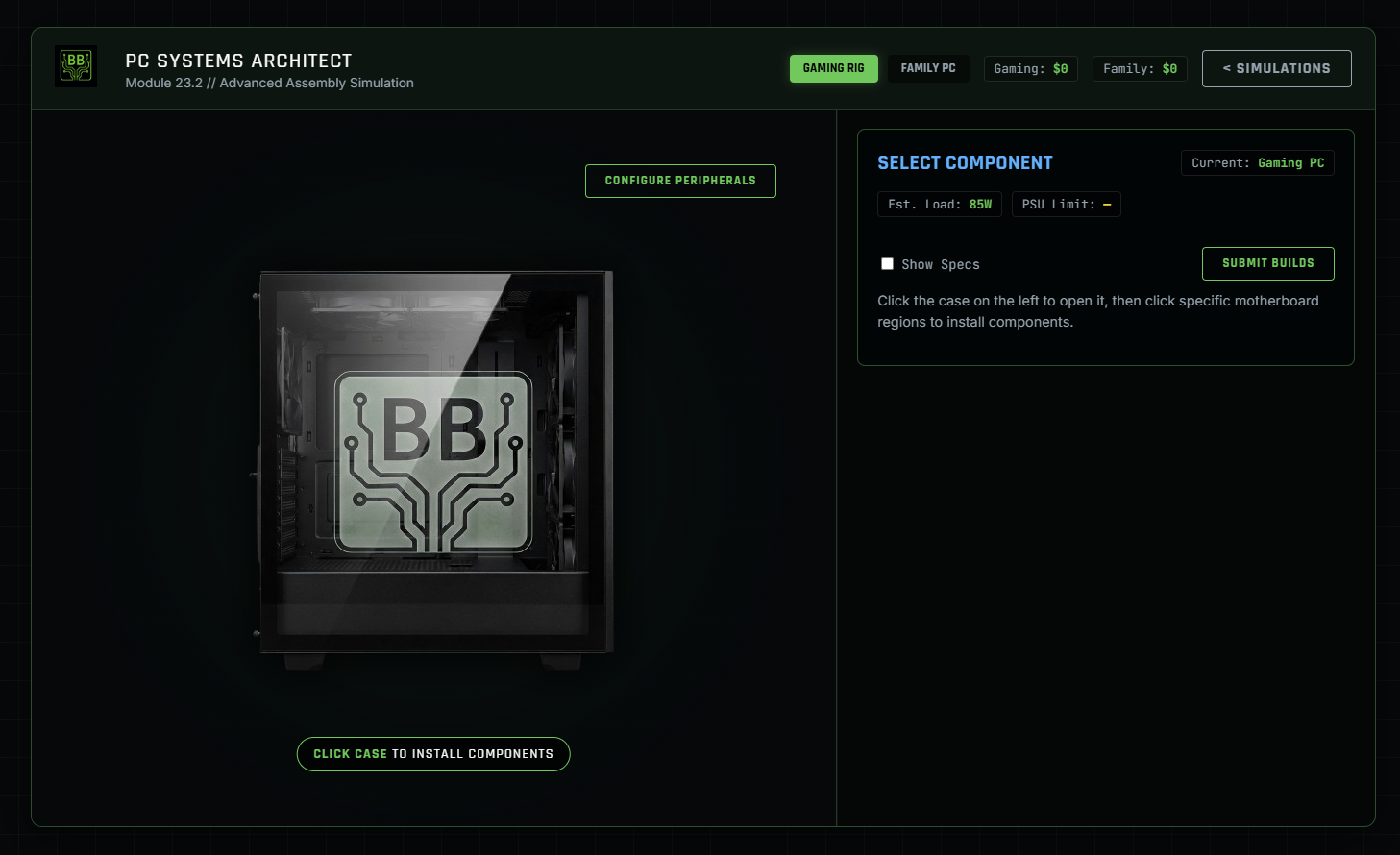
PC Building & Config
Students design and configure two complete PC systems—a Gaming PC and a Family PC—by selecting appropriate components based on performance requirements, cost constraints, and power demands. Using an interactive case view and motherboard hotspots, learners evaluate CPUs, RAM, GPUs, storage, cooling, power supplies, and peripherals, then validate each build through wattage calculations, PSU headroom analysis, and a cut-sheet justification. The lab reflects real-world client scenarios and aligns closely with A+ Core 1 hardware configuration and troubleshooting expectations, with supporting ties to Core 2 operational considerations.
Skills Targeted:
- PC component identification and hardware selection
- System configuration based on use-case requirements
- Power consumption calculation and PSU sizing
- Hardware compatibility and performance evaluation
- Cost-aware build planning
- Build validation and technical justification
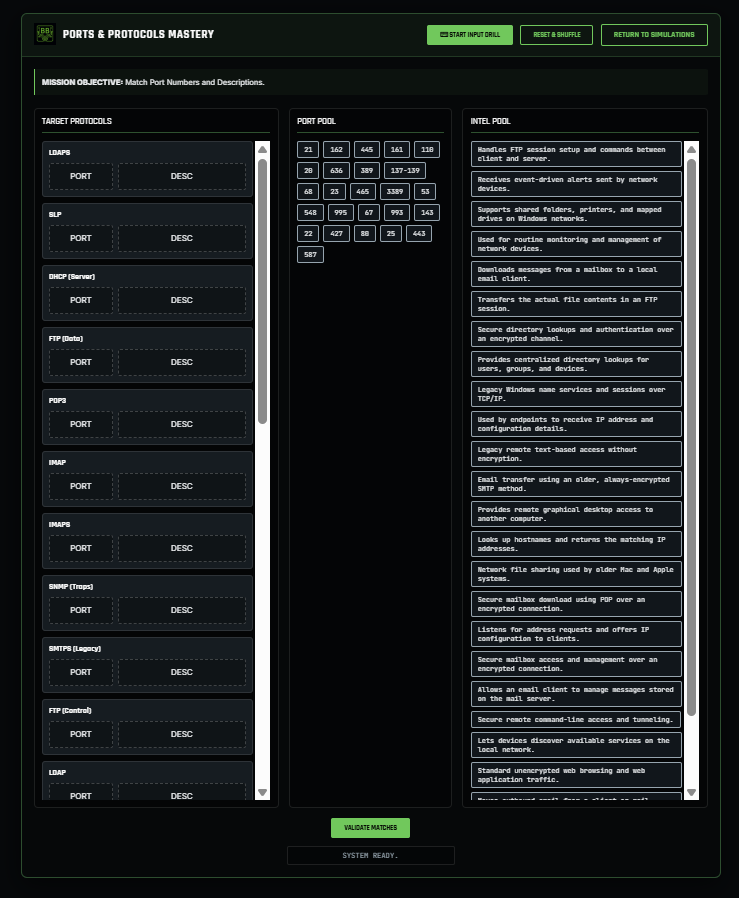
Ports & Protocols Mastery
Students build fast, exam-ready recall of common network ports and protocols by matching each service with its correct port number and functional description. The lab includes standard and secure variants (such as IMAP vs IMAPS, POP3 vs POP3S, SMTP vs SMTPS/587) as well as multi-port services like FTP, DHCP, and SNMP. Randomized layouts and immediate validation reinforce accuracy under exam conditions and strengthen foundational networking knowledge emphasized in A+ Core 1.
Skills Targeted:
- Port ID Mastery
- Secure vs Standard Service
- Multi-port Recognition
A+ CORE 2
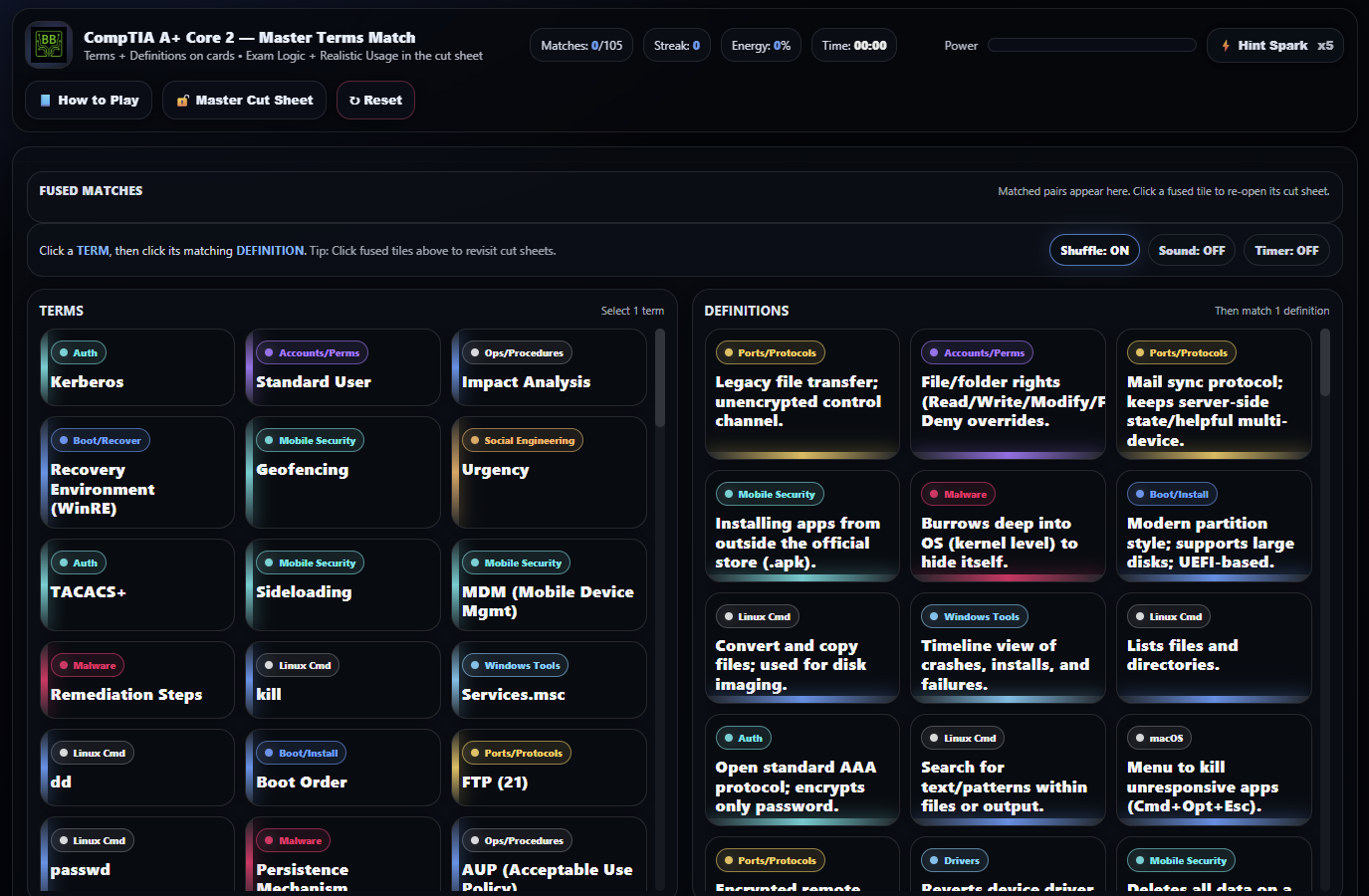
Master Terms Lab
Students strengthen exam-ready recall of A+ Core 2 terminology by matching terms to precise definitions while reviewing common exam traps, operational usage scenarios, and PBQ-style clues. The lab reinforces how software, operating systems, security controls, and troubleshooting concepts appear in real CompTIA exam questions.
Skills Targeted:
- Software Terminology
- OS Concept Mastery
- Exam Clue Filtering
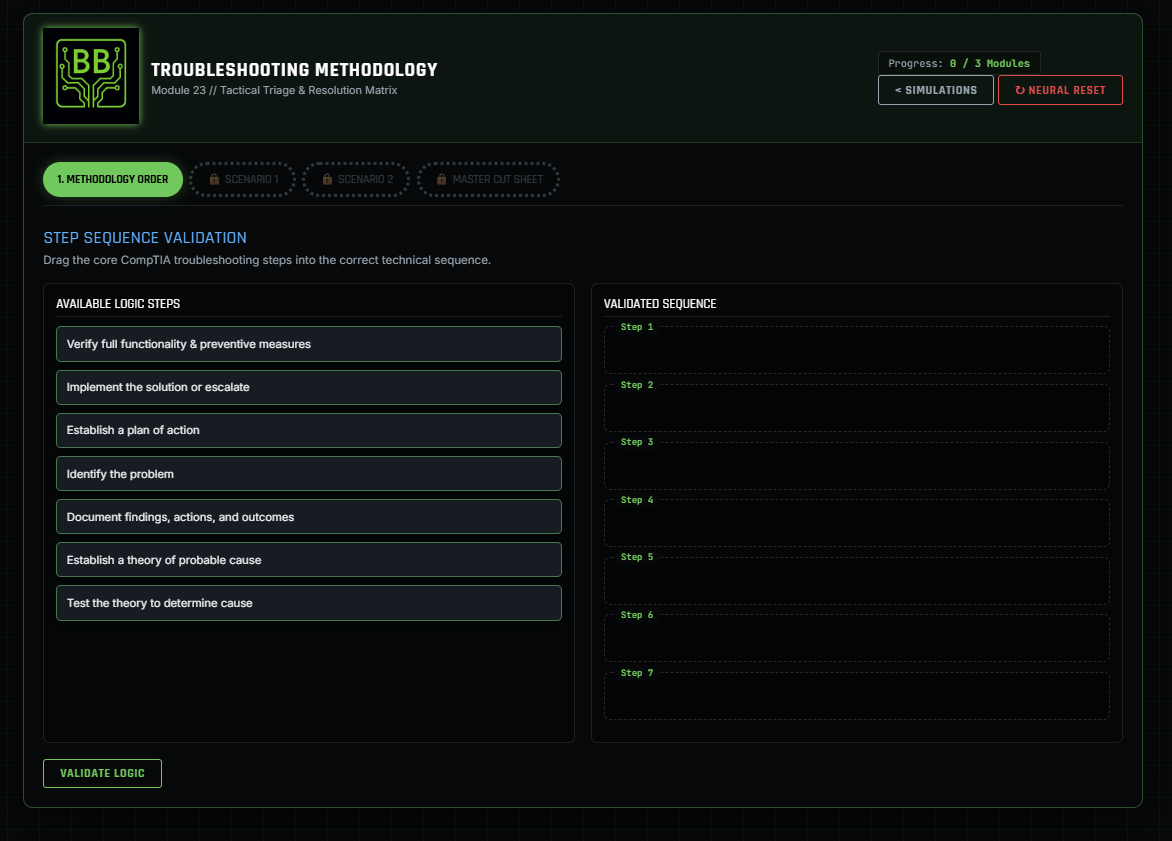
Troubleshooting Methodology
Students master the official CompTIA 7-step troubleshooting methodology through a gated, multi-phase lab that begins with drag-and-drop step sequencing and progresses into realistic troubleshooting scenarios. Learners apply the methodology to common IT issues—including printing failures and network share access problems—by selecting the best action at each step, then unlock a detailed cut sheet for reinforcement. The lab emphasizes structured thinking, evidence-based decision-making, and proper documentation aligned with A+ Core 2 troubleshooting objectives, with supporting relevance to Core 1 and higher-level certifications.
Skills Targeted:
- CompTIA 7-step troubleshooting methodology
- Structured problem identification and theory development
- Targeted testing and corrective action selection
- Risk-aware planning and implementation
- Verification and validation of full system functionality
- Professional documentation and ticketing practices
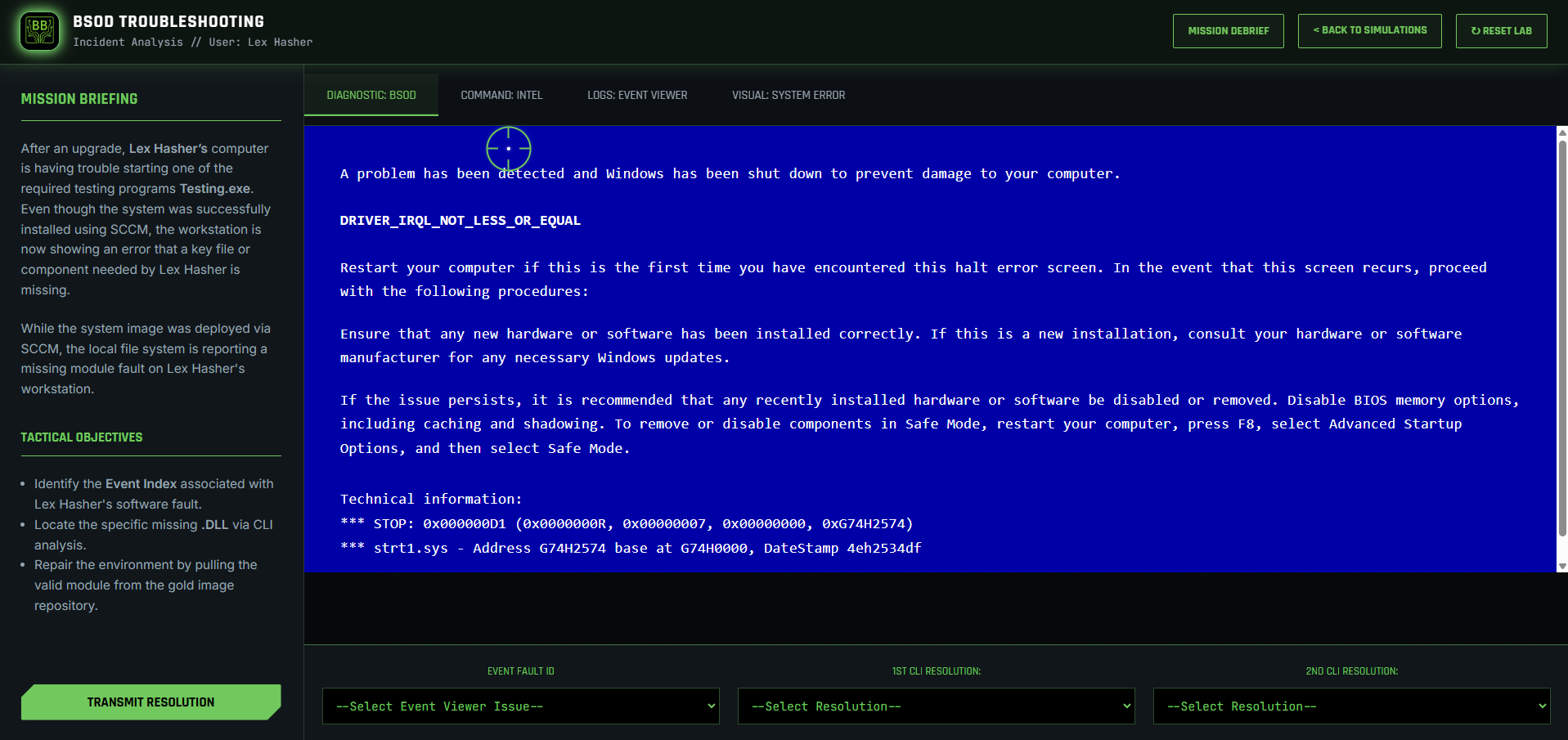
BSOD & Dependency Triage
This interactive simulation challenges students to differentiate between "red herring" kernel errors and actual application-layer faults. Students must look past a distracting BSOD to find the true root cause: a missing Visual C++ library (MSVCP100.dll). Utilizing the Event Viewer to correlate error timestamps and the PowerShell CLI to verify filesystem gaps, learners pull clean modules from a "Gold Image" repository to restore system stability.
Skills Targeted:
- Log Analysis & Forensic Triage
- Dependency (.DLL) Discovery
- CLI Troubleshooting (ls/tasklist)
- Enterprise Remediation (robocopy/regsvr32)
- Filtering Signal from Noise
Wireless Interference & Ops
Students design a secure wireless network for a small office by strategically placing access points, identifying and mitigating RF interference sources, and configuring APs for optimal coverage and security. Using an interactive floorplan and PBQ-style controls, learners evaluate real-world constraints such as hallway placement, microwave and walkie-talkie interference, and wall penetration. The lab reinforces A+ Core 2 operational troubleshooting and wireless configuration concepts, while naturally extending into Network+ and Security+ design considerations.
Skills Targeted:
- Wireless troubleshooting and operational decision-making
- Wireless access point placement and coverage planning
- 2.4 GHz vs 5 GHz band selection trade-offs
- Non-overlapping channel planning
- Secure wireless configuration fundamentals
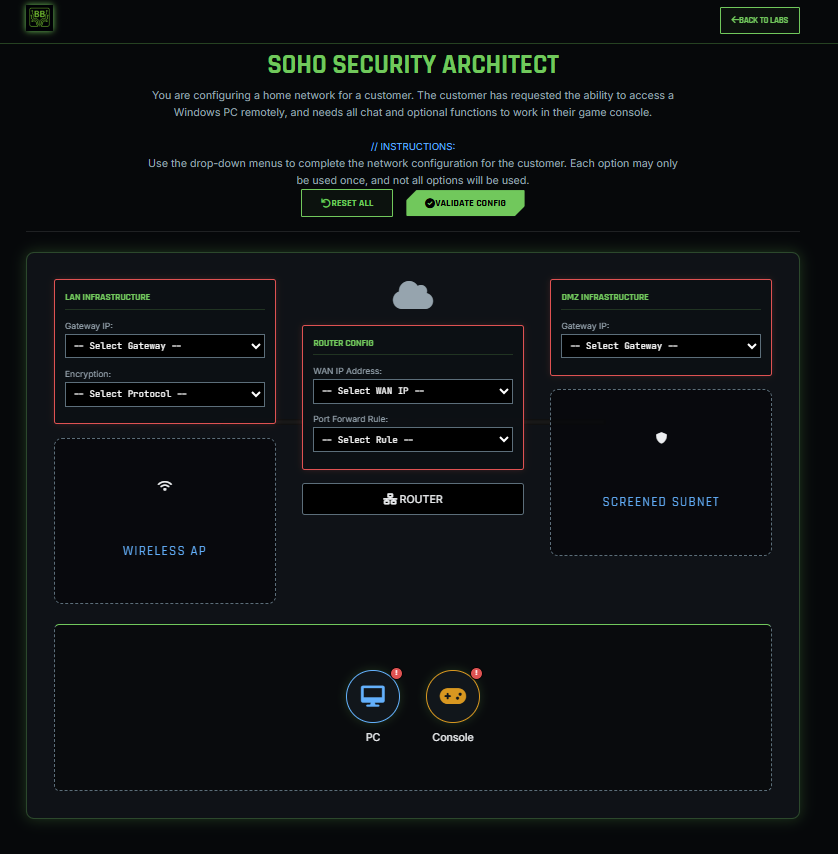
SOHO Security Architect
Students assume the role of a network architect to secure a SOHO (Small Office/Home Office) environment requiring both remote access and gaming connectivity. This lab challenges learners to implement network segmentation by distinguishing between a private LAN and a Screened Subnet (DMZ). Students must configure the router's WAN interface, establish precise Port Forwarding rules for RDP access, select secure wireless encryption standards, and manually assign static IP addresses to devices to ensure they match their respective gateway subnets. The simulation reinforces the critical balance between accessibility and security through applied NAT/PAT and segmentation strategies.
Skills Targeted:
- Screened Subnet Architecture
- Port Forwarding (DNAT)
- Wireless Security Selection
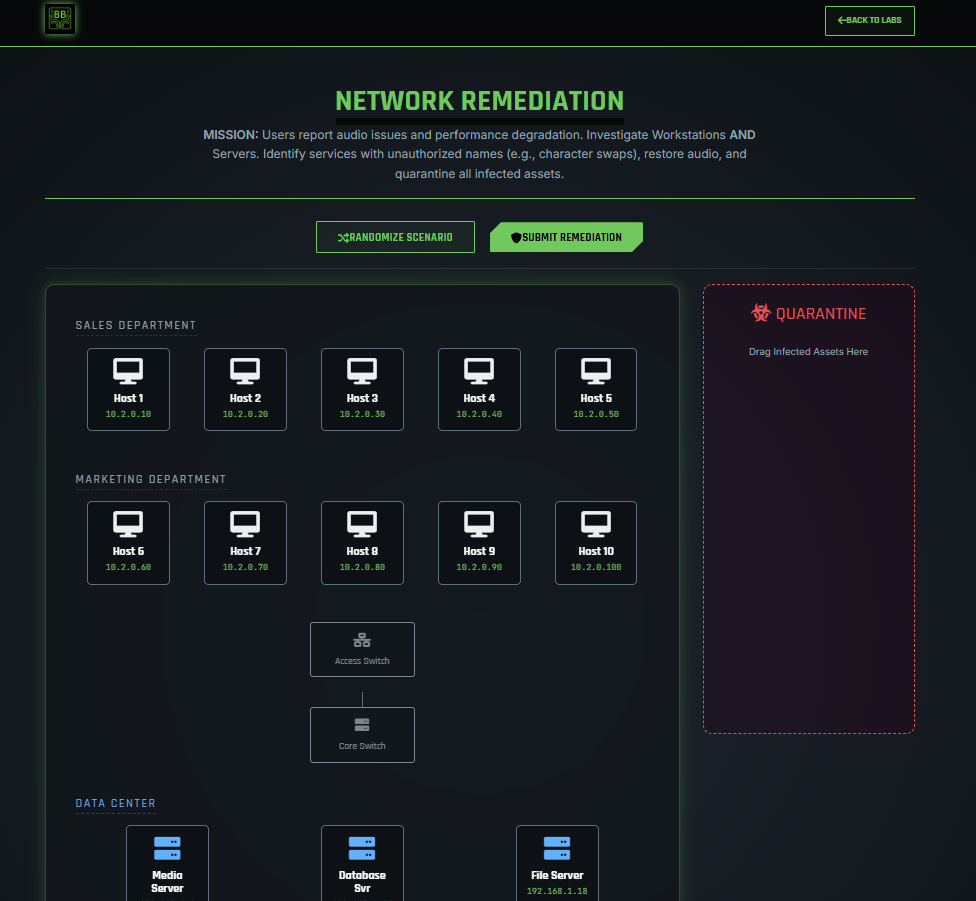
Network Remediation
This interactive simulation tests a student's ability to execute the CompTIA 7-Step Malware Remediation Process in a live environment. The scenario involves a performance degradation and audio loss across Sales, Marketing, and the Data Center. Students must manually investigate workstations and servers to identify Indicators of Compromise (IoC), specifically focusing on Service Masquerading and Typosquatting. The lab requires learners to identify infected assets, physically isolate them using a drag-and-drop Quarantine Zone, and remediate the system by disabling malicious persistence mechanisms and restoring legitimate services.
Skills Targeted:
- CompTIA 7-Step Malware Remediation execution
- Identifying Indicators of Compromise in system services
- Recognizing Service Masquerading and Typosquatting attacks
- Windows Service management
- Network containment and asset quarantine procedures
- Detecting lateral movement from workstations to servers
NETWORK+
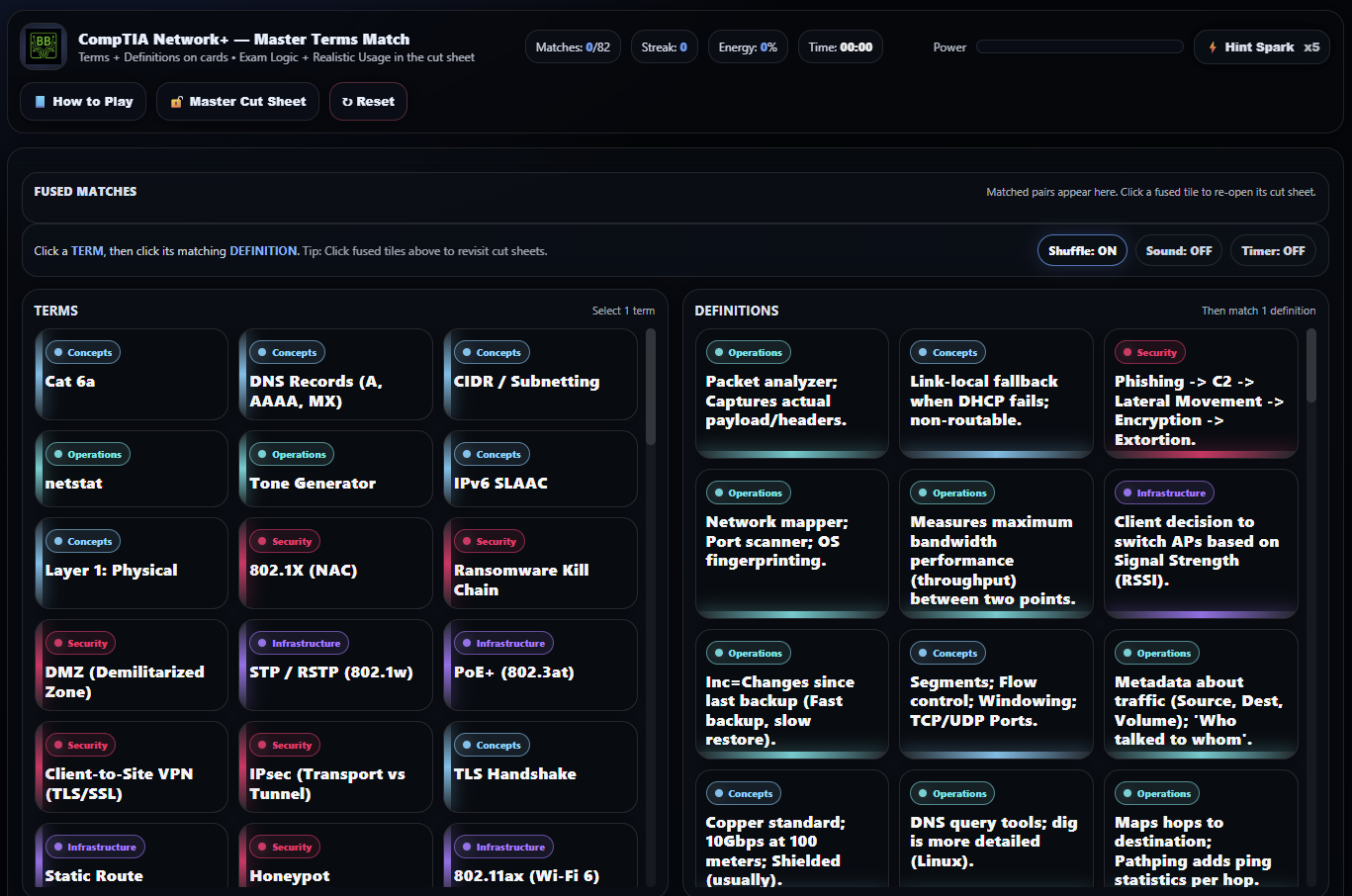
Master Terms Lab
Students develop fast, accurate recall of Network+ terminology by pairing networking concepts with precise definitions while reviewing protocol behavior, infrastructure usage, and exam-style distractors. The lab focuses on understanding how networking terms are applied in configuration, troubleshooting, and performance scenarios.
Skills Targeted:
- Networking concepts and protocol terminology
- Infrastructure and operations vocabulary
- Exam logic and distractor filtering
- Applied network troubleshooting language
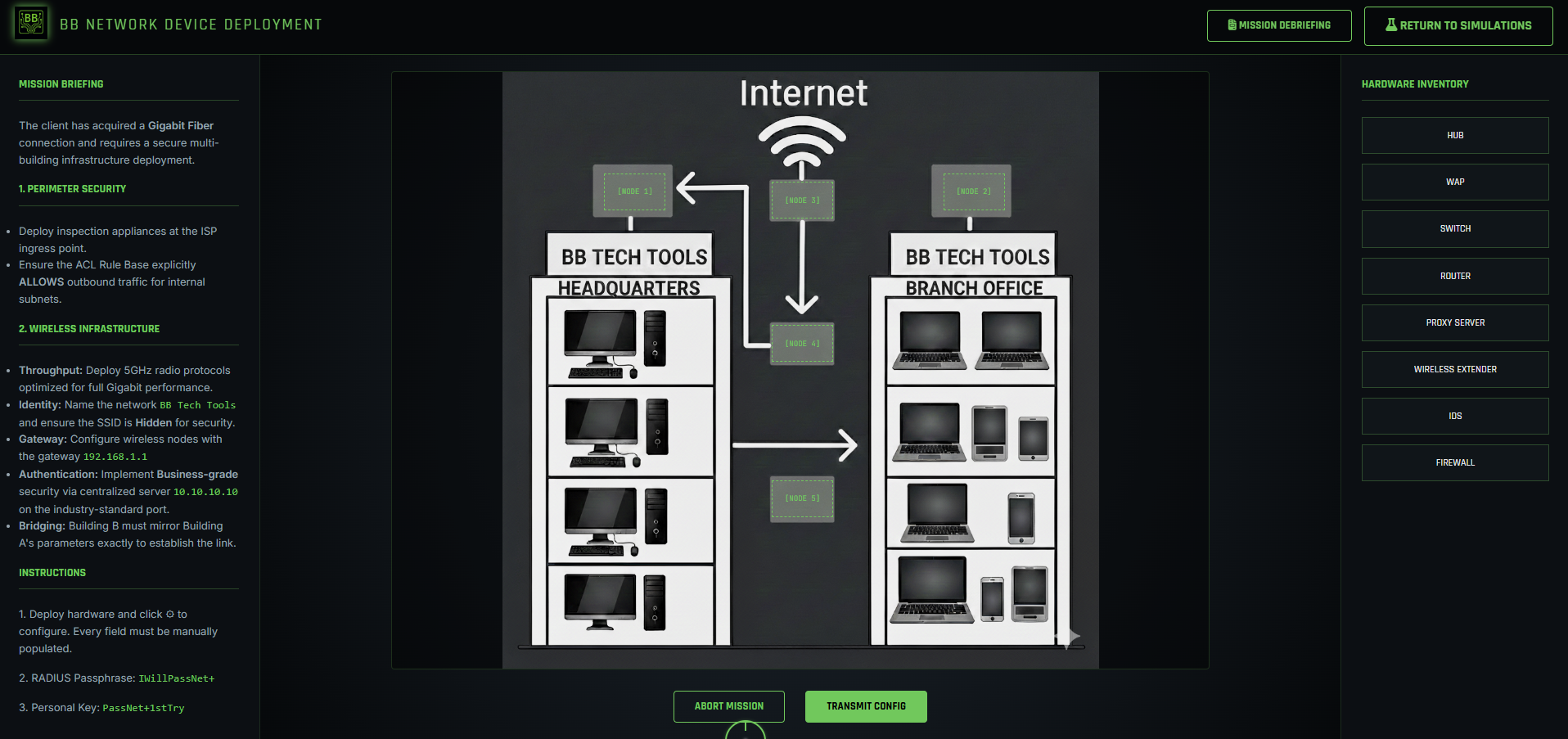
Network Device Deployment
Students design and configure a secure multi-building infrastructure for a client with a Gigabit Fiber connection. This lab tasks learners with placing hardware at strategic entry points, configuring a Firewall Access Control List (ACL) to enable internet egress, and establishing a secure wireless bridge. Students manually configure RADIUS authentication and 5GHz 802.11ac protocols to meet strict bandwidth and security requirements.
Skills Targeted:
- Perimeter Security & ACL Management
- Wireless Infrastructure Optimization
- Enterprise Authentication (WPA3/RADIUS)
- Infrastructure Layering & Placement
- Operational Security (SSID Stealth)
- Wireless Bridging & Extension
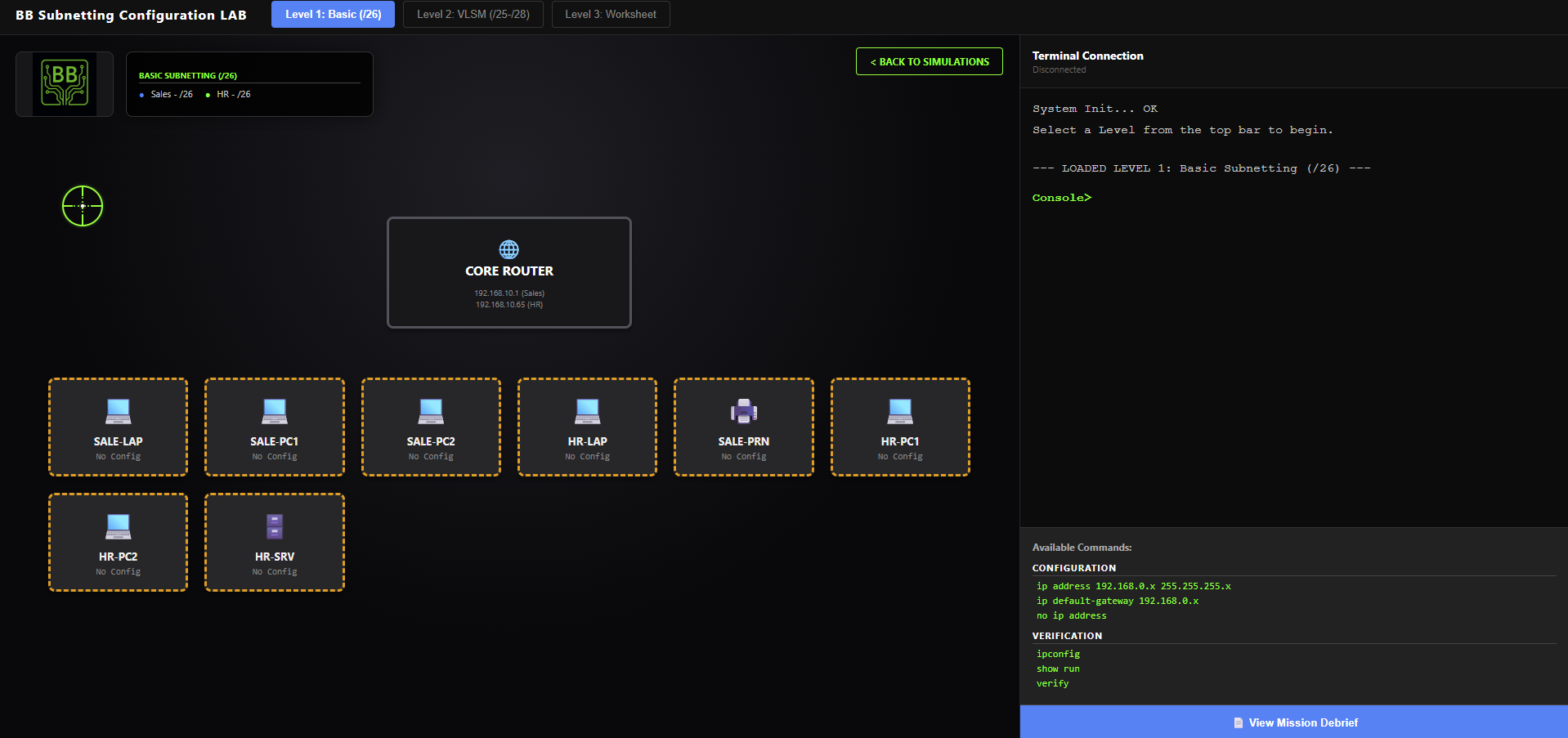
Subnetting Configuration
Students complete a subnetting and VLSM configuration lab by assigning correct IPv4 addresses, subnet masks, and default gateways to multiple endpoints across segmented departments. Learners interact with a visual network map and use a simulated CLI to apply configurations and validate end-to-end correctness with automated checks that detect wrong masks/gateways, out-of-range hosts, and duplicate IP conflicts.
Skills Targeted:
- Fixed-length subnetting practice
- VLSM design and allocation
- Subnet mask ↔ CIDR translation
- Network ID & Usable Range calculation
- Mapping segmentation to security
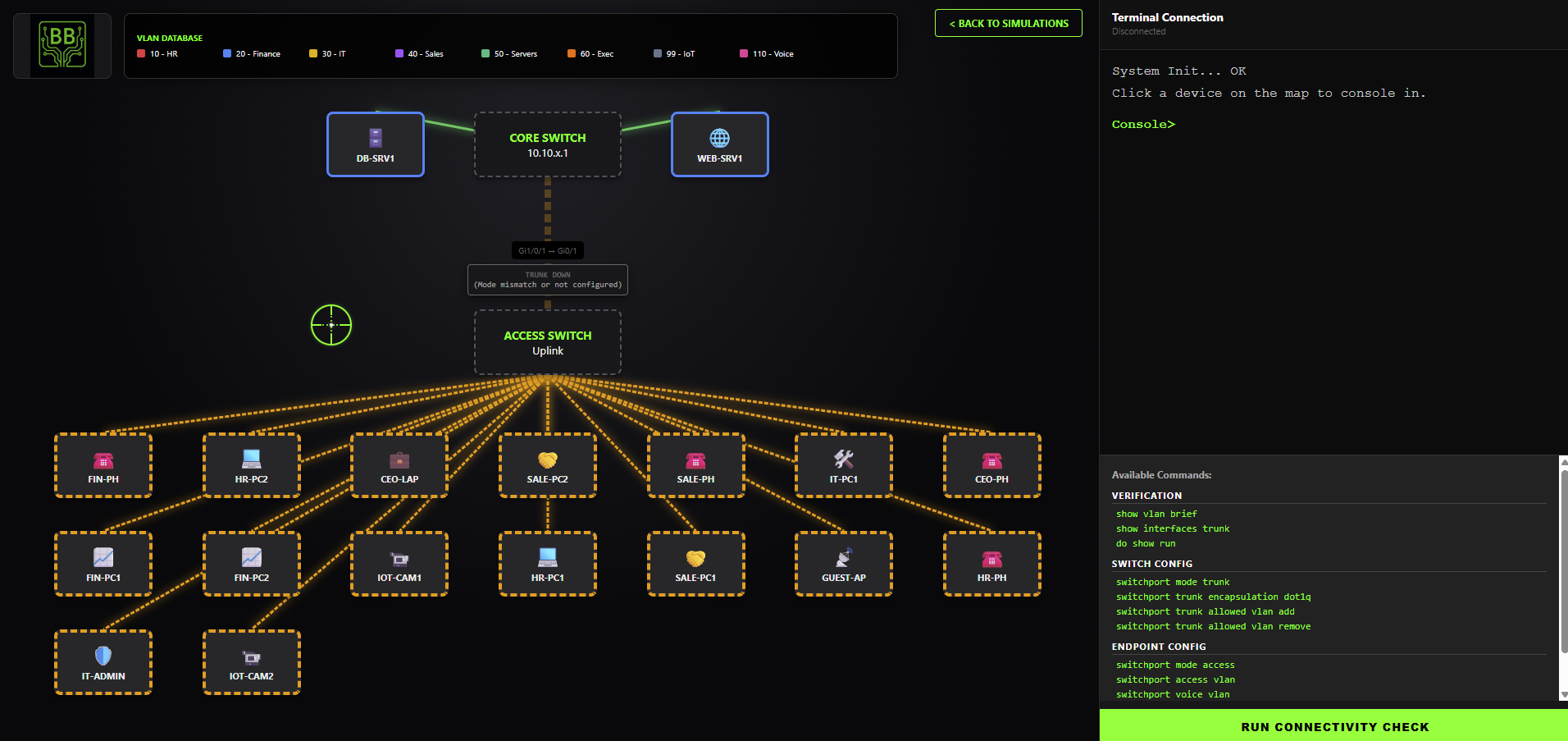
VLAN Configuration
Students complete a PBQ-style VLAN segmentation and trunking lab by configuring access ports, voice VLANs, and 802.1Q trunks across a two-switch topology supporting multiple departments and a shared server VLAN. Learners “console in” to switches using a simulated CLI to apply realistic commands and validate the network with automated diagnostics.
Skills Targeted:
- VLAN segmentation & Performance
- Access port configuration
- Voice VLAN for VoIP endpoints
- 802.1Q trunk establishment
- Allowed VLAN list management
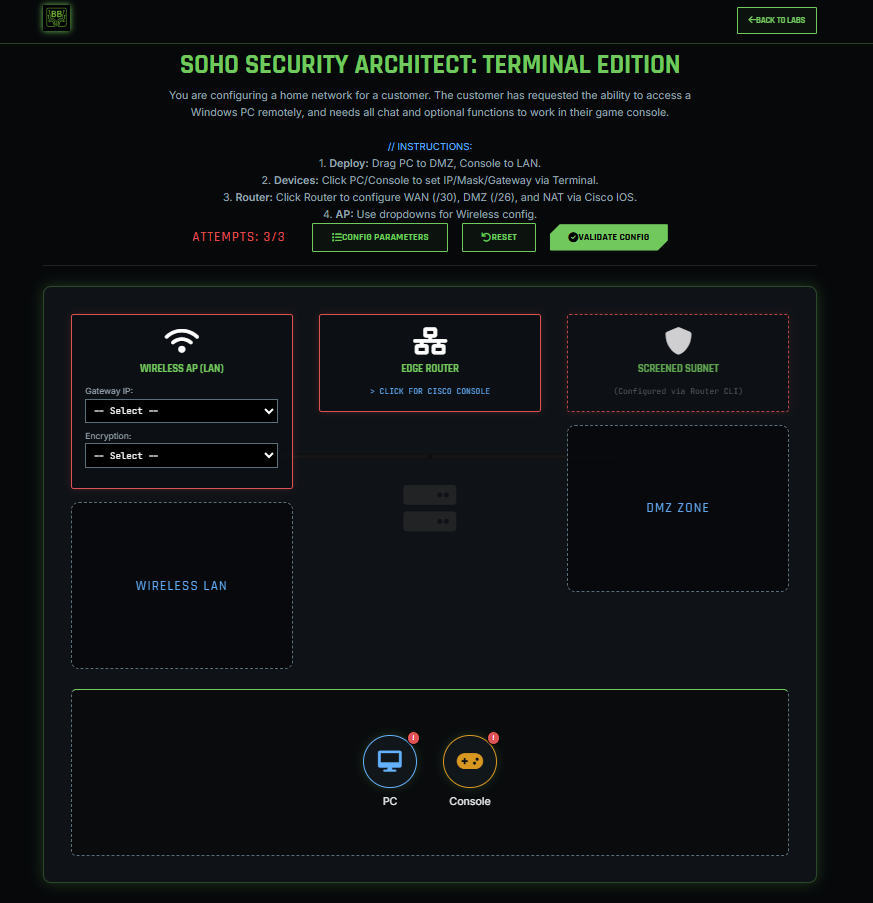
SOHO Architect (Cisco CLI)
This advanced simulation elevates the SOHO architecture scenario by removing the graphical training wheels and requiring students to configure the network using a Command Line Interface (CLI). Acting as a network engineer, learners must configure a Cisco-style Edge Router using IOS syntax, master CIDR subnetting, and precisely apply Static NAT rules.
Skills Targeted:
- Cisco IOS Navigation
- Advanced CIDR Subnetting
- Static NAT/Port Forwarding via CLI
- Manual Endpoint Configuration
- Traffic Isolation Strategies
SECURITY+
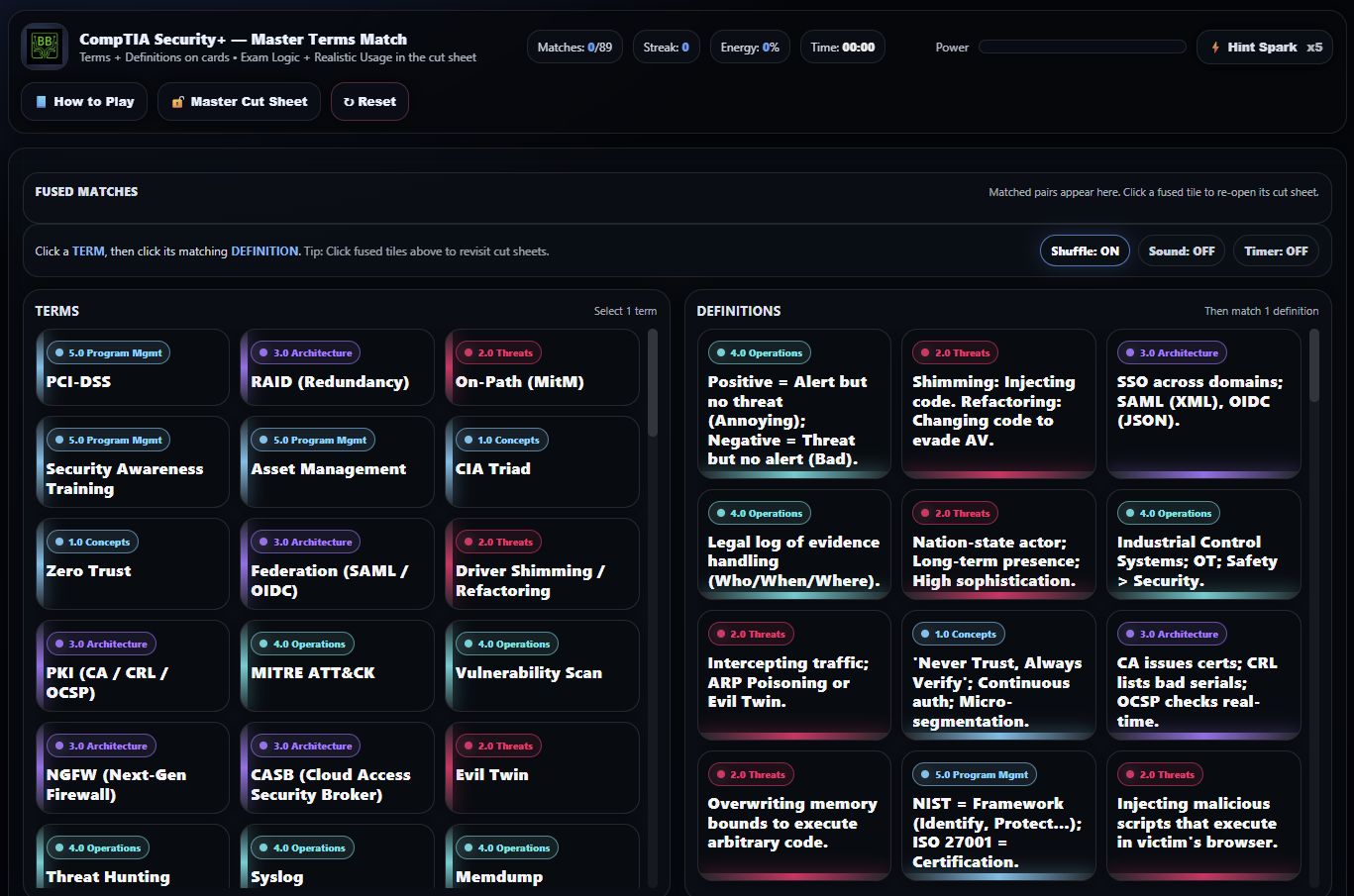
Master Terms Lab
Students reinforce mastery of Security+ terminology by matching security concepts to accurate definitions while analyzing threat scenarios, control selection, and exam-style logic cues. The lab emphasizes conceptual understanding over memorization, preparing learners for both multiple-choice and PBQ-style questions.
Skills Targeted:
- Control Categories
- Threat Identification
- Mitigation Strategy
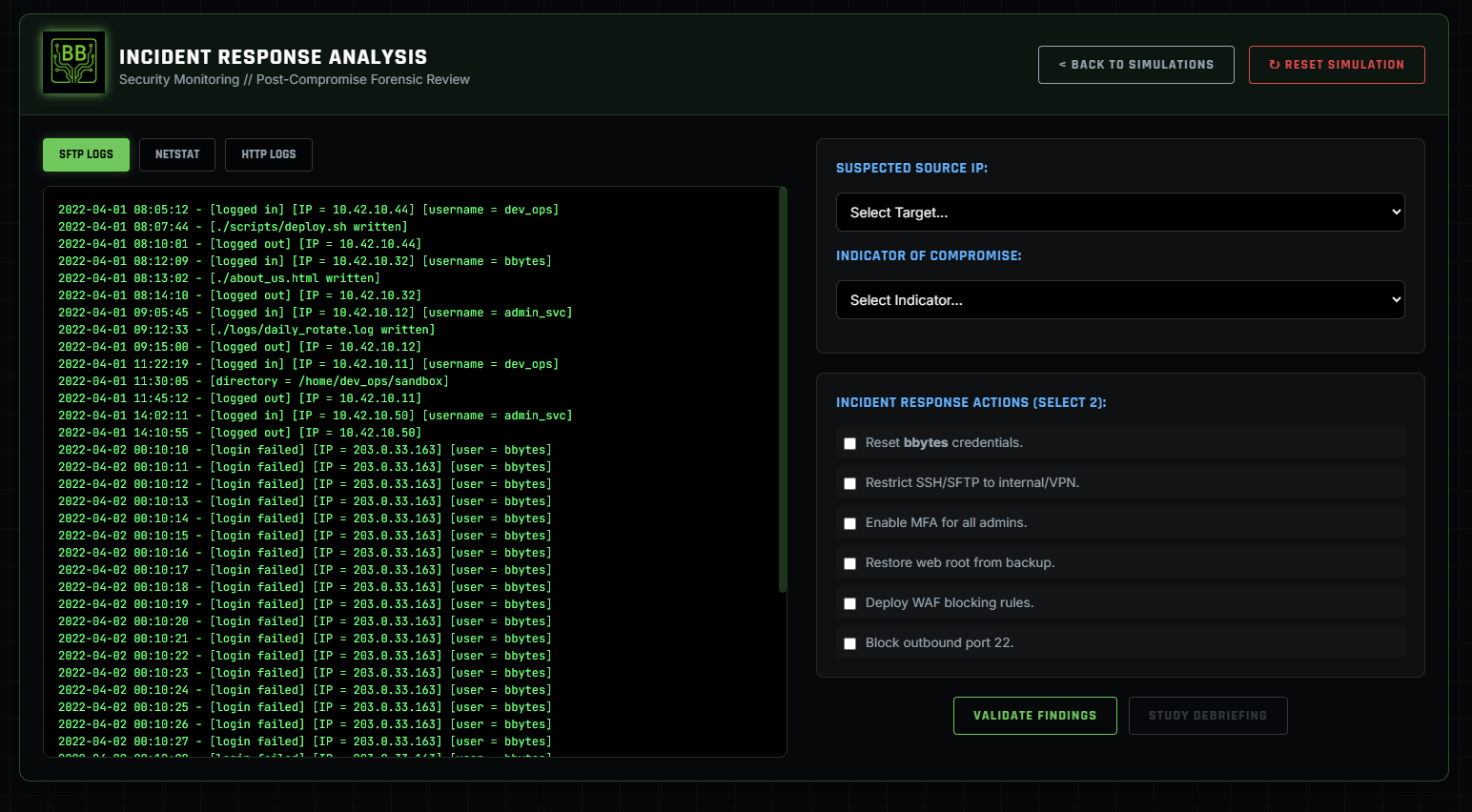
Log Analysis & Response
Investigate server compromise by correlating multiple log sources to identify source IPs and IoCs.
Skills Targeted:
- Log Correlation
- Indicator Discovery
- Incident Response Actions
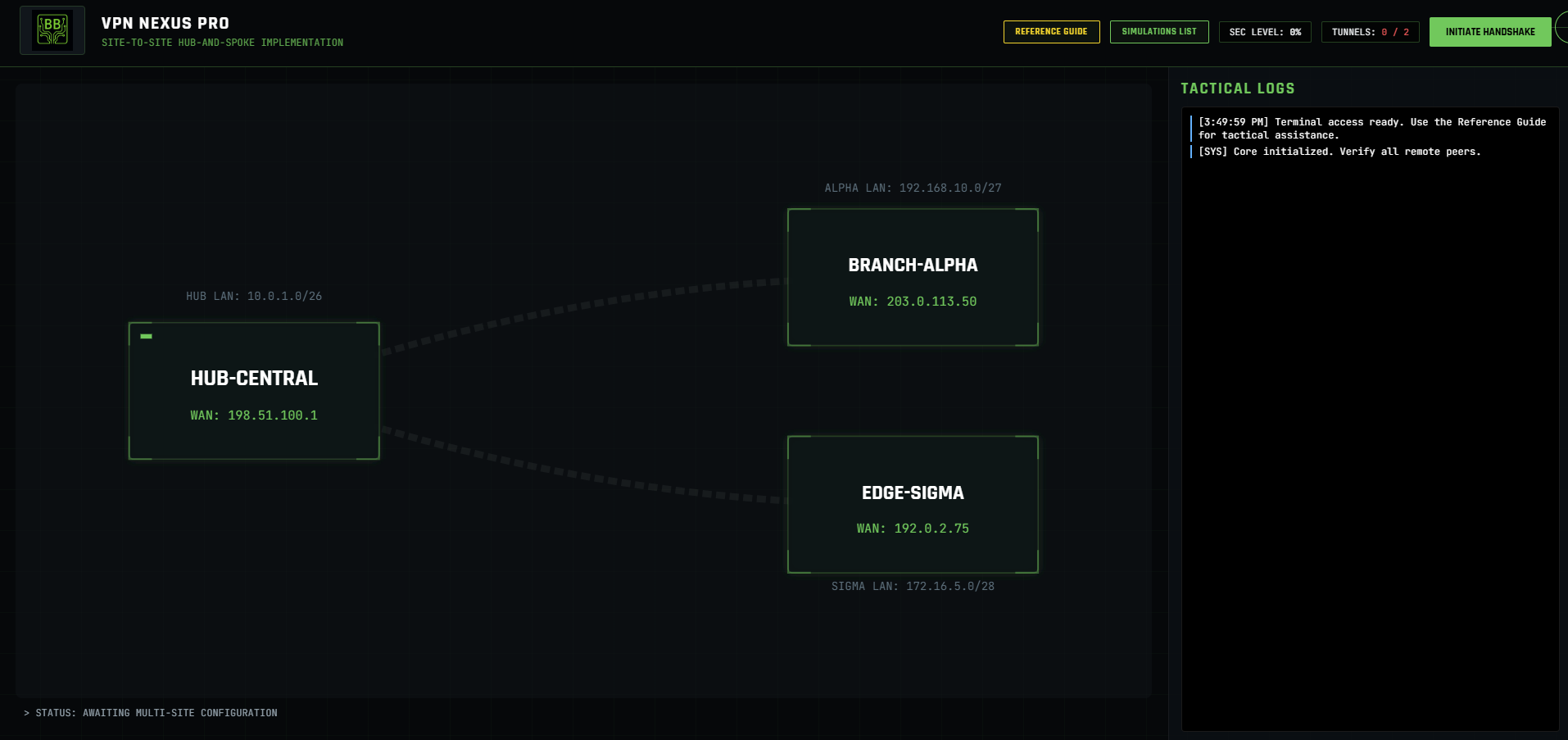
IPsec VPN Configuration
Students configure an enterprise site-to-site IPsec VPN by completing both Phase 1 (IKE) and Phase 2 (IPsec) settings on dual VPN concentrators. Using a PBQ-style topology and modal configuration panels, learners select secure algorithms, encryption levels, and correctly mirrored traffic selectors.
Skills Targeted:
- Site-to-site IPsec VPN configuration
- IKE Phase 1 vs IPsec Phase 2 differentiation
- VPN troubleshooting and validation logic
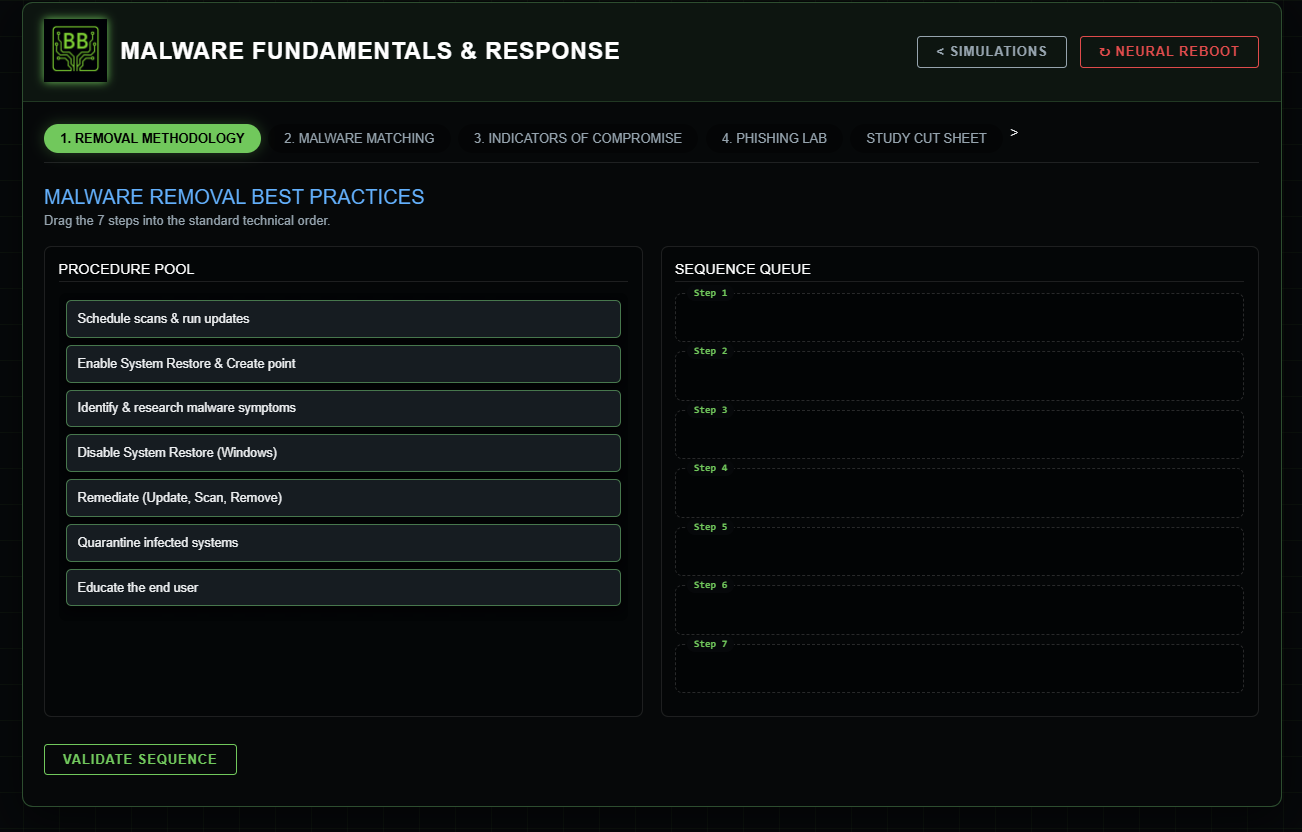
Malware Fundamentals
A complete malware-response simulation. Students put malware removal steps in order, match 20 malware types to definitions, then work through an IoC-driven investigation scenario.
Skills Targeted:
- Removal Methodology
- Threat Classification
- Investigation Steps
Linux Incident Response
Students investigate a compromised Linux web server using an interactive terminal to identify malicious processes, analyze persistence mechanisms, and safely eradicate a web shell. Mirroring real-world incident response workflows.
Skills Targeted:
- Linux process and service analysis
- Evidence-driven incident response
- Malware containment and eradication
CYSA+
Master Terms Lab
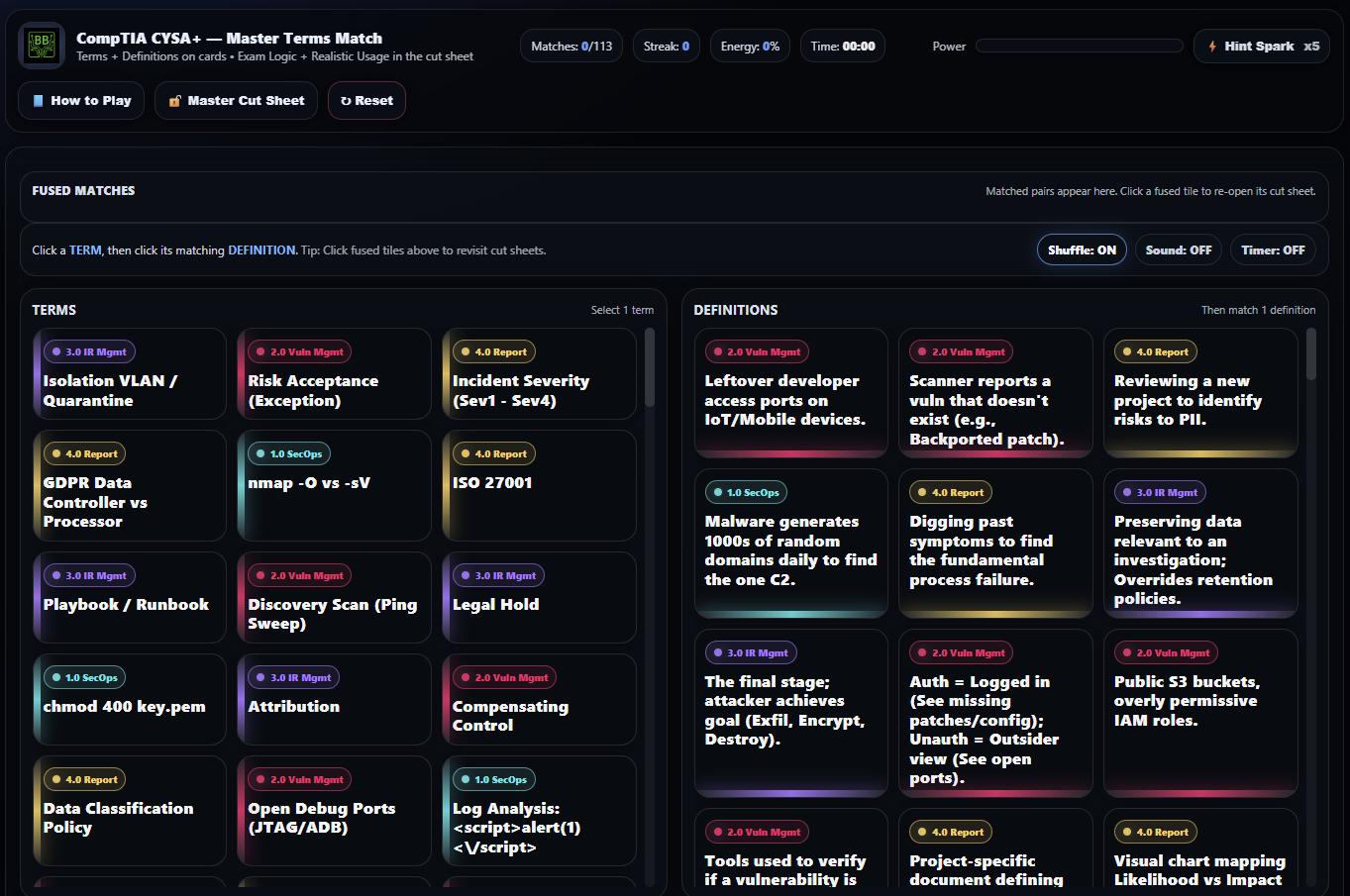
Students build fluency with CySA+ terminology by matching analytical and operational security terms to accurate definitions while reinforcing exam logic, domain context, and investigative usage scenarios.
Skills Targeted:
- Analytical Terminology
- Security Ops Vocabulary
- Investigative Use
Cyber Compliance Gauntlet
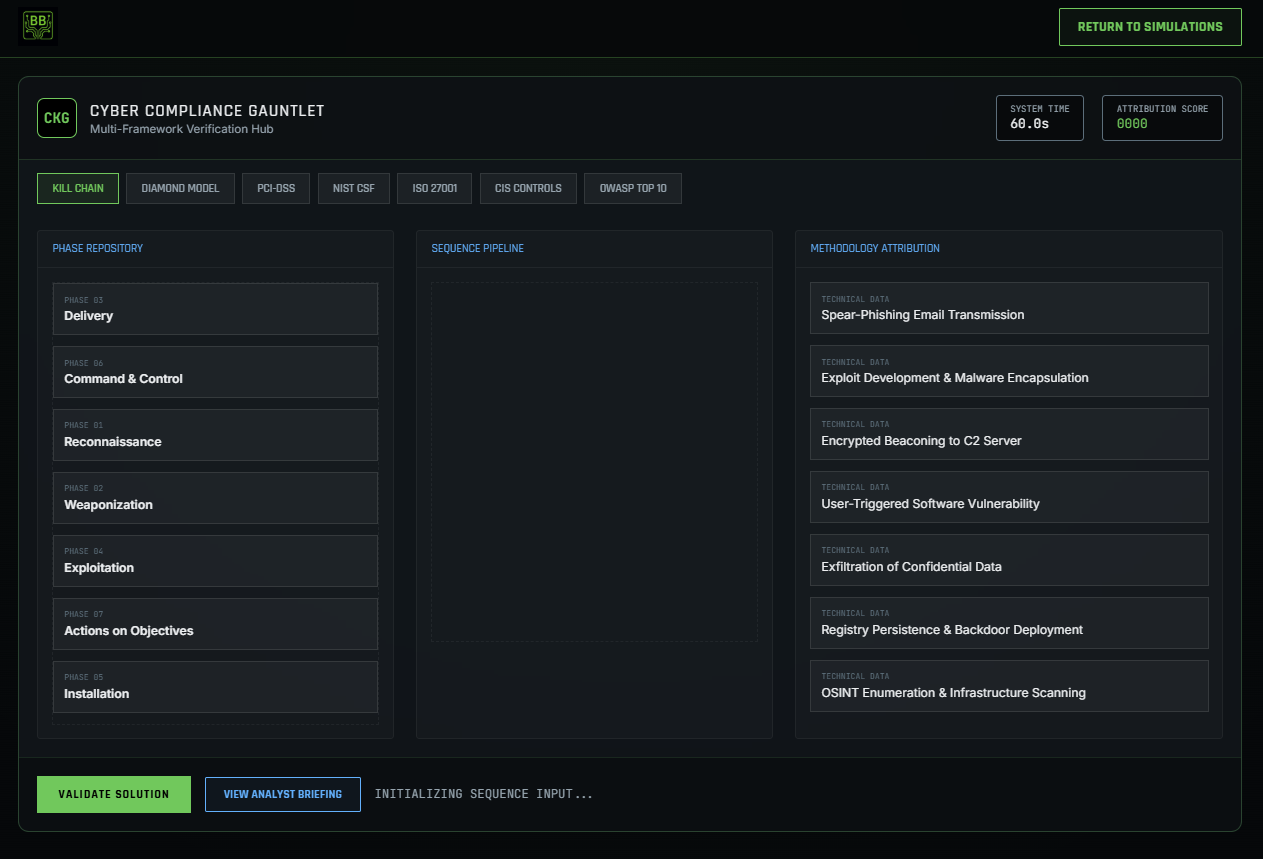
Master the strategic layers of cybersecurity defense. Learners must sequence the Cyber Kill Chain, perform Diamond Model attribution, and solve complex compliance matrices for NIST CSF 2.0, ISO 27001, PCI DSS, and CIS controls.
Skills Targeted:
- Multi-framework security mapping
- Strategic threat attribution
- Application-layer risk (OWASP)
- Technical hardening and auditing
CVSS 3.1 Base Metrics Mastery
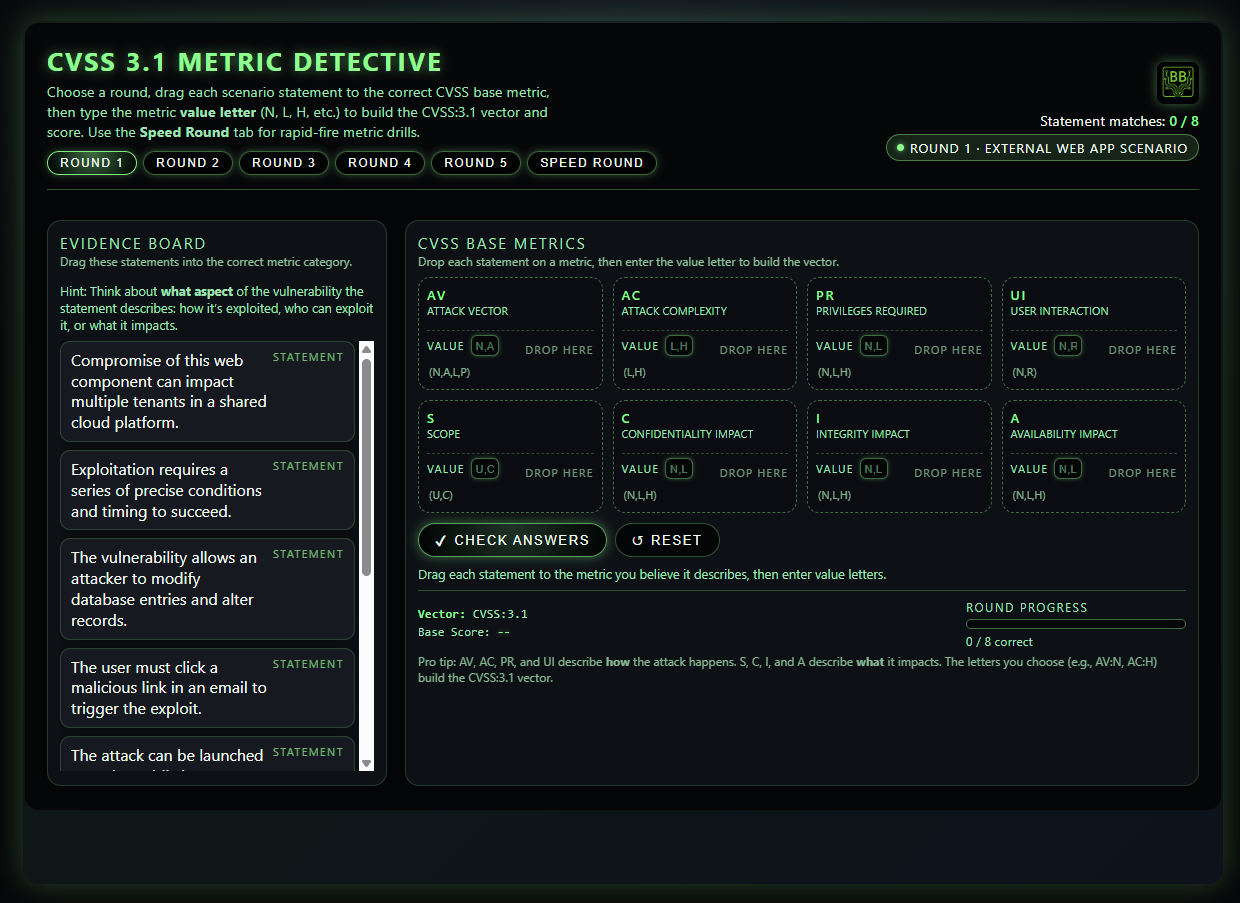
Analyze realistic vulnerability scenarios and map conditions to CVSS 3.1 base metrics. Students construct full CVSS vectors and calculate base scores to build confidence in risk prioritization.
Skills Targeted:
- CVSS 3.1 base metric identification
- Scenario-to-metric mapping
- CVSS vector construction
- Base score calculation
- Vulnerability risk assessment
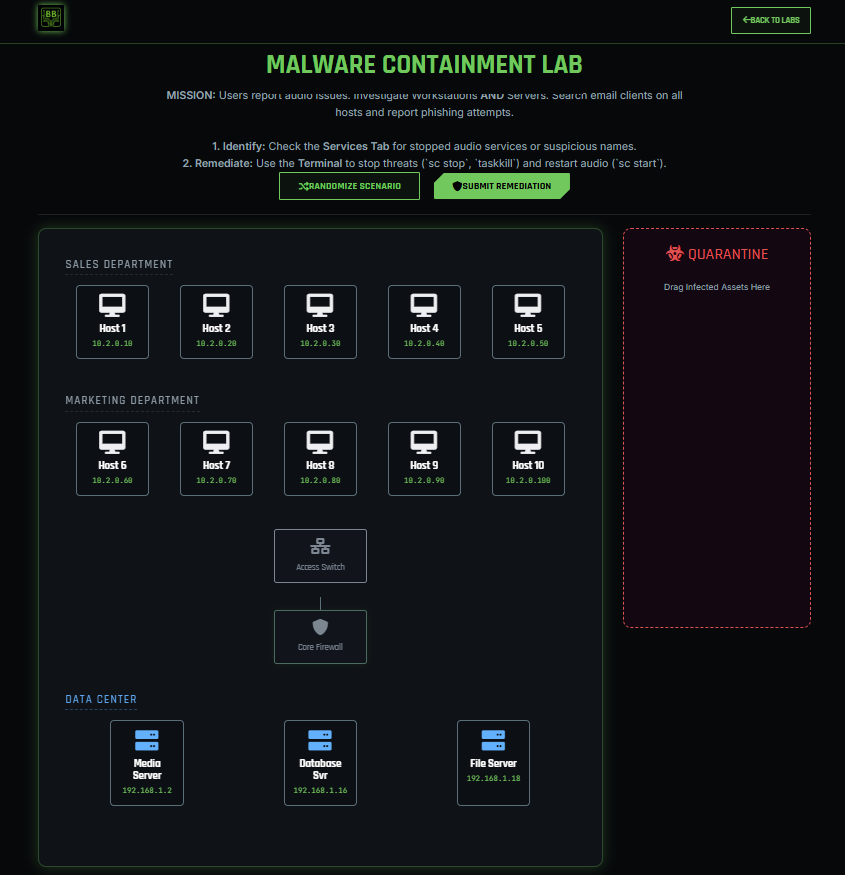
Malware Containment (CLI)
Acting as a SOC Analyst, learners investigate a multi-vector attack involving malicious services and C2 traffic. Perform host-based forensics, hunt threats using a terminal, and remediate environments by terminating malicious processes.
Skills Targeted:
- Host-Based Intrusion Detection
- Terminal Proficiency
- Firewall Configuration
- Phishing Forensics
- Incident Containment