View the objective checklist and study gaps ↓
A+ Core 1 (220-1201)
Hardware, networking, mobile devices, cloud, and the troubleshooting that ties them together. Every BB lab, drill, and lesson for this exam, in the order to use them.
What 220-1201 tests, and where BB covers it
Domain weights from the official CompTIA A+ Core 1 (220-1201) exam objectives.
Five steps from first look to exam day
- Know what's on the exam
Read the A+ Core 1 objectives decoded into plain English, with the exam traps for each domain.
Open A+ Core 1 Clearances › - Take a baseline drill
Drill 1 is free: 75 questions with breakdowns. Your score shows which domains to hit first.
Start Drill 1 (free) › - Learn the concepts
Work through the lessons and posts for the domains you missed, starting with the heaviest-weighted ones.
See the lessons › - Prove it in a lab
Run the PBQ-style simulations. They're scored on the final state, just like the real thing.
See the labs › - Drill to exam speed
Work through Drills 2 to 8 until you're consistently above 85% under exam time. Retake anything under 70%.
See all 8 drills ›
PBQ-style simulations
 FreeA+ Core 1 · Core 2Power Protection Lab
 FreeA+ Core 1 · PBQMaster Terms Lab
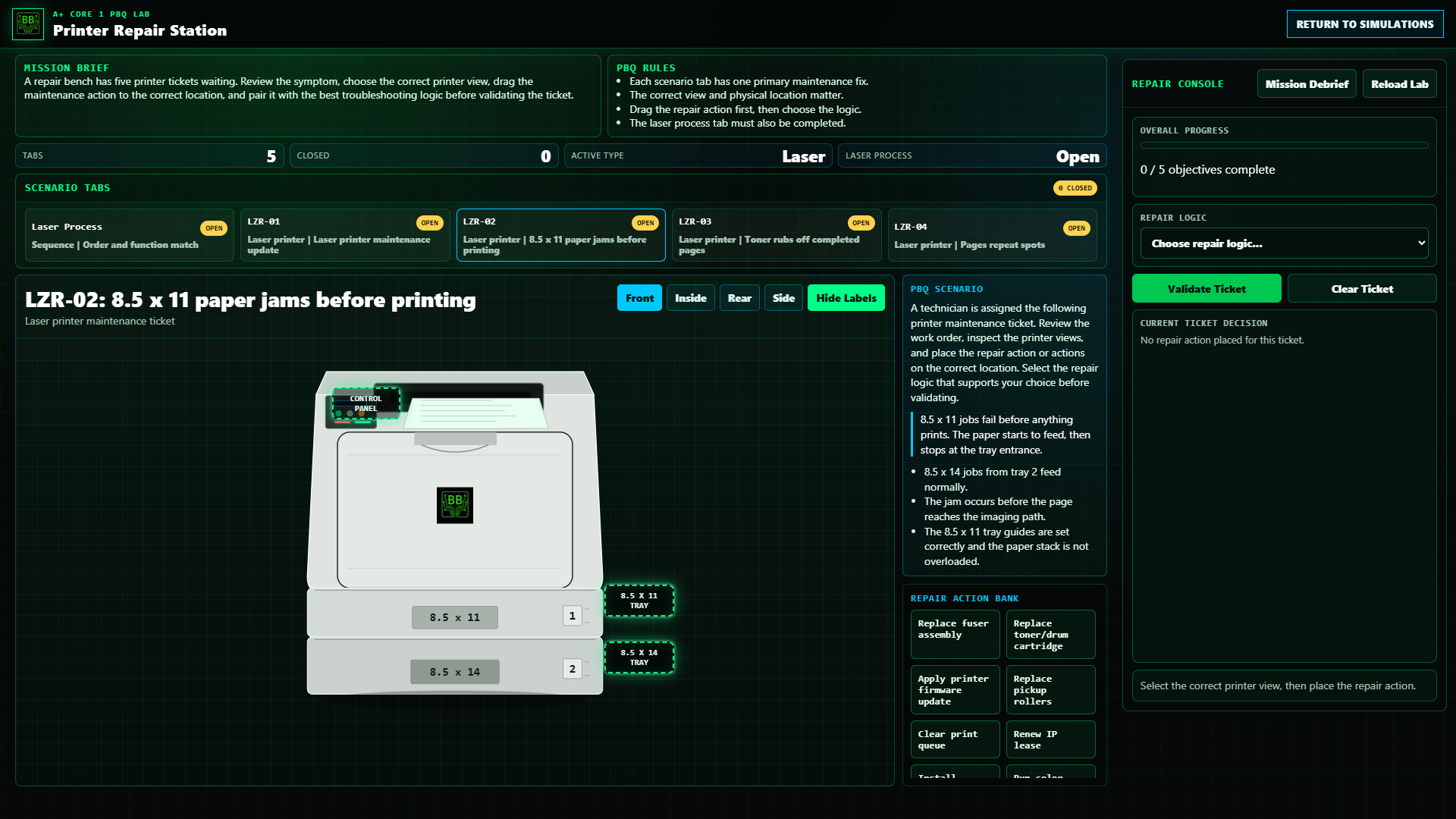 FreeA+ Core 1 · PBQPrinter Repair Station
 MembersA+ Core 1 · Server+RAID Drive Failure
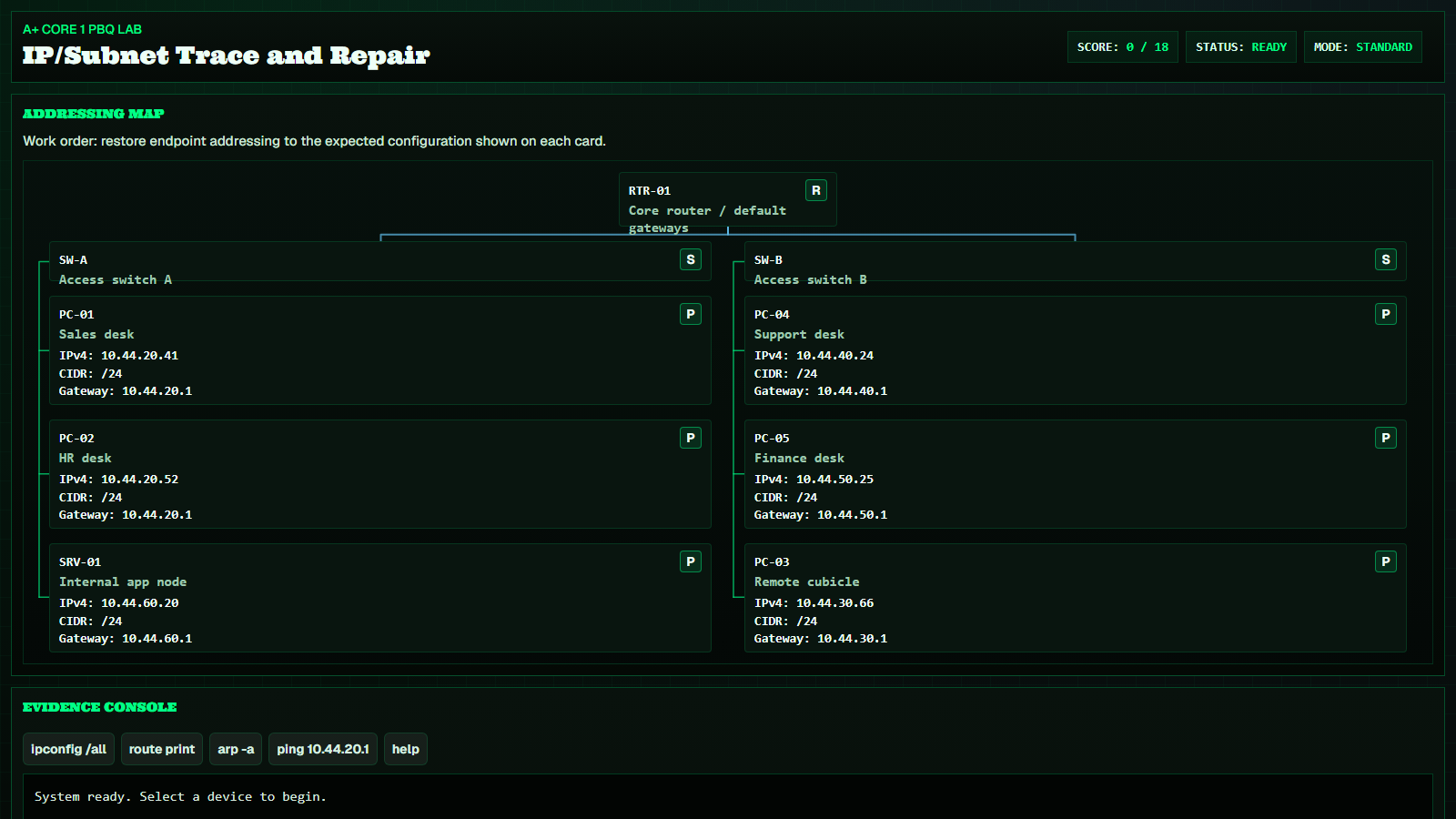 MembersA+ Core 1 · Network+IP/Subnet Trace and Repair
 MembersA+ Core 1 · Core 2Wireless Interference & Ops
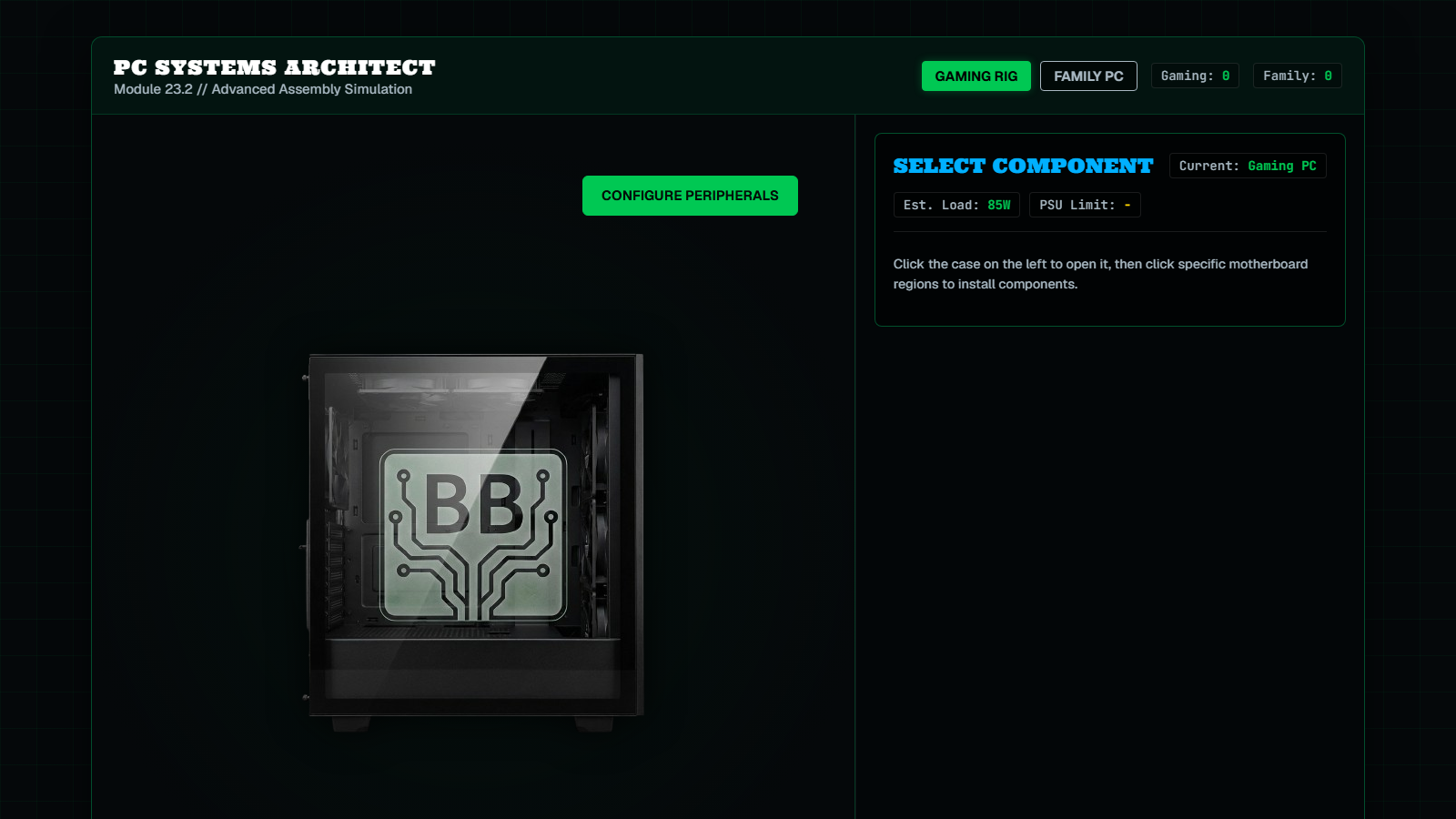 MembersA+ Core 1 · Core 2PC Building & Config
 MembersA+ Core 1 · Network+Ports & Protocols Mastery
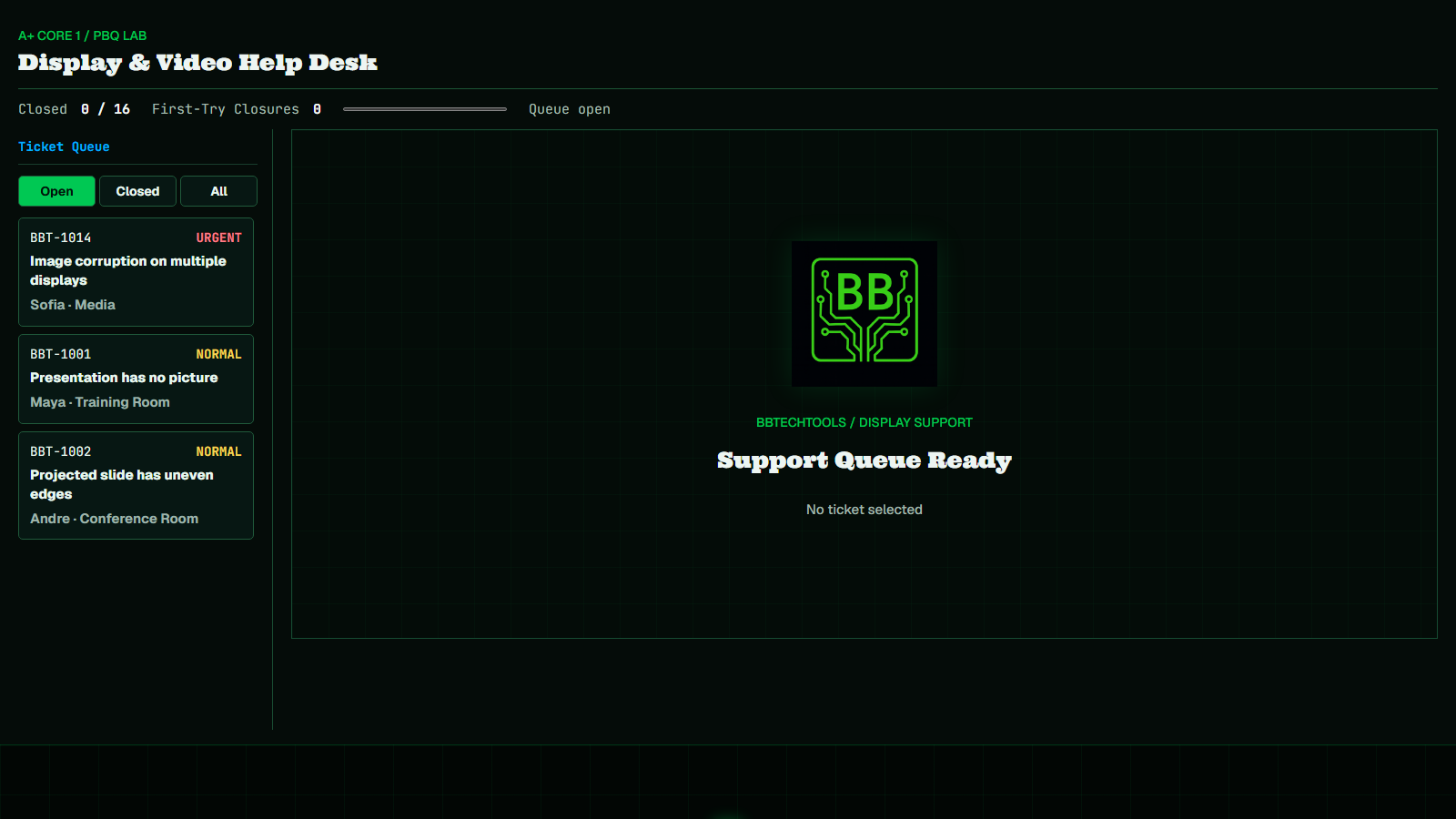 MembersA+ Core 1 · A+ TroubleshootingVideo Matrix Repair
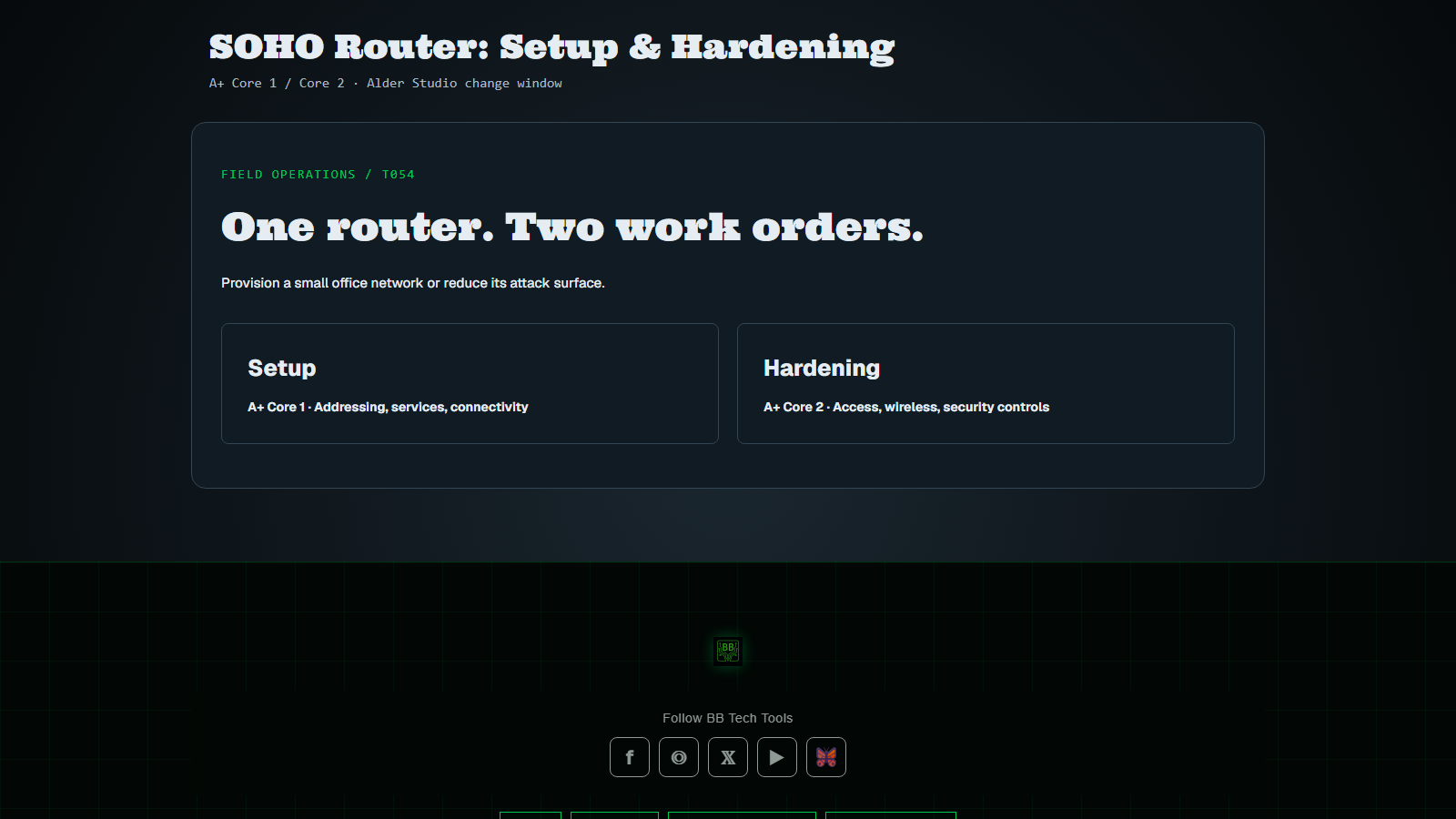 Members · Coming soonA+ Core 1 · Pro Access · Core 2SOHO Router: Setup & Hardening
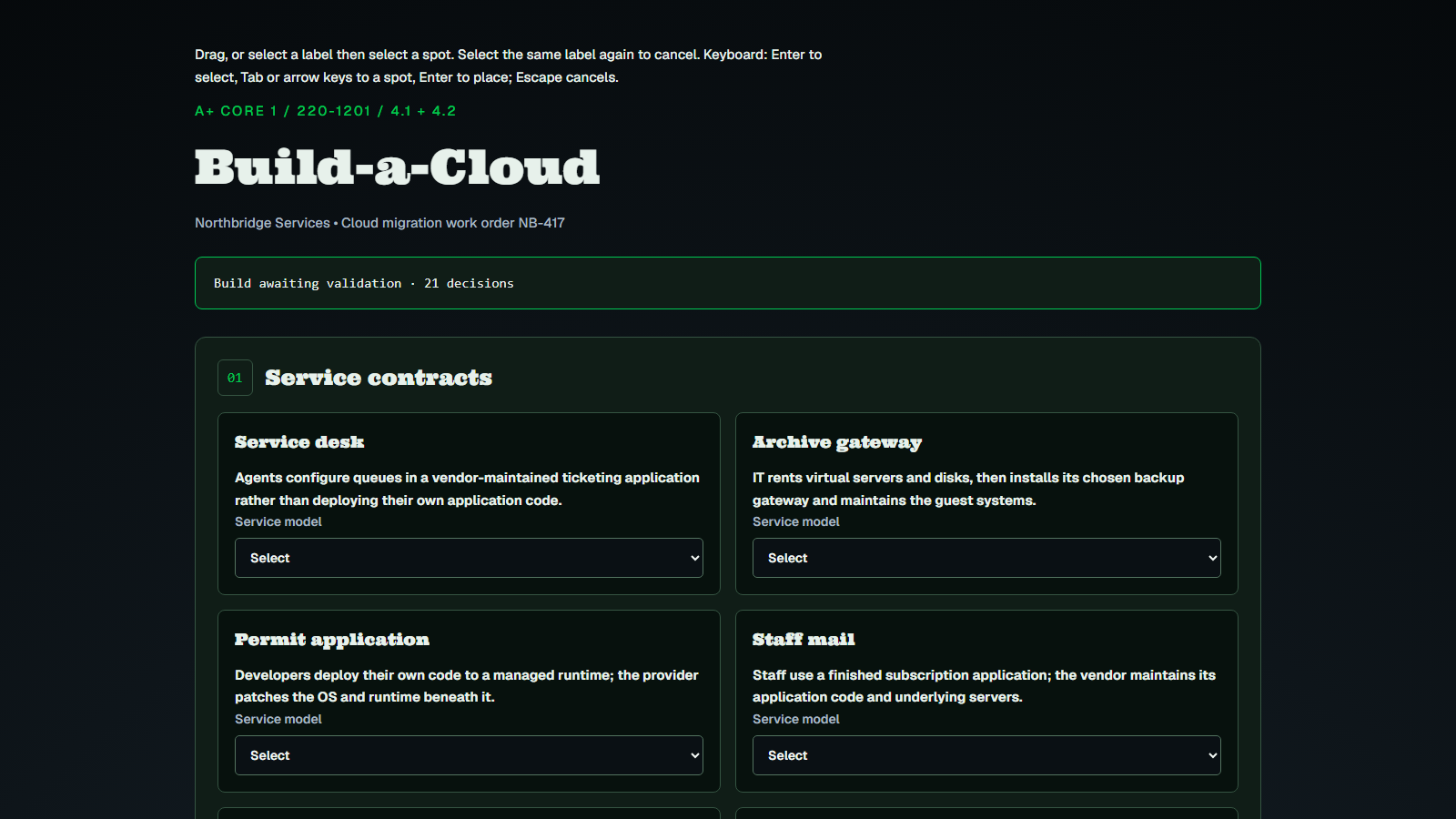 MembersA+ Core 1 · Pro Access · PBQBuild-a-Cloud
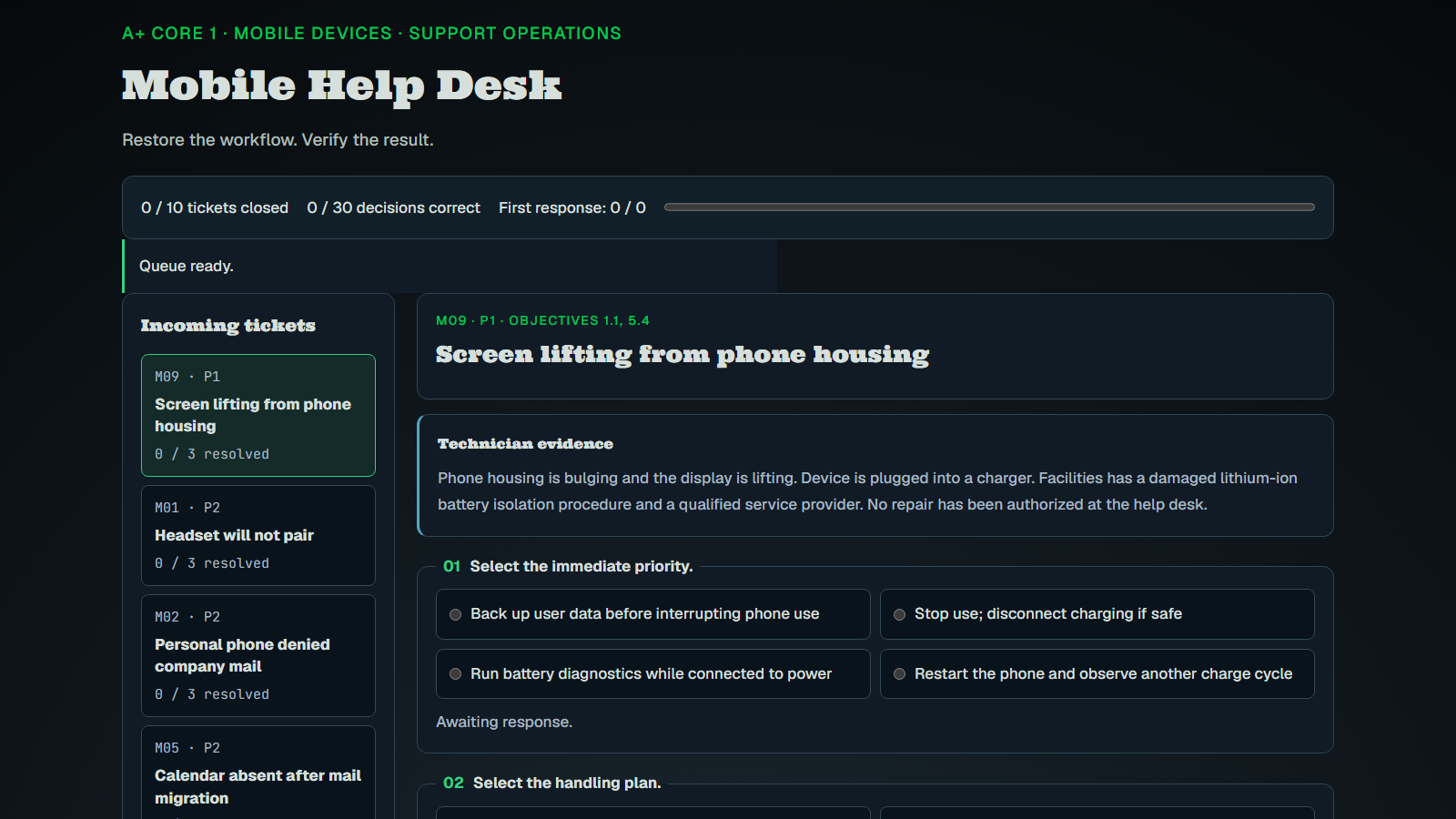 MembersA+ Core 1 · Pro Access · PBQMobile Help Desk
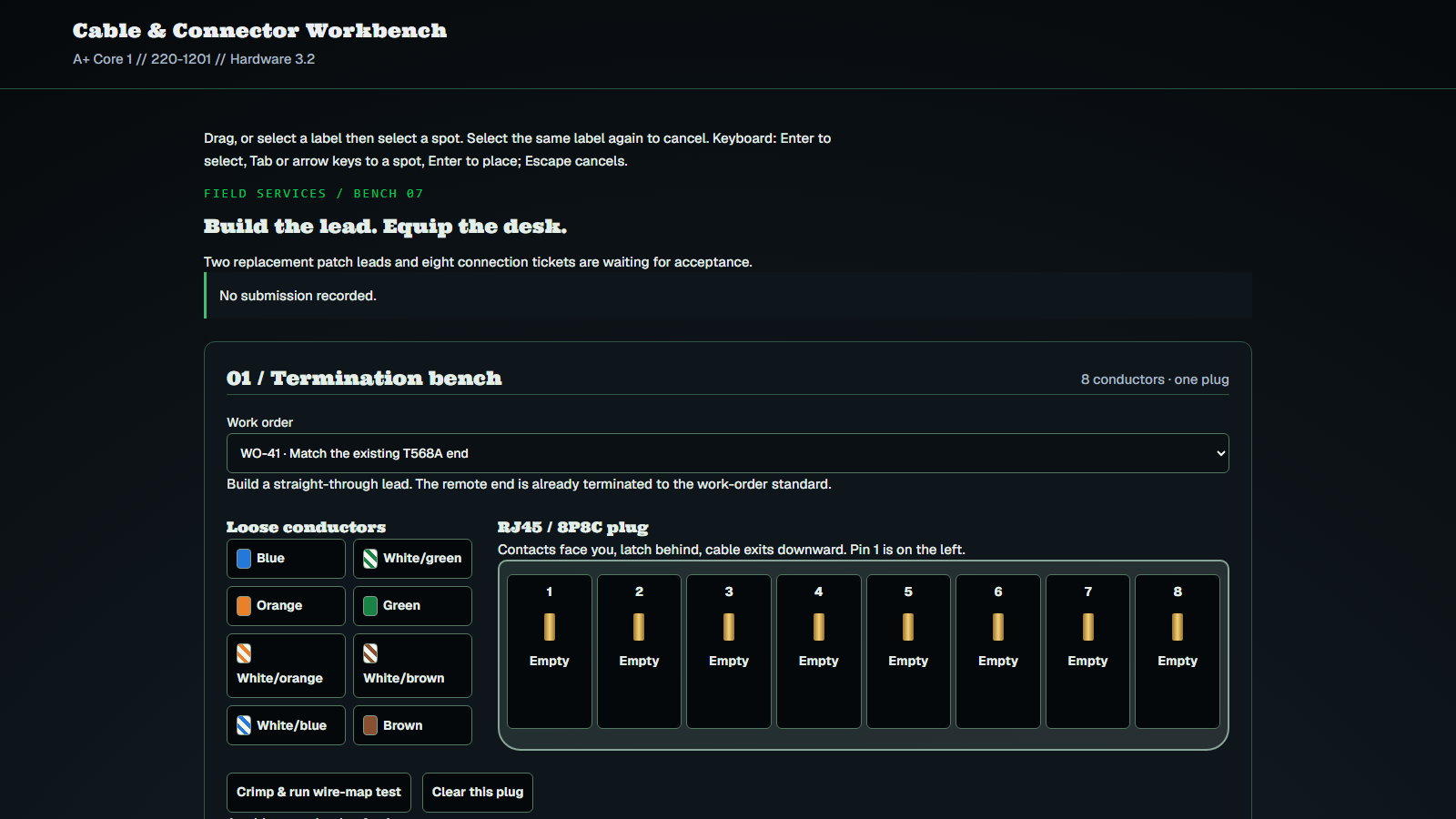 MembersA+ Core 1 · Pro Access · PBQCable & Connector Workbench
Practice drills
Learn the concepts
Study tools
Every lab, drill and lesson for 220-1201
Membership unlocks the complete track, plus every other cert on BB Tech Tools.
Find your next objective
Open an objective to find matching lessons, practice and references. Coverage means a resource addresses part of the objective; it does not promise every exam bullet is covered.
27 of 27 objectives have resources · 5 still need a lab or Core Learning module.
Free and member resources are labeled below. Clearances explains the objectives; Test Builder offers mixed free questions and focused member practice.
1.0 Mobile Devices
1.1Given a scenario, monitor mobile device hardware and use appropriate replacement techniques.✓ Covered
Lesson or lab available.
- Mobile Devices & Laptop HardwareCore Learning · Members
- A+ Core 1 Clearances · 1.1Clearances · Members
- A+ Core 1 Test Builder · free questionsDrill · Free
- A+ Core 1 Test Builder · member questionsDrill · Members
1.2Compare and contrast accessories and connectivity options for mobile devices.✓ Covered
Lesson or lab available.
- Ports & ConnectorsCore Learning · Members
- Peripherals Deep DiveCore Learning · Members
- A+ Core 1 Clearances · 1.2Clearances · Members
- A+ Core 1 Test Builder · free questionsDrill · Free
- A+ Core 1 Test Builder · member questionsDrill · Members
1.3Given a scenario, configure basic mobile device network connectivity and provide application support.✓ Covered
Practice gap: a dedicated lab or Core Learning module is coming soon.
- A+ Core 1 Clearances · 1.3Clearances · Members
- A+ Core 1 Test Builder · free questionsDrill · Free
- A+ Core 1 Test Builder · member questionsDrill · Members
2.0 Networking
2.1Compare and contrast Transmission Control Protocol (TCP) and User Datagram Protocol (UDP) ports, protocols, and their purposes.✓ Covered
Lesson or lab available.
- Master Terms LabLab · Free
- Ports & Protocols MasteryLab · Members
- DNS Deep DiveCore Learning · Free
- DHCP LogisticsCore Learning · Free
- Ports, TCP & UDPCore Learning · Members
- Ports & Protocols ReferenceCheat sheet · Members
- A+ Core 1 Clearances · 2.1Clearances · Members
- A+ Core 1 Test Builder · free questionsDrill · Free
- A+ Core 1 Test Builder · member questionsDrill · Members
2.2Explain wireless networking technologies.✓ Covered
Lesson or lab available.
- Wireless Interference & OpsLab · Members
- A+ Core 1 Clearances · 2.2Clearances · Members
- A+ Core 1 Test Builder · free questionsDrill · Free
- A+ Core 1 Test Builder · member questionsDrill · Members
2.3Summarize services provided by networked hosts.✓ Covered
Lesson or lab available.
- DNS Deep DiveCore Learning · Free
- DHCP LogisticsCore Learning · Free
- A+ Core 1 Clearances · 2.3Clearances · Members
- A+ Core 1 Test Builder · member questionsDrill · Members
2.4Explain common network configuration concepts.✓ Covered
Lesson or lab available.
- DHCP DetectiveLab · Members
- DNS Deep DiveCore Learning · Free
- DHCP LogisticsCore Learning · Free
- A+ Core 1 Clearances · 2.4Clearances · Members
- A+ Core 1 Test Builder · free questionsDrill · Free
- A+ Core 1 Test Builder · member questionsDrill · Members
2.5Compare and contrast common networking hardware devices.✓ Covered
Practice gap: a dedicated lab or Core Learning module is coming soon.
- A+ Core 1 Clearances · 2.5Clearances · Members
- A+ Core 1 Test Builder · free questionsDrill · Free
- A+ Core 1 Test Builder · member questionsDrill · Members
2.6Given a scenario, configure basic wired/wireless small office/home office (SOHO) networks.✓ Covered
Lesson or lab available.
- IP/Subnet Trace and RepairLab · Members
- SOHO Security ArchitectLab · Members
- Subnetting ConfigurationLab · Free
- IPv4 OperationsCore Learning · Free
- A+ Core 1 Clearances · 2.6Clearances · Members
- A+ Core 1 Test Builder · free questionsDrill · Free
- A+ Core 1 Test Builder · member questionsDrill · Members
2.7Compare and contrast internet connection types, network types, and their characteristics.✓ Covered
Practice gap: a dedicated lab or Core Learning module is coming soon.
- A+ Core 1 Clearances · 2.7Clearances · Members
- A+ Core 1 Test Builder · member questionsDrill · Members
2.8Explain networking tools and their purposes.✓ Covered
Lesson or lab available.
- Ports & ConnectorsCore Learning · Members
- A+ Core 1 Clearances · 2.8Clearances · Members
- A+ Core 1 Test Builder · member questionsDrill · Members
3.0 Hardware
3.1Compare and contrast display components and attributes.✓ Covered
Lesson or lab available.
- Video Matrix RepairLab · Members
- GPU Deep DiveCore Learning · Members
- A+ Core 1 Clearances · 3.1Clearances · Members
- A+ Core 1 Test Builder · member questionsDrill · Members
3.2Summarize basic cable types and their connectors, features, and purposes.✓ Covered
Lesson or lab available.
- Master Terms LabLab · Free
- Ports & ConnectorsCore Learning · Members
- A+ Core 1 Clearances · 3.2Clearances · Members
- A+ Core 1 Test Builder · free questionsDrill · Free
- A+ Core 1 Test Builder · member questionsDrill · Members
3.3Compare and contrast RAM characteristics.✓ Covered
Lesson or lab available.
- Master Terms LabLab · Free
- PC Building & ConfigLab · Members
- PC Parts Master FlowCore Learning · Members
- RAM Deep DiveCore Learning · Members
- A+ Core 1 Clearances · 3.3Clearances · Members
- A+ Core 1 Test Builder · member questionsDrill · Members
3.4Compare and contrast storage devices.✓ Covered
Lesson or lab available.
- Master Terms LabLab · Free
- RAID Drive FailureLab · Members
- PC Building & ConfigLab · Members
- PC Parts Master FlowCore Learning · Members
- Storage Deep DiveCore Learning · Members
- A+ Core 1 Clearances · 3.4Clearances · Members
- A+ Core 1 Test Builder · free questionsDrill · Free
- A+ Core 1 Test Builder · member questionsDrill · Members
3.5Given a scenario, install and configure motherboards, central processing units (CPUs), and add-on cards.✓ Covered
Lesson or lab available.
- Master Terms LabLab · Free
- PC Building & ConfigLab · Members
- PC Parts Master FlowCore Learning · Members
- Motherboard Deep DiveCore Learning · Members
- CPU Deep DiveCore Learning · Members
- GPU Deep DiveCore Learning · Members
- Cooling & AirflowCore Learning · Members
- BIOS vs UEFI Quick SheetCheat sheet · Members
- A+ Core 1 Clearances · 3.5Clearances · Members
- A+ Core 1 Test Builder · free questionsDrill · Free
- A+ Core 1 Test Builder · member questionsDrill · Members
3.6Given a scenario, install the appropriate power supply.✓ Covered
Lesson or lab available.
- Power Protection LabLab · Free
- Master Terms LabLab · Free
- PC Building & ConfigLab · Members
- PC Parts Master FlowCore Learning · Members
- Power Supply Deep DiveCore Learning · Members
- A+ Core 1 Clearances · 3.6Clearances · Members
- A+ Core 1 Test Builder · free questionsDrill · Free
- A+ Core 1 Test Builder · member questionsDrill · Members
3.7Given a scenario, deploy and configure multifunction devices/printers and settings.✓ Covered
Lesson or lab available.
- Printer Repair StationLab · Free
- Peripherals Deep DiveCore Learning · Members
- A+ Core 1 Clearances · 3.7Clearances · Members
- A+ Core 1 Test Builder · free questionsDrill · Free
- A+ Core 1 Test Builder · member questionsDrill · Members
3.8Given a scenario, perform appropriate printer maintenance.✓ Covered
Lesson or lab available.
- Printer Repair StationLab · Free
- Peripherals Deep DiveCore Learning · Members
- A+ Core 1 Clearances · 3.8Clearances · Members
- A+ Core 1 Test Builder · free questionsDrill · Free
- A+ Core 1 Test Builder · member questionsDrill · Members
4.0 Virtualization and Cloud Computing
4.1Explain virtualization concepts.✓ Covered
Practice gap: a dedicated lab or Core Learning module is coming soon.
- A+ Core 1 Clearances · 4.1Clearances · Members
- A+ Core 1 Test Builder · free questionsDrill · Free
- A+ Core 1 Test Builder · member questionsDrill · Members
4.2Summarize cloud computing concepts.✓ Covered
Practice gap: a dedicated lab or Core Learning module is coming soon.
- A+ Core 1 Clearances · 4.2Clearances · Members
- A+ Core 1 Test Builder · free questionsDrill · Free
- A+ Core 1 Test Builder · member questionsDrill · Members
5.0 Hardware and Network Troubleshooting
5.1Given a scenario, troubleshoot motherboards, RAM, CPUs, and power.✓ Covered
Lesson or lab available.
- PC Parts Master FlowCore Learning · Members
- Motherboard Deep DiveCore Learning · Members
- CPU Deep DiveCore Learning · Members
- RAM Deep DiveCore Learning · Members
- Power Supply Deep DiveCore Learning · Members
- Cooling & AirflowCore Learning · Members
- BIOS vs UEFI Quick SheetCheat sheet · Members
- A+ Core 1 Clearances · 5.1Clearances · Members
- A+ Core 1 Test Builder · free questionsDrill · Free
- A+ Core 1 Test Builder · member questionsDrill · Members
5.2Given a scenario, troubleshoot drive and RAID issues.✓ Covered
Lesson or lab available.
- RAID Drive FailureLab · Members
- Storage Deep DiveCore Learning · Members
- A+ Core 1 Clearances · 5.2Clearances · Members
- A+ Core 1 Test Builder · free questionsDrill · Free
- A+ Core 1 Test Builder · member questionsDrill · Members
5.3Given a scenario, troubleshoot video, projector, and display issues.✓ Covered
Lesson or lab available.
- Video Matrix RepairLab · Members
- GPU Deep DiveCore Learning · Members
- Peripherals Deep DiveCore Learning · Members
- A+ Core 1 Clearances · 5.3Clearances · Members
- A+ Core 1 Test Builder · free questionsDrill · Free
- A+ Core 1 Test Builder · member questionsDrill · Members
5.4Given a scenario, troubleshoot common mobile device issues.✓ Covered
Lesson or lab available.
- Mobile Devices & Laptop HardwareCore Learning · Members
- A+ Core 1 Clearances · 5.4Clearances · Members
- A+ Core 1 Test Builder · free questionsDrill · Free
- A+ Core 1 Test Builder · member questionsDrill · Members
5.5Given a scenario, troubleshoot network issues.✓ Covered
Lesson or lab available.
- IP/Subnet Trace and RepairLab · Members
- Wireless Interference & OpsLab · Members
- DHCP DetectiveLab · Members
- A+ Core 1 Clearances · 5.5Clearances · Members
- A+ Core 1 Test Builder · free questionsDrill · Free
- A+ Core 1 Test Builder · member questionsDrill · Members
5.6Given a scenario, troubleshoot printer issues.✓ Covered
Lesson or lab available.
- Printer Repair StationLab · Free
- Peripherals Deep DiveCore Learning · Members
- A+ Core 1 Clearances · 5.6Clearances · Members
- A+ Core 1 Test Builder · free questionsDrill · Free
- A+ Core 1 Test Builder · member questionsDrill · Members