View the objective checklist and study gaps ↓
A+ Core 2 (220-1202)
Operating systems, security, software troubleshooting, and the procedures a working technician follows. Every BB lab, drill, and lesson for this exam, in the order to use them.
What 220-1202 tests, and where BB covers it
Gap Scripting, remote access, environmental procedures, and AI use need more practice.
Domain weights from the official CompTIA A+ Core 2 (220-1202) exam objectives.
Five steps from first look to exam day
- Know what's on the exam
Read the Core 2 objectives decoded into plain English, with the exam traps for each domain.
Open Core 2 Clearances › - Take a baseline drill
Drill 1 is free: 75 questions with breakdowns. Your score shows which domains to hit first.
Start Drill 1 (free) › - Learn the concepts
Work through the lessons and posts for the domains you missed, starting with operating systems and the command line.
See the lessons › - Prove it in a lab
Run the PBQ-style simulations. They're scored on the final state, just like the real thing.
See the labs › - Drill to exam speed
Work through Drills 2 to 8 until you're consistently above 85% in 90 minutes. Retake anything under 70%.
See all 8 drills ›
PBQ-style simulations
 FreeA+ Core 2 · Core 1Troubleshooting Methodology
 FreeA+ Core 2 · Security+Master Terms Lab
 MembersA+ Core 2 · Network+App Startup & Dependency Triage
 MembersA+ Core 2 · Network+Wireless Interference & Ops
 MembersA+ Core 2 · Security+SOHO Security Architect
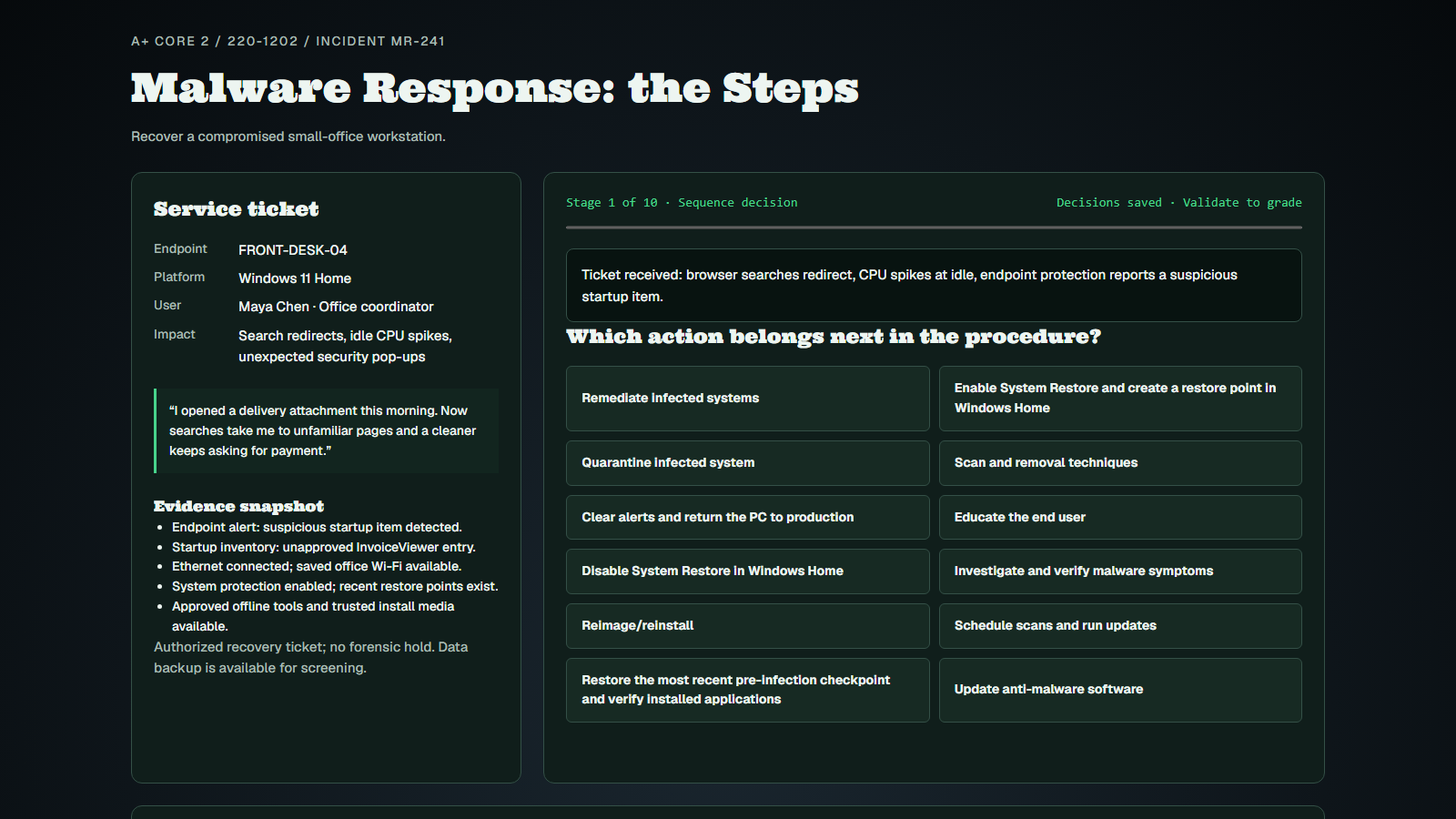 MembersA+ Core 2 · Pro Access · PBQMalware Response: the Steps
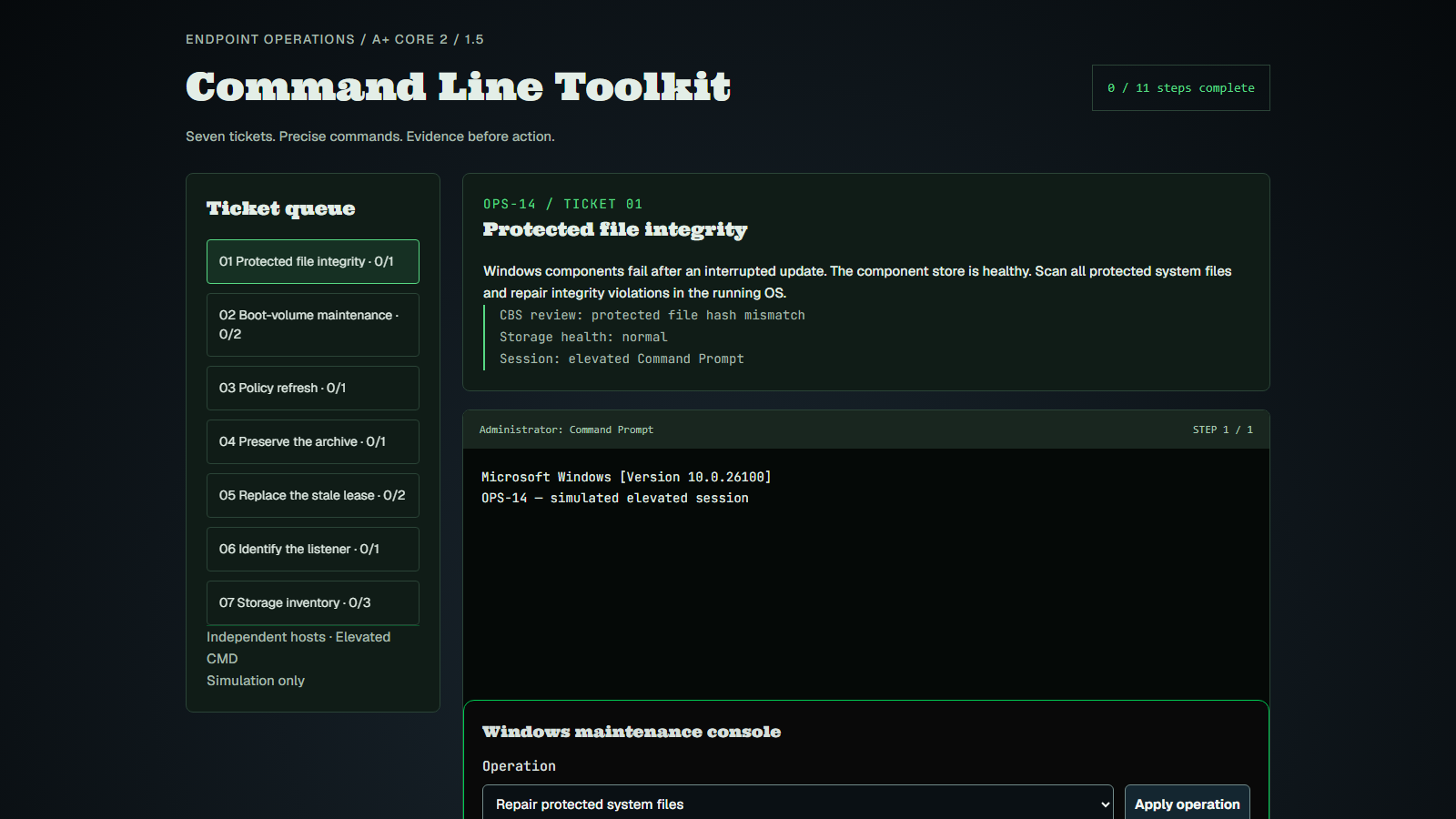 MembersA+ Core 2 · Pro AccessCommand Line Toolkit
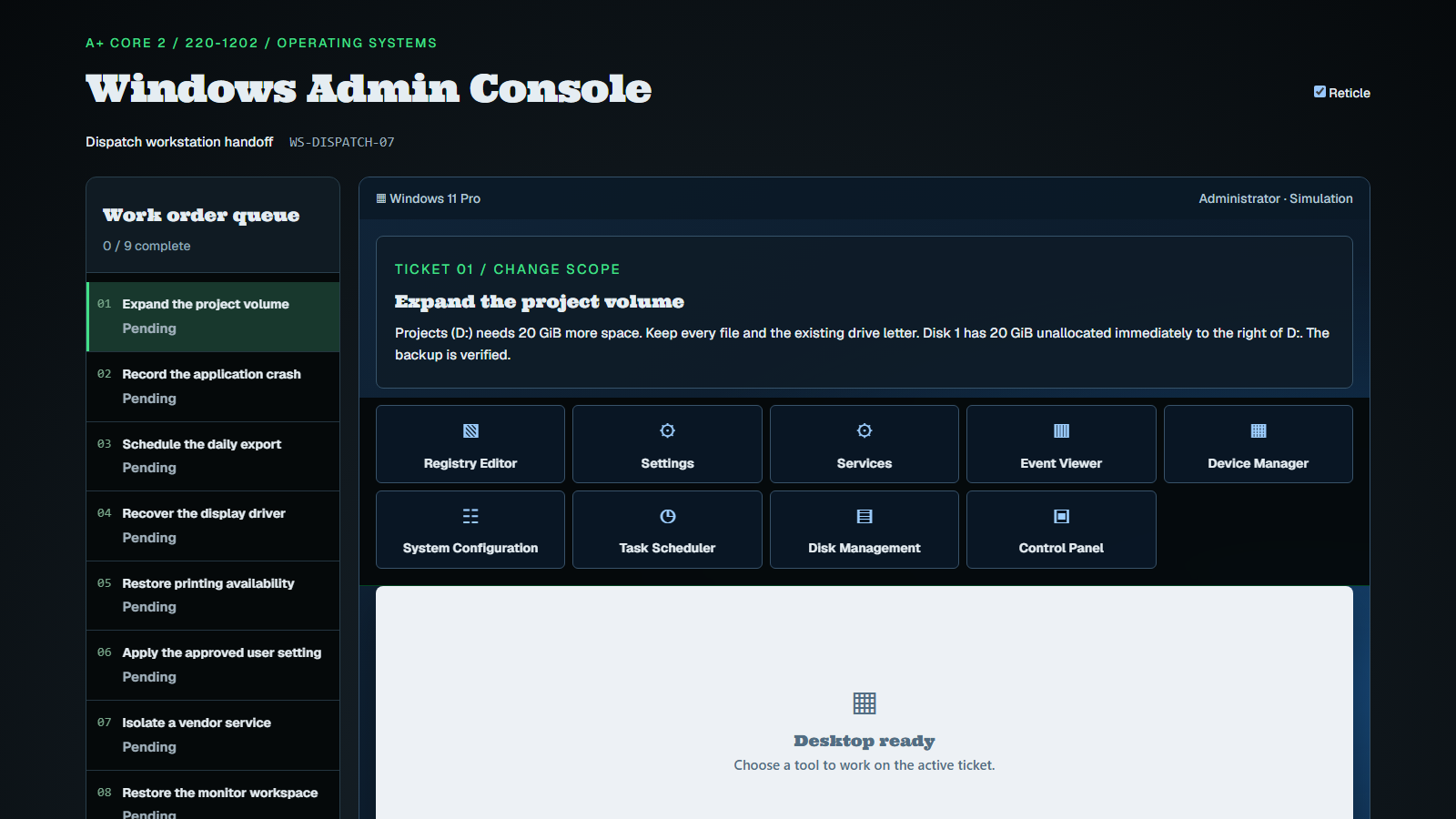 Members · Coming soonA+ Core 2 · Pro Access · PBQWindows Admin Console
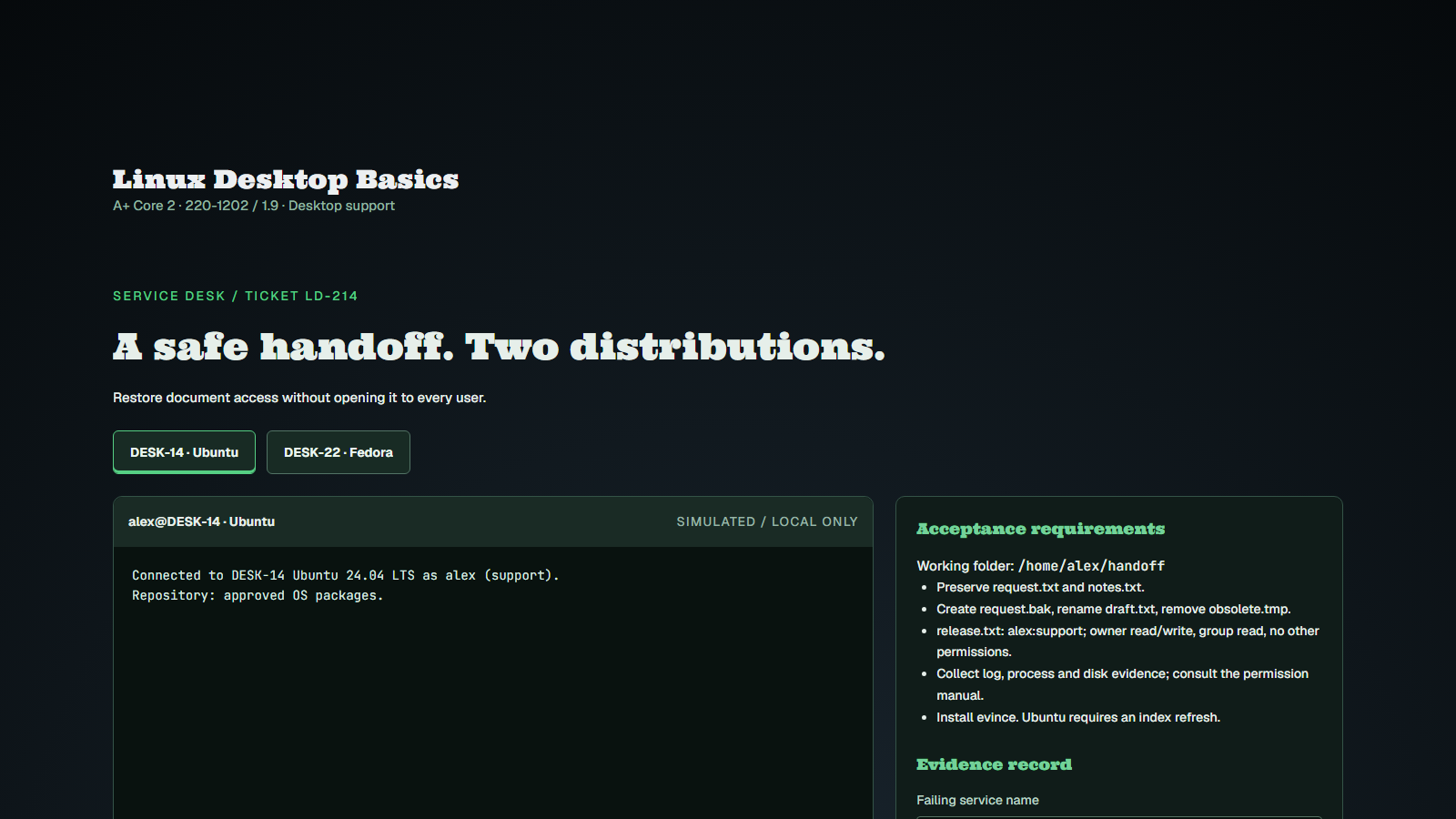 Members · Coming soonA+ Core 2 · Pro Access · 220-1202 / 1.9Linux Desktop Basics
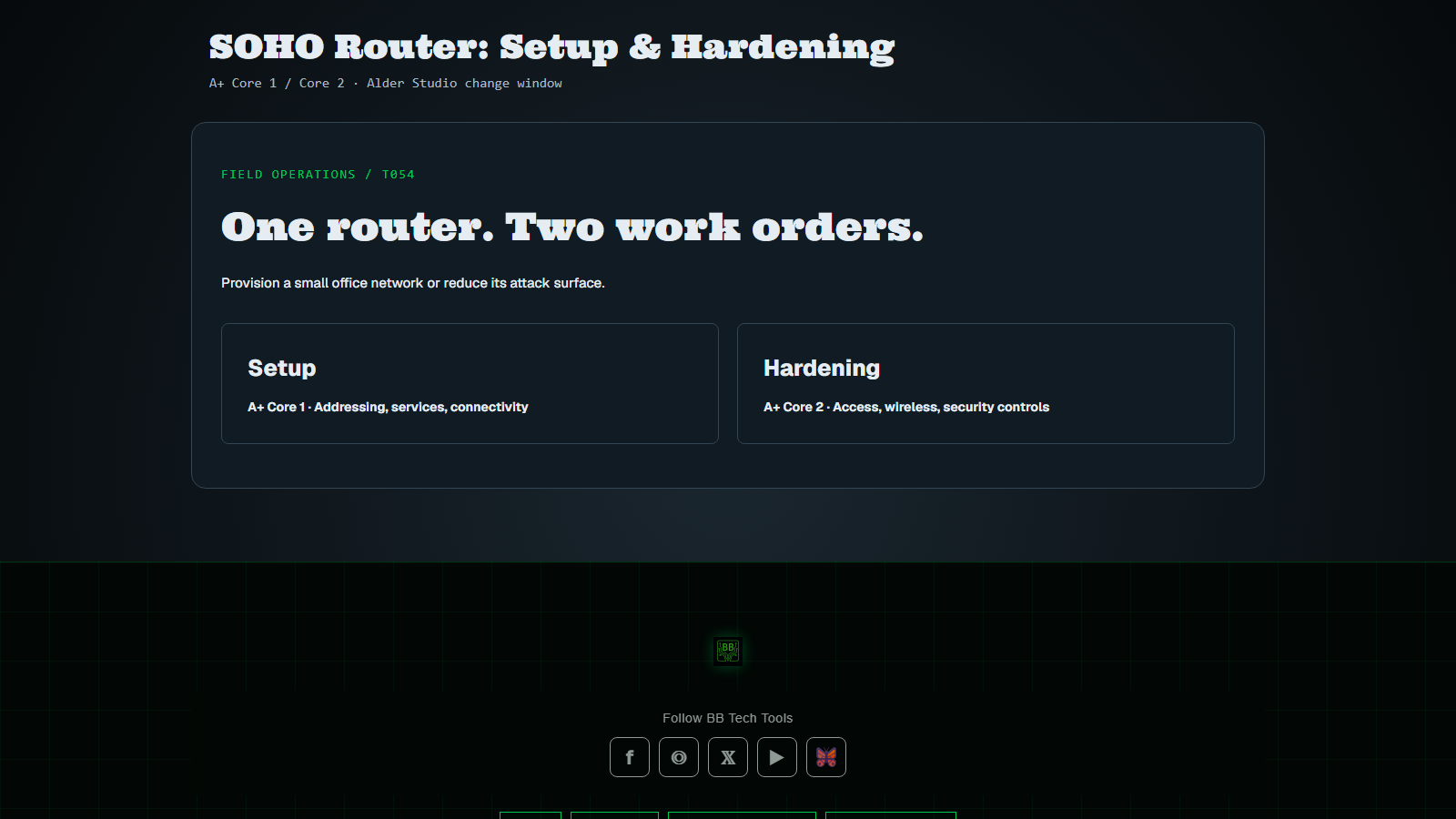 Members · Coming soonA+ Core 2 · Pro Access · Core 1SOHO Router: Setup & Hardening
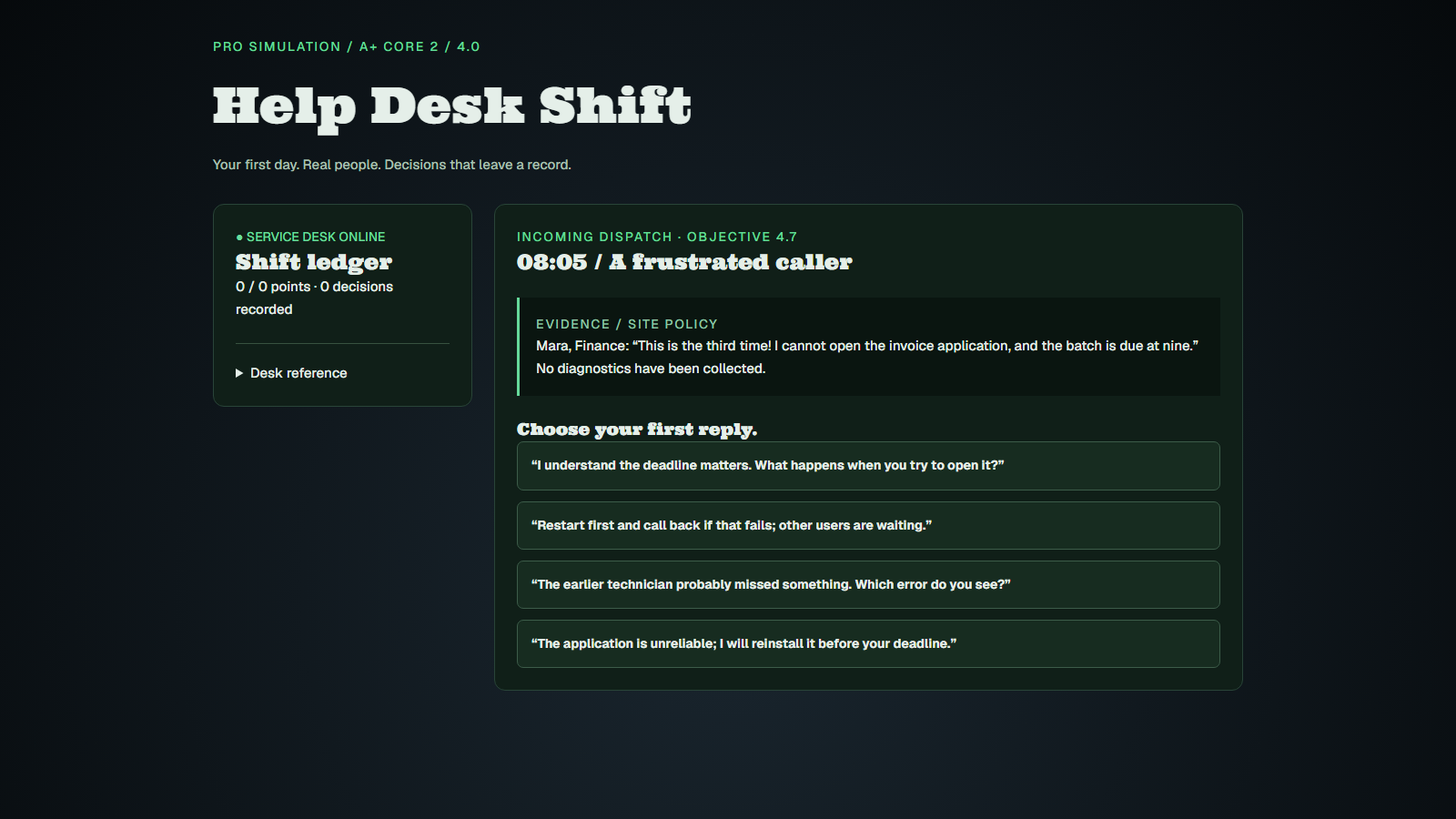 Members · Coming soonA+ Core 2 · Pro AccessHelp Desk Shift
 Members · Coming soonA+ Core 2 · Security+ · PBQGroup Policy Remediation
Practice drills
Learn the concepts
Study tools
Every lab, drill and lesson for 220-1202
Membership unlocks the complete track, plus every other cert on BB Tech Tools.
Find your next objective
Open an objective to find matching lessons, practice and references. Coverage means a resource addresses part of the objective; it does not promise every exam bullet is covered.
36 of 36 objectives have resources · 17 still need a lab or Core Learning module.
Free and member resources are labeled below. Clearances explains the objectives; Test Builder offers mixed free questions and focused member practice.
1.0 Operating Systems
1.1Explain common operating system (OS) types and their purposes.✓ Covered
Lesson or lab available.
- Master Terms LabLab · Free
- Operating Systems & File SystemsCore Learning · Members
- A+ Core 2 Clearances · 1.1Clearances · Members
- A+ Core 2 Test Builder · member questionsDrill · Members
1.2Given a scenario, perform OS installations and upgrades in a diverse environment.✓ Covered
Lesson or lab available.
- Master Terms LabLab · Free
- BIOS vs UEFI Quick SheetCheat sheet · Members
- A+ Core 2 Clearances · 1.2Clearances · Members
- A+ Core 2 Test Builder · member questionsDrill · Members
1.3Compare and contrast basic features of Microsoft Windows editions.✓ Covered
Practice gap: a dedicated lab or Core Learning module is coming soon.
- A+ Core 2 Clearances · 1.3Clearances · Members
- A+ Core 2 Test Builder · member questionsDrill · Members
1.4Given a scenario, use Microsoft Windows operating system features and tools.✓ Covered
Lesson or lab available.
- Master Terms LabLab · Free
- BSOD & Dependency TriageLab · Members
- Group Policy RemediationLab · Members
- A+ Core 2 Clearances · 1.4Clearances · Members
- A+ Core 2 Test Builder · free questionsDrill · Free
- A+ Core 2 Test Builder · member questionsDrill · Members
1.5Given a scenario, use the appropriate Microsoft command-line tools.✓ Covered
Lesson or lab available.
- Master Terms LabLab · Free
- BSOD & Dependency TriageLab · Members
- Command Line OperationsCore Learning · Members
- Group Policy RemediationLab · Members
- A+ Core 2 Clearances · 1.5Clearances · Members
- A+ Core 2 Test Builder · free questionsDrill · Free
- A+ Core 2 Test Builder · member questionsDrill · Members
1.6Given a scenario, configure Microsoft Windows settings.✓ Covered
Practice gap: a dedicated lab or Core Learning module is coming soon.
- A+ Core 2 Clearances · 1.6Clearances · Members
- A+ Core 2 Test Builder · free questionsDrill · Free
- A+ Core 2 Test Builder · member questionsDrill · Members
1.7Given a scenario, configure Microsoft Windows networking features on a client/desktop.✓ Covered
Practice gap: a dedicated lab or Core Learning module is coming soon.
- A+ Core 2 Clearances · 1.7Clearances · Members
- A+ Core 2 Test Builder · free questionsDrill · Free
- A+ Core 2 Test Builder · member questionsDrill · Members
1.8Explain common features and tools of the macOS/desktop operating system.✓ Covered
Lesson or lab available.
- Master Terms LabLab · Free
- A+ Core 2 Clearances · 1.8Clearances · Members
- A+ Core 2 Test Builder · free questionsDrill · Free
- A+ Core 2 Test Builder · member questionsDrill · Members
1.9Identify common features and tools of the Linux client/desktop operating system.✓ Covered
Lesson or lab available.
- Master Terms LabLab · Free
- Command Line OperationsCore Learning · Members
- A+ Core 2 Clearances · 1.9Clearances · Members
- A+ Core 2 Test Builder · free questionsDrill · Free
- A+ Core 2 Test Builder · member questionsDrill · Members
1.10Given a scenario, install applications according to requirements.✓ Covered
Practice gap: a dedicated lab or Core Learning module is coming soon.
- A+ Core 2 Clearances · 1.10Clearances · Members
- A+ Core 2 Test Builder · free questionsDrill · Free
- A+ Core 2 Test Builder · member questionsDrill · Members
1.11Given a scenario, install and configure cloud-based productivity tools.✓ Covered
Practice gap: a dedicated lab or Core Learning module is coming soon.
- A+ Core 2 Clearances · 1.11Clearances · Members
- A+ Core 2 Test Builder · free questionsDrill · Free
- A+ Core 2 Test Builder · member questionsDrill · Members
2.0 Security
2.1Summarize various security measures and their purposes.✓ Covered
Practice gap: a dedicated lab or Core Learning module is coming soon.
- A+ Core 2 Clearances · 2.1Clearances · Members
- A+ Core 2 Test Builder · free questionsDrill · Free
- A+ Core 2 Test Builder · member questionsDrill · Members
2.2Given a scenario, configure and apply basic Microsoft Windows OS security settings.✓ Covered
Lesson or lab available.
- Master Terms LabLab · Free
- Group Policy RemediationLab · Members
- A+ Core 2 Clearances · 2.2Clearances · Members
- A+ Core 2 Test Builder · free questionsDrill · Free
- A+ Core 2 Test Builder · member questionsDrill · Members
2.3Compare and contrast wireless security protocols and authentication methods.✓ Covered
Lesson or lab available.
- Wireless Interference & OpsLab · Members
- SOHO Security ArchitectLab · Members
- A+ Core 2 Clearances · 2.3Clearances · Members
- A+ Core 2 Test Builder · free questionsDrill · Free
- A+ Core 2 Test Builder · member questionsDrill · Members
2.4Summarize types of malware and tools/methods for detection, removal, and prevention.✓ Covered
Lesson or lab available.
- Malware FundamentalsLab · Members
- A+ Core 2 Clearances · 2.4Clearances · Members
- A+ Core 2 Test Builder · free questionsDrill · Free
- A+ Core 2 Test Builder · member questionsDrill · Members
2.5Compare and contrast common social engineering attacks, threats, and vulnerabilities.✓ Covered
Practice gap: a dedicated lab or Core Learning module is coming soon.
- A+ Core 2 Clearances · 2.5Clearances · Members
- A+ Core 2 Test Builder · free questionsDrill · Free
- A+ Core 2 Test Builder · member questionsDrill · Members
2.6Given a scenario, implement procedures for basic small office/home office (SOHO) malware removal.✓ Covered
Lesson or lab available.
- Malware FundamentalsLab · Members
- A+ Core 2 Clearances · 2.6Clearances · Members
- A+ Core 2 Test Builder · free questionsDrill · Free
- A+ Core 2 Test Builder · member questionsDrill · Members
2.7Given a scenario, apply workstation security options and hardening techniques.✓ Covered
Lesson or lab available.
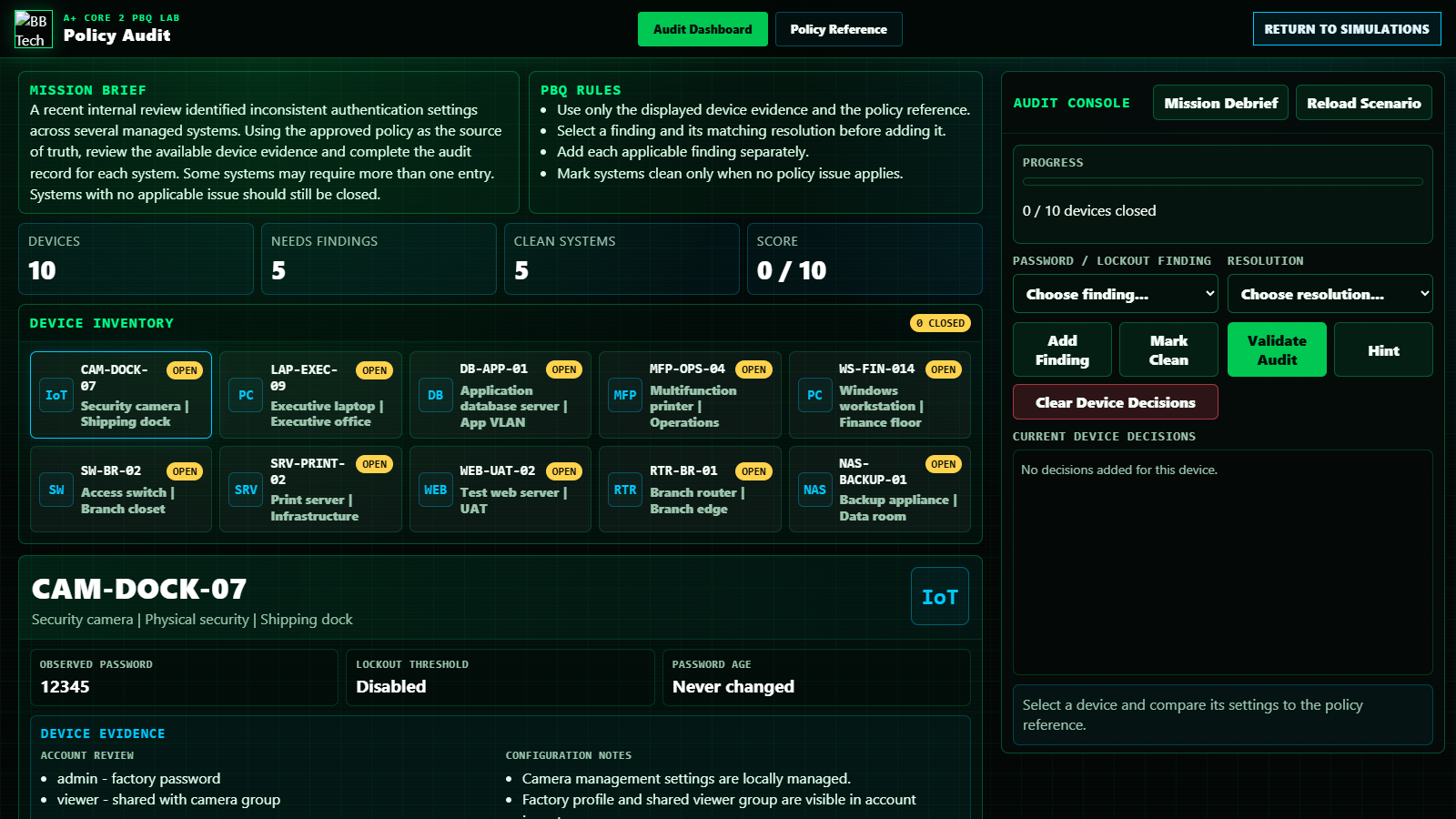
- Password Policy AuditLab · Members
- Credential Vault VerifierCore Learning · Members
- Group Policy RemediationLab · Members
- A+ Core 2 Clearances · 2.7Clearances · Members
- A+ Core 2 Test Builder · free questionsDrill · Free
- A+ Core 2 Test Builder · member questionsDrill · Members
2.8Given a scenario, apply common methods for securing mobile devices.✓ Covered
Practice gap: a dedicated lab or Core Learning module is coming soon.
- A+ Core 2 Clearances · 2.8Clearances · Members
- A+ Core 2 Test Builder · free questionsDrill · Free
- A+ Core 2 Test Builder · member questionsDrill · Members
2.9Compare and contrast common data destruction and disposal methods.✓ Covered
Lesson or lab available.
- Storage Deep DiveCore Learning · Members
- A+ Core 2 Clearances · 2.9Clearances · Members
- A+ Core 2 Test Builder · free questionsDrill · Free
- A+ Core 2 Test Builder · member questionsDrill · Members
2.10Given a scenario, apply security settings on SOHO wireless and wired networks.✓ Covered
Lesson or lab available.
- Wireless Interference & OpsLab · Members
- SOHO Security ArchitectLab · Members
- A+ Core 2 Clearances · 2.10Clearances · Members
- A+ Core 2 Test Builder · member questionsDrill · Members
2.11Given a scenario, configure relevant security settings in a browser.✓ Covered
Practice gap: a dedicated lab or Core Learning module is coming soon.
- A+ Core 2 Clearances · 2.11Clearances · Members
- A+ Core 2 Test Builder · free questionsDrill · Free
- A+ Core 2 Test Builder · member questionsDrill · Members
3.0 Software Troubleshooting
3.1Given a scenario, troubleshoot common Windows OS issues.✓ Covered
Lesson or lab available.
- BSOD & Dependency TriageLab · Members
- A+ Core 2 Clearances · 3.1Clearances · Members
- A+ Core 2 Test Builder · free questionsDrill · Free
- A+ Core 2 Test Builder · member questionsDrill · Members
3.2Given a scenario, troubleshoot common mobile OS and application issues.✓ Covered
Practice gap: a dedicated lab or Core Learning module is coming soon.
- A+ Core 2 Clearances · 3.2Clearances · Members
- A+ Core 2 Test Builder · free questionsDrill · Free
- A+ Core 2 Test Builder · member questionsDrill · Members
3.3Given a scenario, troubleshoot common mobile OS and application security issues.✓ Covered
Practice gap: a dedicated lab or Core Learning module is coming soon.
- A+ Core 2 Clearances · 3.3Clearances · Members
- A+ Core 2 Test Builder · member questionsDrill · Members
3.4Given a scenario, troubleshoot common personal computer (PC) security issues.✓ Covered
Practice gap: a dedicated lab or Core Learning module is coming soon.
- A+ Core 2 Clearances · 3.4Clearances · Members
- A+ Core 2 Test Builder · free questionsDrill · Free
- A+ Core 2 Test Builder · member questionsDrill · Members
4.0 Operational Procedures
4.1Given a scenario, implement best practices associated with documentation and support systems information management.✓ Covered
Lesson or lab available.
- Troubleshooting MethodologyLab · Free
- A+ Core 2 Clearances · 4.1Clearances · Members
- A+ Core 2 Test Builder · free questionsDrill · Free
- A+ Core 2 Test Builder · member questionsDrill · Members
4.2Given a scenario, apply change management procedures.✓ Covered
Practice gap: a dedicated lab or Core Learning module is coming soon.
- A+ Core 2 Clearances · 4.2Clearances · Members
- A+ Core 2 Test Builder · free questionsDrill · Free
- A+ Core 2 Test Builder · member questionsDrill · Members
4.3Given a scenario, implement workstation backup and recovery methods.✓ Covered
Practice gap: a dedicated lab or Core Learning module is coming soon.
- A+ Core 2 Clearances · 4.3Clearances · Members
- A+ Core 2 Test Builder · free questionsDrill · Free
- A+ Core 2 Test Builder · member questionsDrill · Members
4.4Given a scenario, use common safety procedures.✓ Covered
Lesson or lab available.
- PC Parts Master FlowCore Learning · Members
- Power Supply Deep DiveCore Learning · Members
- A+ Core 2 Clearances · 4.4Clearances · Members
- A+ Core 2 Test Builder · free questionsDrill · Free
- A+ Core 2 Test Builder · member questionsDrill · Members
4.5Summarize environmental impacts and local environment controls.✓ Covered
Lesson or lab available.
- Power Protection LabLab · Free
- A+ Core 2 Clearances · 4.5Clearances · Members
- A+ Core 2 Test Builder · member questionsDrill · Members
4.6Explain the importance of prohibited content/activity and privacy, licensing, and policy concepts.✓ Covered
Practice gap: a dedicated lab or Core Learning module is coming soon.
- A+ Core 2 Clearances · 4.6Clearances · Members
- A+ Core 2 Test Builder · free questionsDrill · Free
- A+ Core 2 Test Builder · member questionsDrill · Members
4.7Given a scenario, use proper communication techniques and professionalism.✓ Covered
Lesson or lab available.
- Troubleshooting MethodologyLab · Free
- A+ Core 2 Clearances · 4.7Clearances · Members
- A+ Core 2 Test Builder · free questionsDrill · Free
- A+ Core 2 Test Builder · member questionsDrill · Members
4.8Explain the basics of scripting.✓ Covered
Practice gap: a dedicated lab or Core Learning module is coming soon.
- A+ Core 2 Clearances · 4.8Clearances · Members
- A+ Core 2 Test Builder · free questionsDrill · Free
- A+ Core 2 Test Builder · member questionsDrill · Members
4.9Given a scenario, use remote access technologies.✓ Covered
Lesson or lab available.
- Master Terms LabLab · Free
- A+ Core 2 Clearances · 4.9Clearances · Members
- A+ Core 2 Test Builder · free questionsDrill · Free
- A+ Core 2 Test Builder · member questionsDrill · Members
4.10Explain basic concepts related to artificial intelligence (AI).✓ Covered
Practice gap: a dedicated lab or Core Learning module is coming soon.
- A+ Core 2 Clearances · 4.10Clearances · Members
- A+ Core 2 Test Builder · member questionsDrill · Members